Extensions
  • Home
  • Add-ons
  • Themes
  • Approval Queue
  • About
  • Upload Extension
  • Sign in
  • BLENDER.ORG

    • Download

      Get the latest Blender, older versions, or experimental builds.

    • What's New

      Stay up-to-date with the new features in the latest Blender releases.

    DEVELOPMENT

    • Roadmap

      See which projects are currently being worked on and what's next.

    • Documentation

      Guidelines, release notes and development docs.

    LEARNING & RESOURCES

    • Blender Studio

      Access production assets and knowledge from the open movies.

    • Manual

      Documentation on the usage and features in Blender.

    • Benchmark

      A platform to collect and share results of the Blender Benchmark.

    • Blender Conference

      The yearly event that brings the community together.

    DONATE

    • Development Fund

      Support core development with a monthly contribution.

    • One-time Donations

      Perform a single donation with more payment options available.

All Add-ons

Add-on Import Autodesk MAX (.max)
Import Autodesk MAX (.max)
Import 3DSMAX meshes & materials.
Add-on by NRGSille
About What's New Permissions Reviews Version History
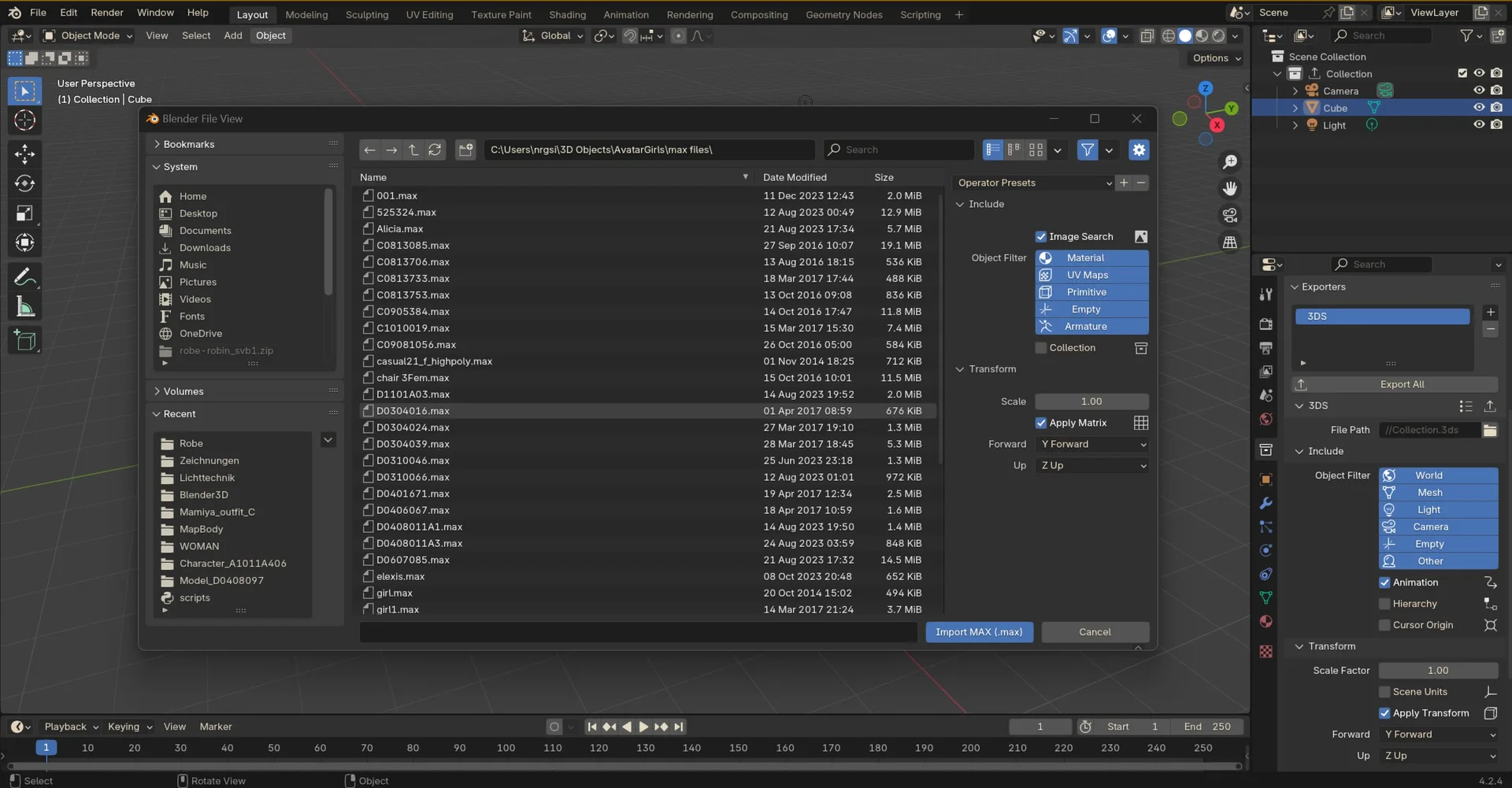
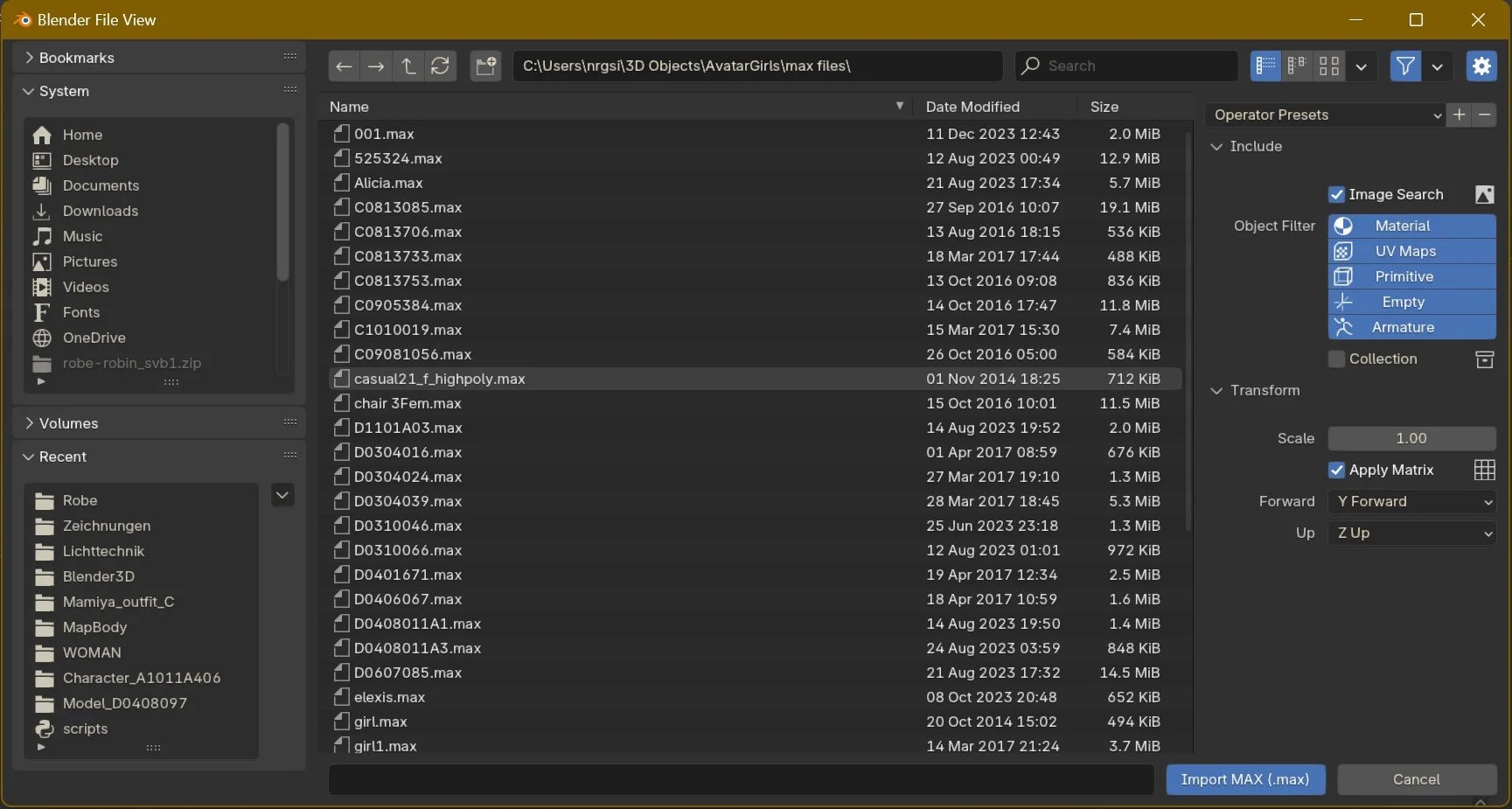
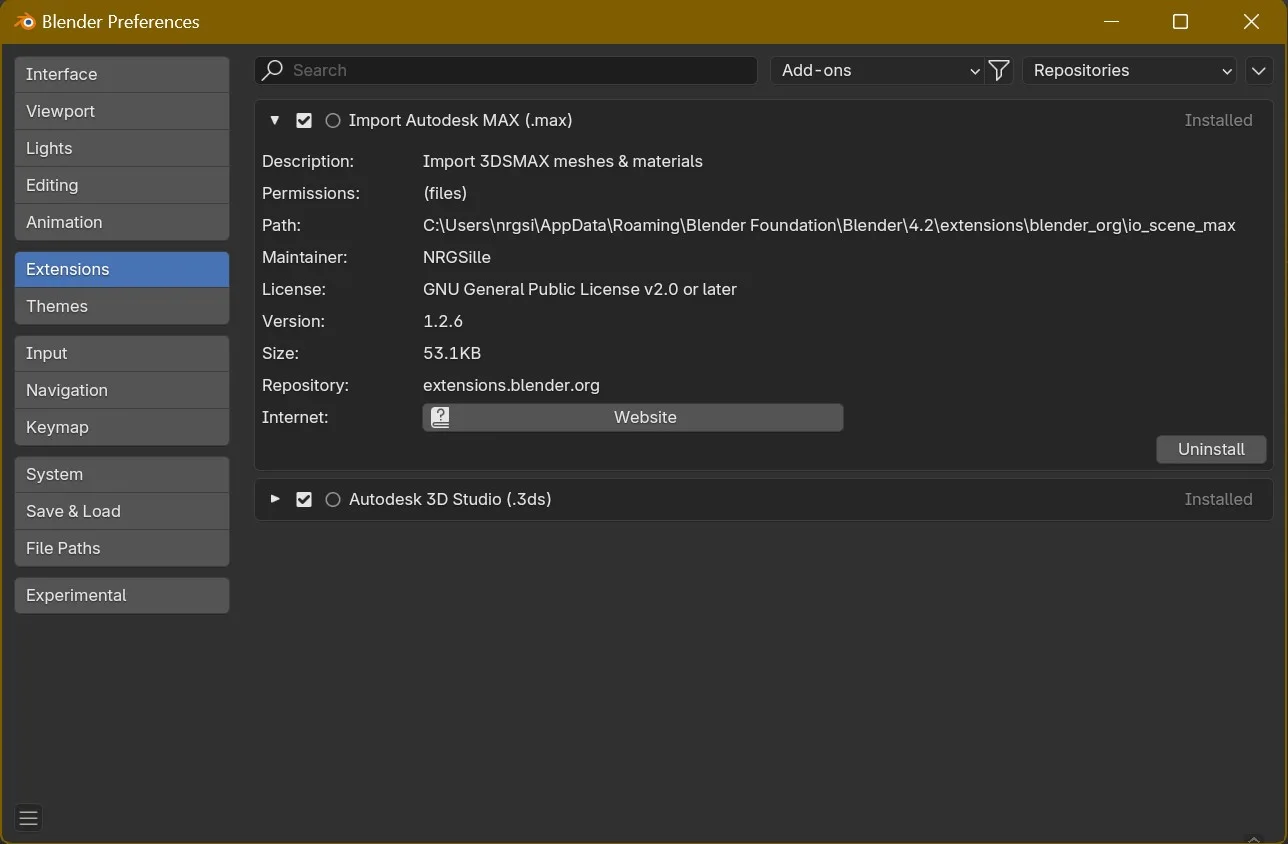
Filebrowser Preferences Screenshot

Autodesk MAX Importer (.max)


Category:

  • Import-Export

Location:

  • File --> Import --> Autodesk MAX (.max)

Authors:

  • Sebastian Schrand, Jens M. Plonka, Philippe Lagadec

Maintainer:

  • Sebastian Sille (NRGSille)

Extension to import meshes, materials and texture coordinates from Autodesk .max files. Supported materials are Legacy, StandardMtl, Standard Surface, PhysicalMtl, Multi-Sub, RaytraceMtl, Shellac, V-Ray, VRay2Sided, Arch & Design, CoronaMtl including Corona HairMtl, SkinMtl, LayeredMtl and CoronaPhysicalMtl.
Supported parameters are basecolor, roughness, metallic, specular, alpha and refraction. Texture support is for basecolor, roughness, specularity, transparency and normalmap.
Only linked textures are supported, they have to be in the same folder or in a subfolder of the .max file. Compressed or partially compressed files are only supported if the format is .zip and 3dsMax version is not newer than 2023.


What's New

1.8.9 June 17th, 2026

Import MAX:

  • Improved importing legacy primitive objects d043542
  • Added boolean objects 50e205c

See all versions


Permissions

This extension requests the following permission:

  • Files

    Import Autodesk MAX files

Developer
NRGSille
Rating
(89)
Version
1.8.9
Updated
1 h
Published
May 8th, 2024
Downloads
228221
Size
87.9 KB
Compatibility
Blender 4.2 LTS and newer
Website
github.com/nrgsille76/io_scene_max
Report Issues
github.com/nrgsille76/io_scene_max/issues
License
GNU General Public License v3.0 or later
Import-Export Material Mesh
...or download and Install from Disk
  • 87.9 KB

Reviews

See all
  • zualia-zualia
  • v1.8.8
  • 23 h

very useful

  • zoomer
  • v1.8.6
  • 3 d

Just great !

  • K-M-S-N-BANDARA
  • v1.8.3
  • 2 w

YOU ARE A GARDIAN ANGEL. ALL THE BLESSING TO YOU SIR. THANK YOU

5.0

89 reviews
5
4
3
2
1
Rate this Add-on Report an issue
  • About
  • Privacy Policy
  • Terms of Service
About
  • Blender Foundation
  • Blender Institute
  • Blender Studio
  • License
  • Logo & Trademark
  • Credits
  • Privacy Policy
  • Code of Conduct
Organization
  • People
  • Jobs
Blender Network
Download
  • Latest Blender
  • Blender LTS
  • Previous Versions
  • Experimental Builds
  • Source Code
  • Requirements
  • Benchmark
  • Flamenco
Extensions
  • Add-ons
  • Themes
Developers
  • Get Started
  • Roadmap
  • Projects
  • Docs
  • Blog
  • Forum
  • YouTube
  • Python API
Blender Studio
  • Films
  • Training
  • Tools & Pipeline
Support
  • Manual
  • Community
  • FAQ
Get Involved
  • Documentation
  • Education
News
  • Press Releases
  • User Stories
Blender Conference
Follow Blender
Support Blender
  • Donate
  • One-time Donation
Artistic freedom starts with Blender The Free and Open Source 3D Creation Suite