 Node Color Tools Pie

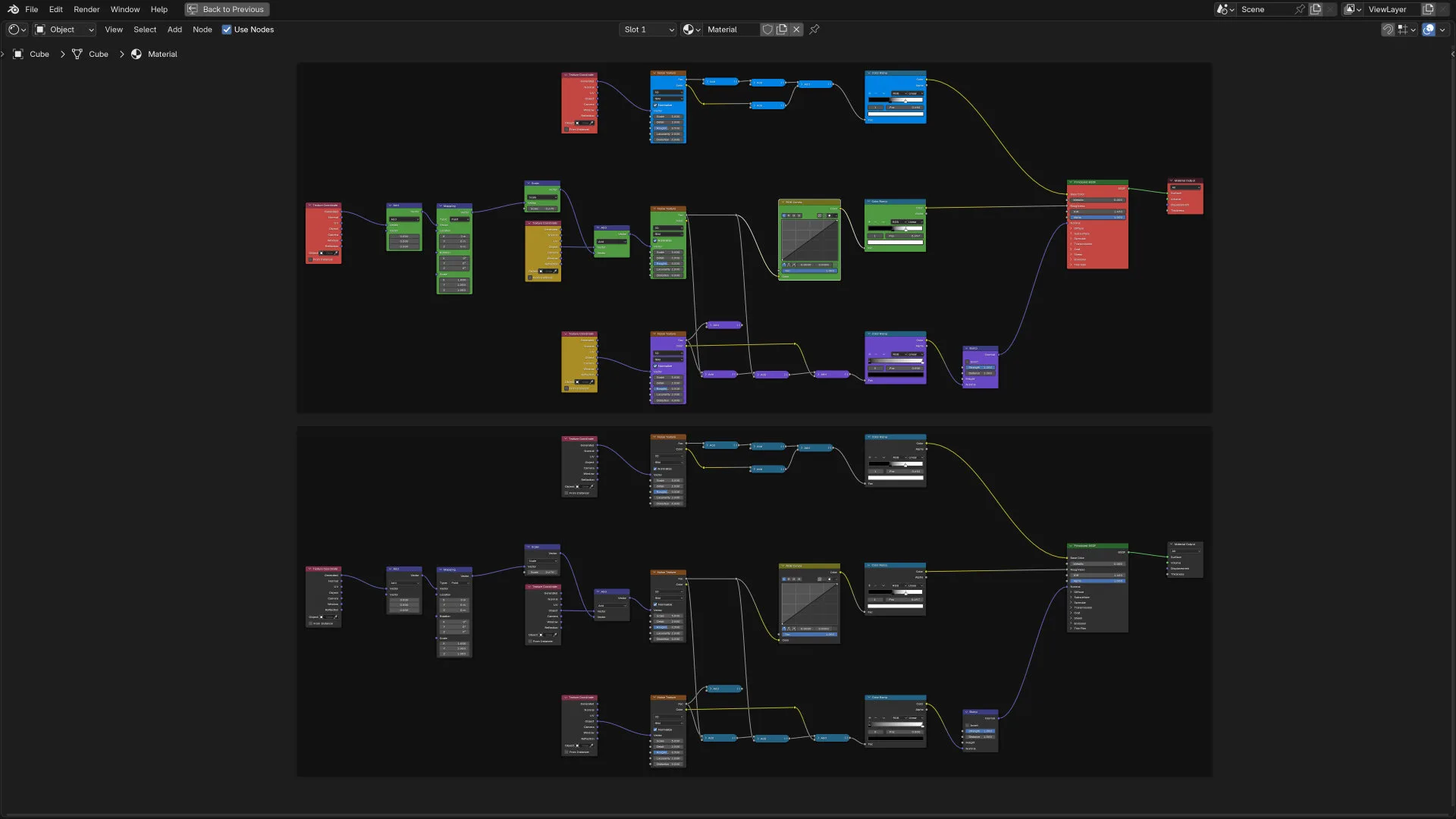
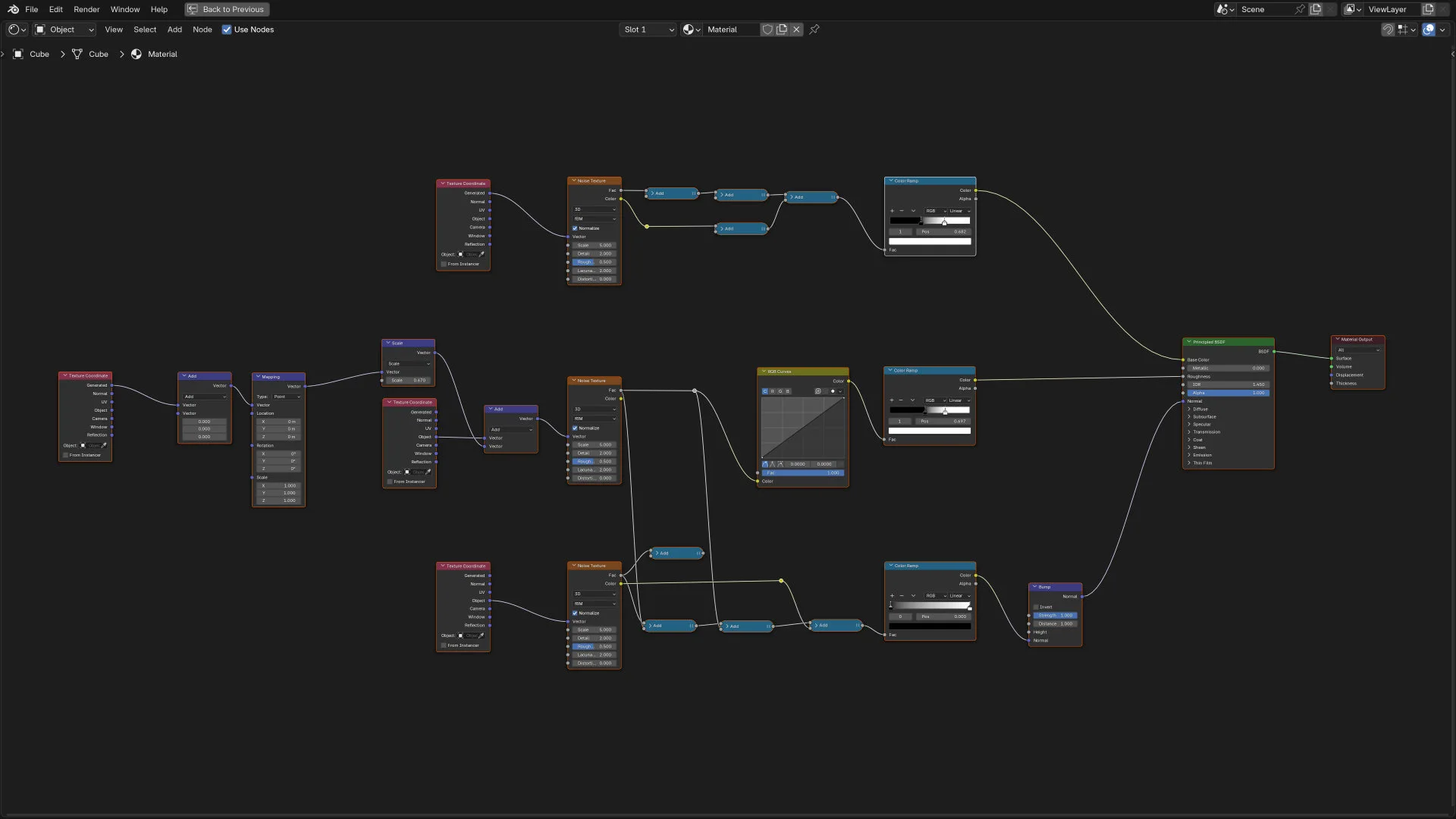
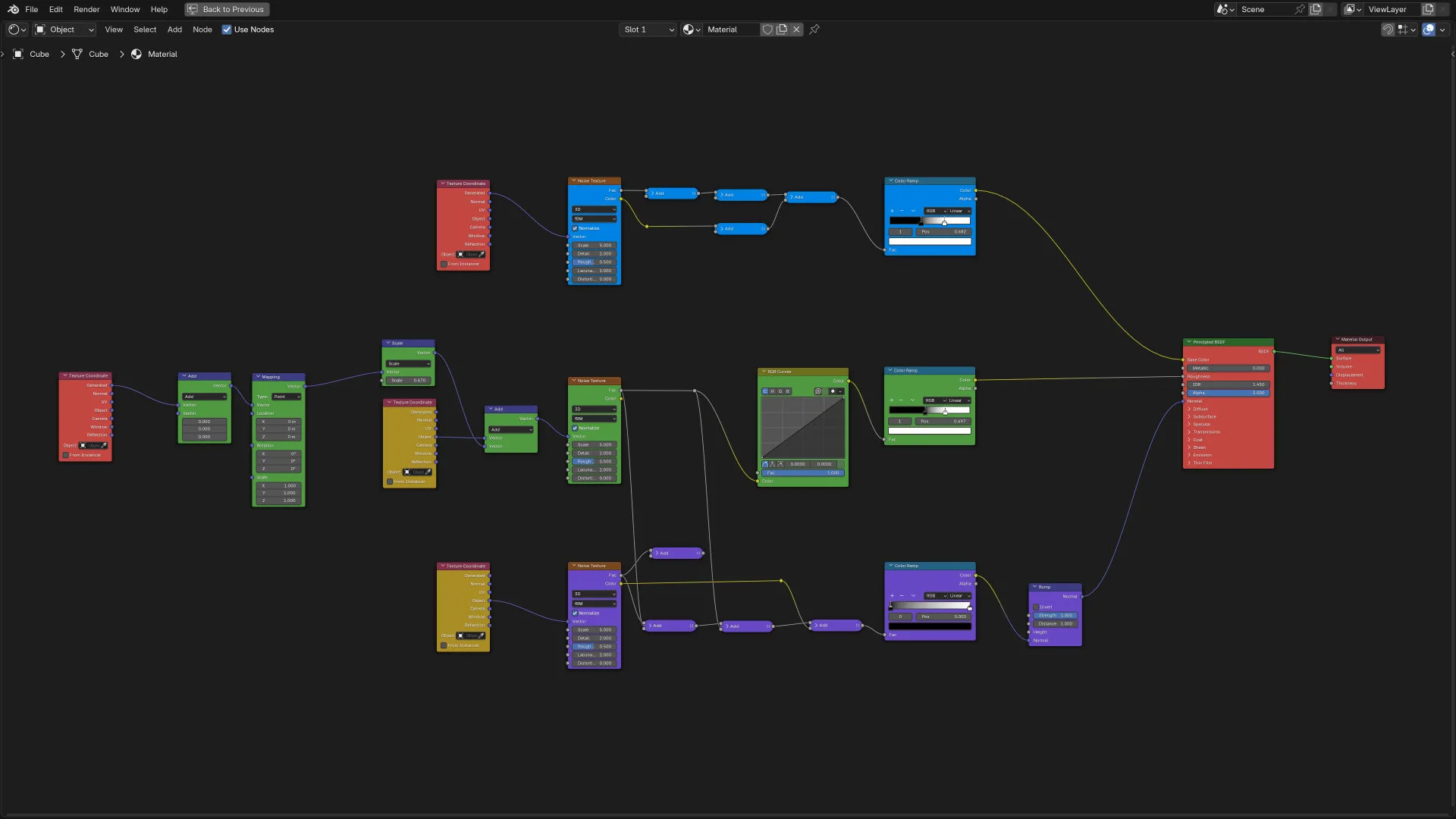
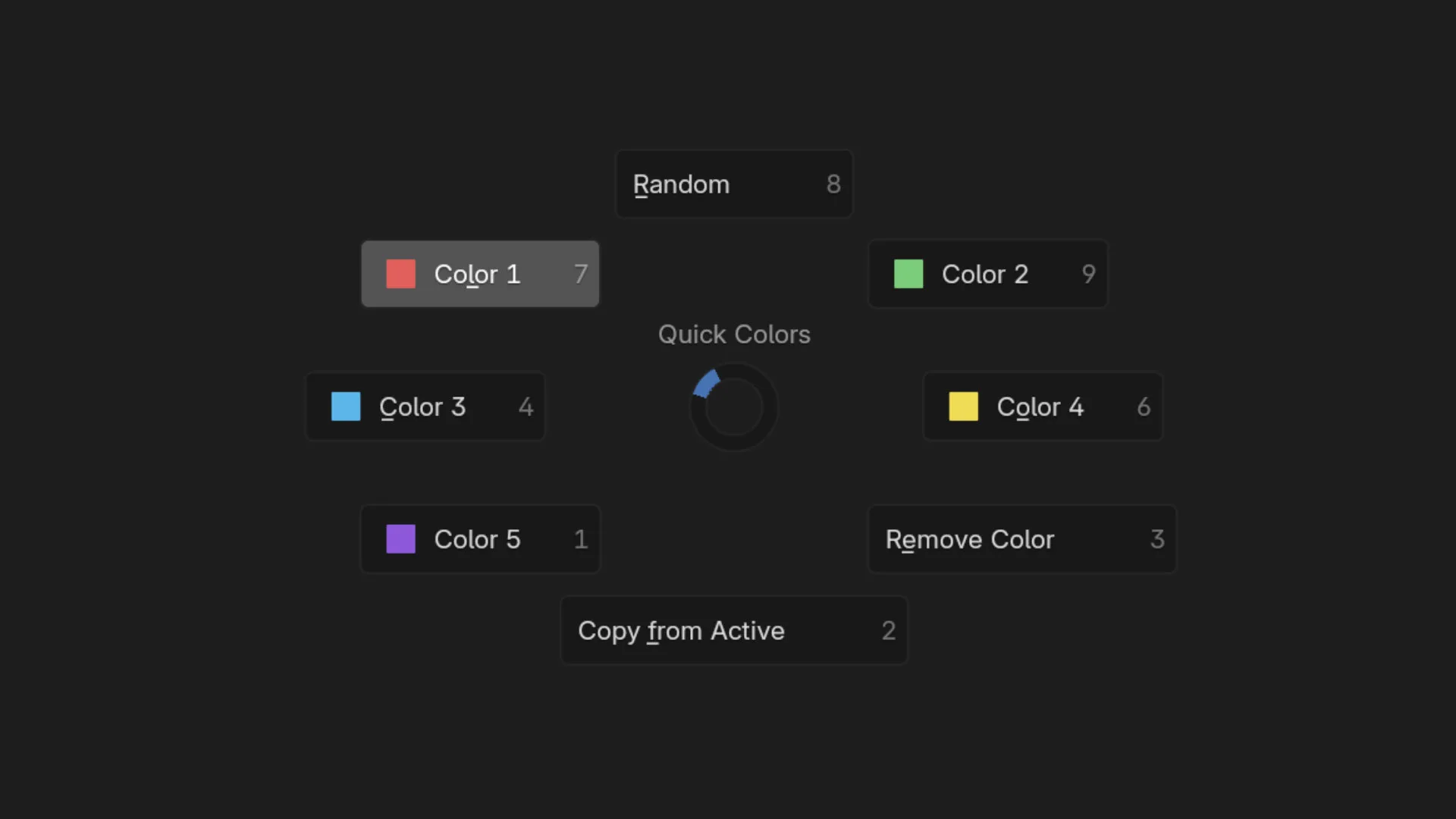
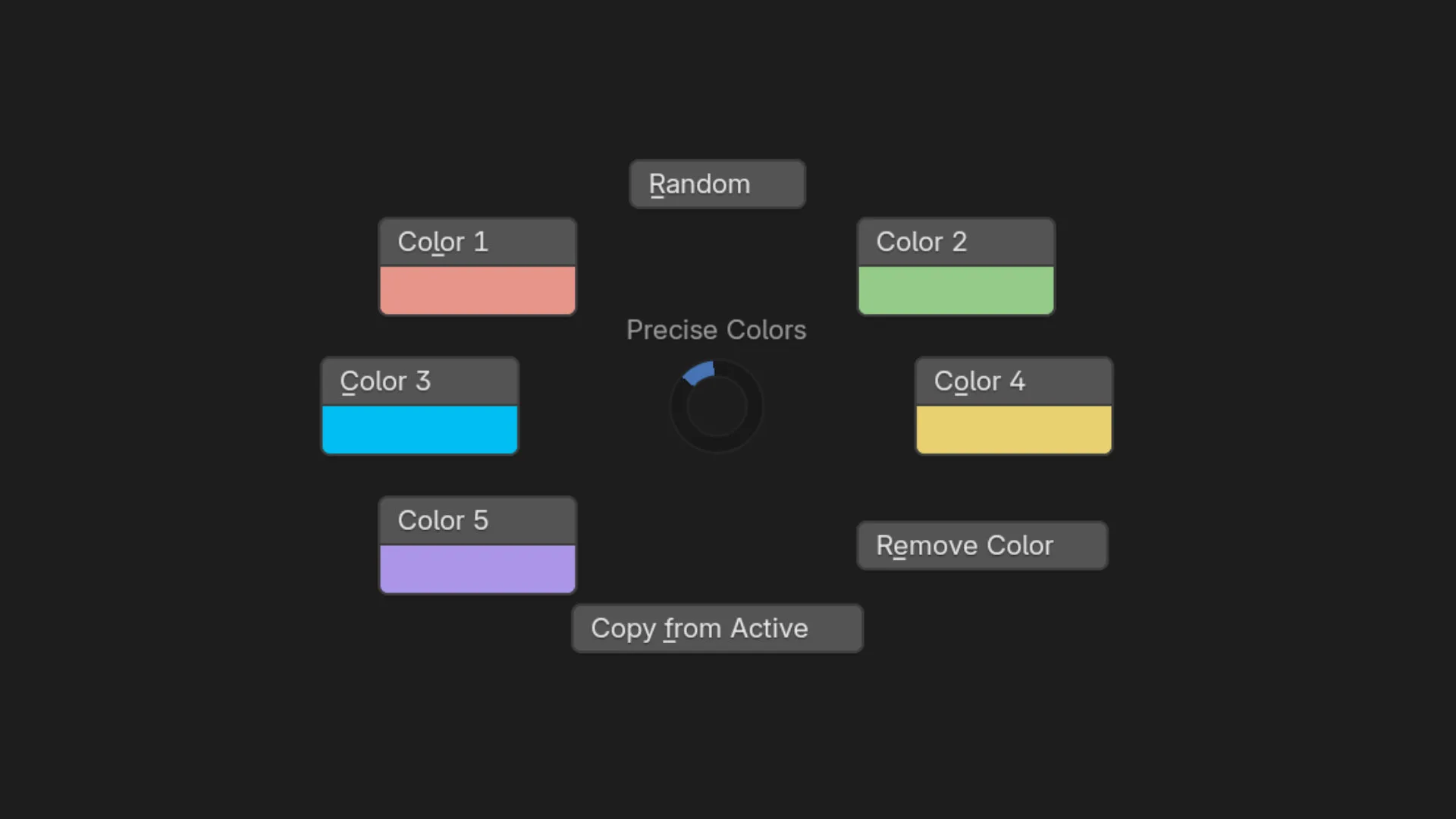
Elevate your workflow with the Pie Menus of Node Color Tools Pie, the essential add-on for managing node colors in Blender. Designed for clarity and speed, this tool allows you to color multiple nodes at once, making it easier to navigate complex node trees.
Key Features:
Quick Color Application: Use Quick Color Pie Menu for preset colors, random color assignment, color removal, or copying colors across nodes, all with directional selection for fast results.
Customizable Colors: In Precise Color Pie Menu, set and save five unique colors, tailored to your preferences. Also includes options for random, copy, and color removal.
Sidebar Backup: All functions are available in a sidebar menu for those who prefer a traditional setup.
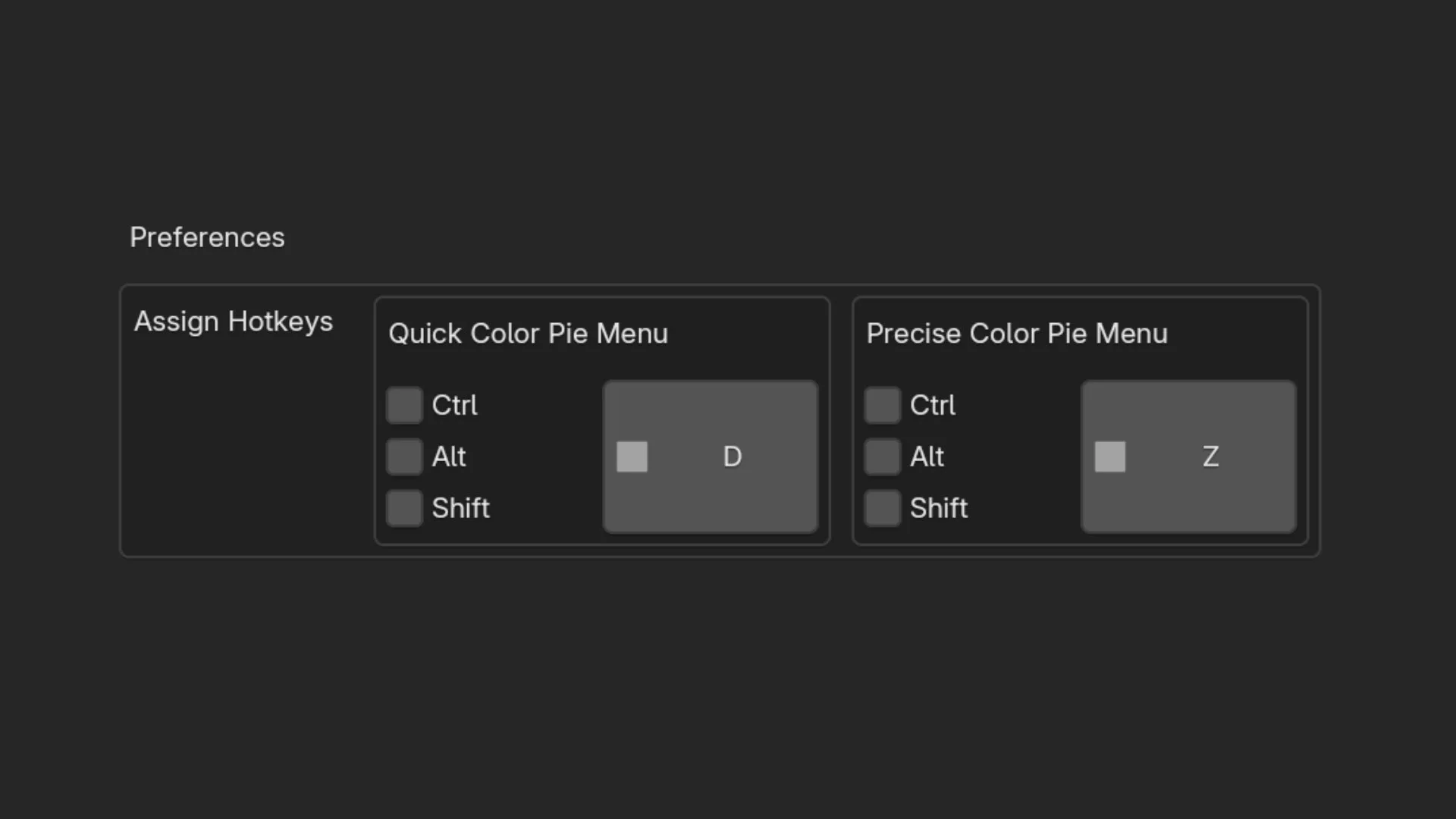
Customizable Hotkeys: Boost your efficiency even further with customizable hotkeys available in the add-on preferences.
Perfect for organizing and visualizing large node networks, Node Color Tools brings order to your workspace with effortless color control.
Two Dynamic Pie Menus:
Quick Color Pie Menu
Set All Selected Nodes to Specific Colors: Choose from a selection of hard-coded colors for a fast and consistent look.
Random Color Assignment: Instantly apply random colors to your selected nodes for a fun and dynamic layout.
Remove Color: Clean up your node tree by easily removing color from selected nodes.
Copy Color from Active Node: Quickly replicate the color of the active node to other selected nodes with directional selection for speed and efficiency.
Precise Color Pie Menu
Customizable Color Options: Customize the color for each pie menu option, allowing for more personalized control over your node organization.
Random, Copy, and Remove Functions: Includes all the essential functions from the first pie menu, ensuring flexibility in your workflow.
Sidebar Menu for Backup:
For those who prefer a more traditional interface, a comprehensive sidebar menu contains all functions except for hard-coded colors. This serves as a reliable backup for users who may not favor pie menus.
Why Choose Node Color Tools?
Streamlined Workflow: Save time and enhance your productivity by managing node colors in bulk.
Enhanced Organization: Easily distinguish between different sections of your node trees, leading to a clearer and more manageable workspace.
User-Friendly Design: With intuitive pie menus and a backup sidebar, adapting to your preferred workflow has never been easier.
Transform the way you work with nodes in Blender! Download Node Color Tools today and take control of your node colors like never before.
What's New
1.0.3 March 24th, 2025
- Updated a couple of lines of code to make the addon compatible with Blender 4.4
The addon uses icons from Blenders Sequencer, for example "SEQUENCE_COLOR_05". These Sequence_Color icons were renamed to "STRIP_COLOR_05" in Blender 4.4 The addon now checks the Blender version and uses the corresponding icon name.
Really helpful. Seems bugged for some reason. Ex. 1 Set color is #9B9B9B. When applied it turns #545454 Ex. 2 Set color is #642F2F. When applied it turns #200707
Hi Big thanks for this add-on. I have been using my own script, but this workflow seems better.
I have two suggestion though, which I don't know if it is possible, as I struggled with the same issue in my script.
The issue is that I can't see color changes live when I adjust the color from the Color Wheel. If I change the Frame/Node color from the Color Wheels that opens from the N-Panel, I can see the color change immediately. But if I use the wheel from the pie (or use my own script), I have to first adjust the color, and then “assign” it.
I don't know if this just something that is not possible in Blender for some reason.
Hi! First of all, thank you for the amazing add-on — it saves a lot of clicks :)
I wanted to suggest a small improvement: Currently, custom colors can be configured in the N-Panel, which is great. However, the Pie Menu (which I mainly use for speed, since it’s less convenient for me to keep switching and scrolling through N-Panel tabs) does not reflect those custom colors.
It would be fantastic if either the Pie Menu colors were automatically synchronized with the colors set in the N-Panel, or if the colors could be customized separately in the add-on preferences.
This would make the workflow even faster and more consistent.
I really appreciate your work!