 Convert Rotation Mode
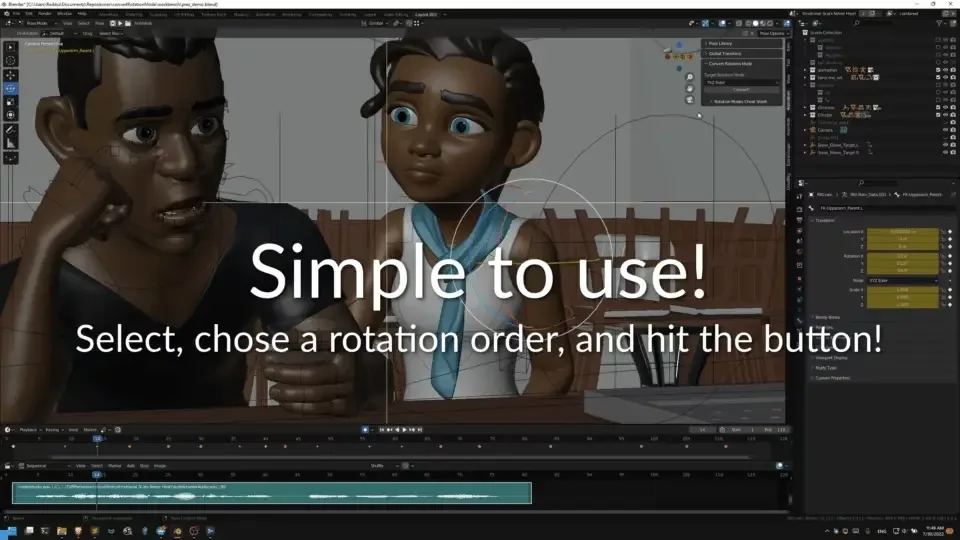

Change the rotation mode of the selected bones and preserves the animation or poses you already made.
Select one or more bones in Pose mode, select the rotation mode you want them to use, hit the Convert! button.
It will automatically scan through all the keyframes of the selected bones in the timeline.
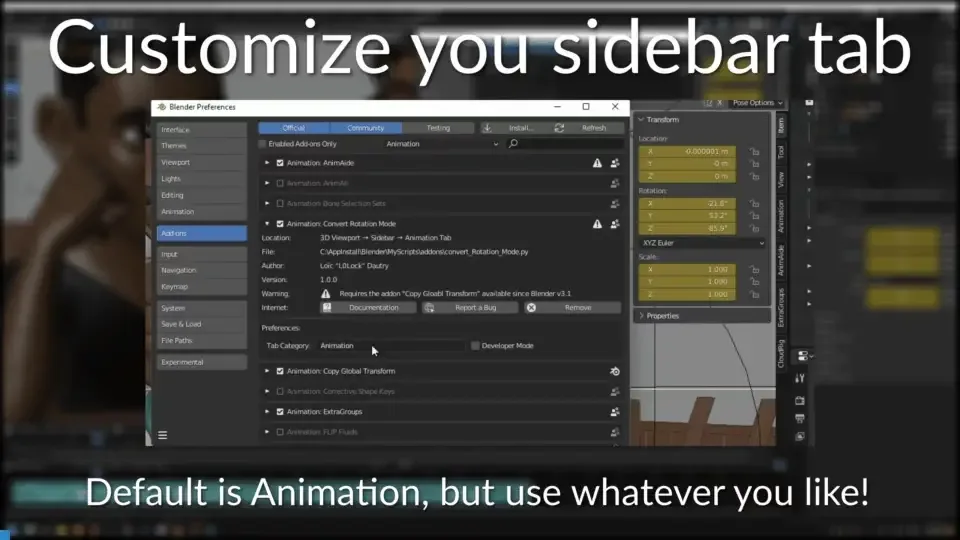
You can customize the sidebar tab in which to spawn the addon panel.
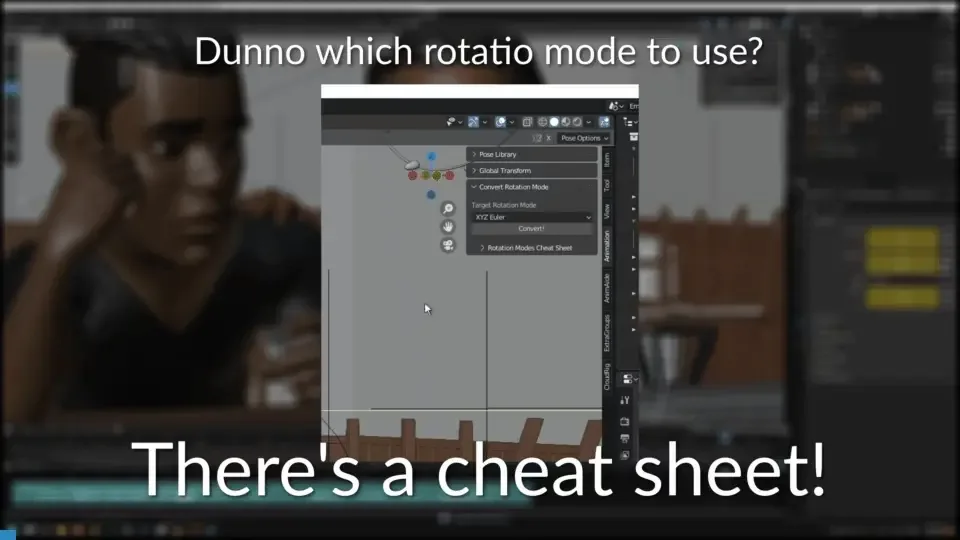
If you are unsure what rotation mode to use, look at the rotation modes cheat sheet!
Please not these are merely suggestions, what you will actually need may vary from one rig to another or even from one animation to another.
Note that there are two main coordinates system for bones. Blender uses Y down, so this is most likely the one you will use. But you might need to look at the X down in some cases like exporting to softwares that can only ready X down.
What's New
1.5.1 December 14th, 2025
Features
- Support for Blender 4.5 LTS brought back to life
- Developer logging more verbose
Bugfix:
- incorrect conversions due to lack of value refresh and proper keyframing on rotation mode changes
- fixed an error preventing conversion to Axis Angles
This feature is already available in Blender, so what makes your add-on different?