 Browser Scroll Resize
Resize File Size Thumbnail on Browsers with Mouse Wheel.
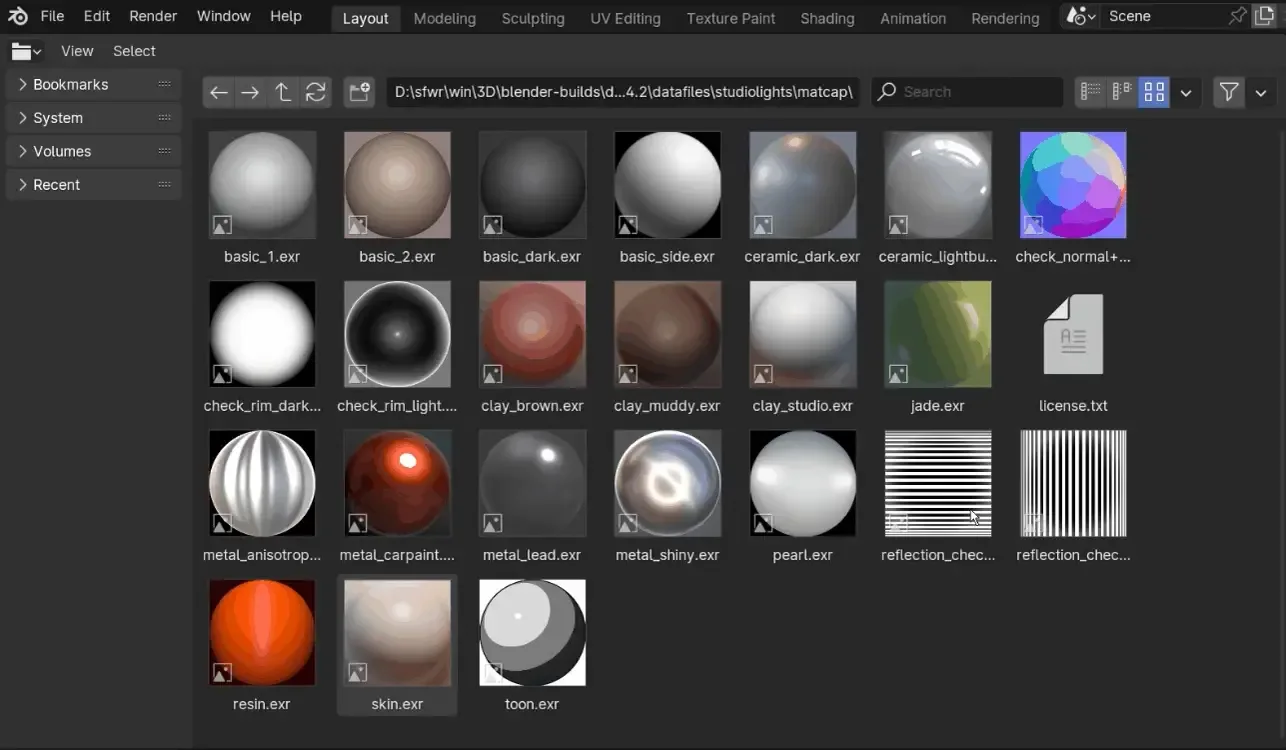
Browser Scroll Resizer adds a shortcut for quickly resize File and Asset Browser Thumbnails and columns using the wheel on the mouse.
Add-on preferences let's you:
- Change shortcut.
- Change to add cycling between Display Modes.
- Change sensibility of the Mouse Wheel.
What's New
1.0.6 June 20th, 2026
- Minor edition, moved shortctus from 'File Browser' to 'File Browser Main' for proper registration.
Now I see the shortcut issue. For it to work seamlessly you should also register the operands in the 2d view keymap. Maybe to avoid conflict change them to ctrl+shift wheel... who uses ctrl wheel to navigate anything horizontally when default everywhere is shift... come on Blender! : D
Persistency is still an issue. Addon prefs are not getting saved between Blender sessions. A quick run through Claude below. Hope it helps. : )
Here's a summary of what needs to be fixed: Main fix: Move all properties from TBY_FBSR_prop (Scene-level) into AddonPreferences directly, so they persist in Blender's user preferences instead of per-scene data. 3 steps: Add all props as fields of TBY_BSR_Preferences_Panel and remove the TBY_FBSR_prop class entirely. In every operator, replace context.scene.tby_bsr_tool with context.preferences.addons[name].preferences. In unregister(), change bpy.types.Scene.tby_bsr_tool to del bpy.types.Scene.tby_bsr_tool. Remove undo and registration to avoid flooding info editor list with every mouse wheel flick.
bl_info = { "name": "Browser_Scroll_Resizer (BSR)", "author": "Barrunterio", "version": (1, 0, 2), "blender": (5, 2, 0), "location": "Add Shortcut Operation", "description": "Custom operation to resize content in the file browser using Alt + Scroll Mouse", "wiki_url": "", "category": "Interface"}
import bpy, rna_keymap_ui from bpy.types import AddonPreferences
---------------------------------------------------------------------------Helper to get preferences from anywhere
---------------------------------------------------------------------------
def get_prefs(context): return context.preferences.addons[name].preferences
---------------------------------------------------------------------------Display-type helpers
---------------------------------------------------------------------------
def display_type_to_thumbnail(context): prefs = get_prefs(context) context.space_data.params.display_type = 'THUMBNAIL' context.space_data.params.display_size = prefs.tby_bsr_min_thumbnail_display
def display_type_to_list_horizontal(context): context.space_data.params.display_type = 'LIST_HORIZONTAL'
def display_type_to_list_vertical(context): context.space_data.params.display_type = 'LIST_VERTICAL'
---------------------------------------------------------------------------Preferences (persistent – stored in userpref.blend)
---------------------------------------------------------------------------
class TBY_BSR_Preferences_Panel(AddonPreferences): bl_idname = name
---------------------------------------------------------------------------OPERATORS
---------------------------------------------------------------------------
class tby_interaction_increase(bpy.types.Operator): """Increase the size of Thumbnails on Asset and File Explorer""" bl_idname = "tbycontext.thumbnailsizeincrease" bl_label = "Increase file explorer size" bl_options = set()
class tby_interaction_decrease(bpy.types.Operator): """Decrease the size of file Viewer""" bl_idname = "tbycontext.thumbnailsizedecrease" bl_label = "Decrease file explorer size" bl_options = set()
class tby_interaction_increase_alt(bpy.types.Operator): """Increase the Column size of the Horizontal List in Asset Browser""" bl_idname = "tbycontext.hlist_thumbnailsizeincrease" bl_label = "Increase column size for Asset Browser" bl_options = set()
class tby_interaction_decrease_alt(bpy.types.Operator): """Decrease the Column size of Horizontal List in Asset Browser""" bl_idname = "tbycontext.hlist_thumbnailsizedecrease" bl_label = "Decrease column size for Asset Browser" bl_options = set()
---------------------------------------------------------------------------Registration
---------------------------------------------------------------------------
classes = ( TBY_BSR_Preferences_Panel, tby_interaction_decrease, tby_interaction_increase, tby_interaction_increase_alt, tby_interaction_decrease_alt, )
addon_keymaps = []
def key(active, km, kmi): kmi.active = active addon_keymaps.append((km, kmi))
def register(): for cls in classes: bpy.utils.register_class(cls)
def unregister(): for km, kmi in addon_keymaps: km.keymap_items.remove(kmi) addon_keymaps.clear()
if name == "main": register()