![Add-on [BAM] AutoMat](/media/images/2e/2e18d4815c27a64d915a48a6cdb98f22134317c2ff30fac73c5655e68801cb04.png) [BAM] AutoMat
[BAM] AutoMat

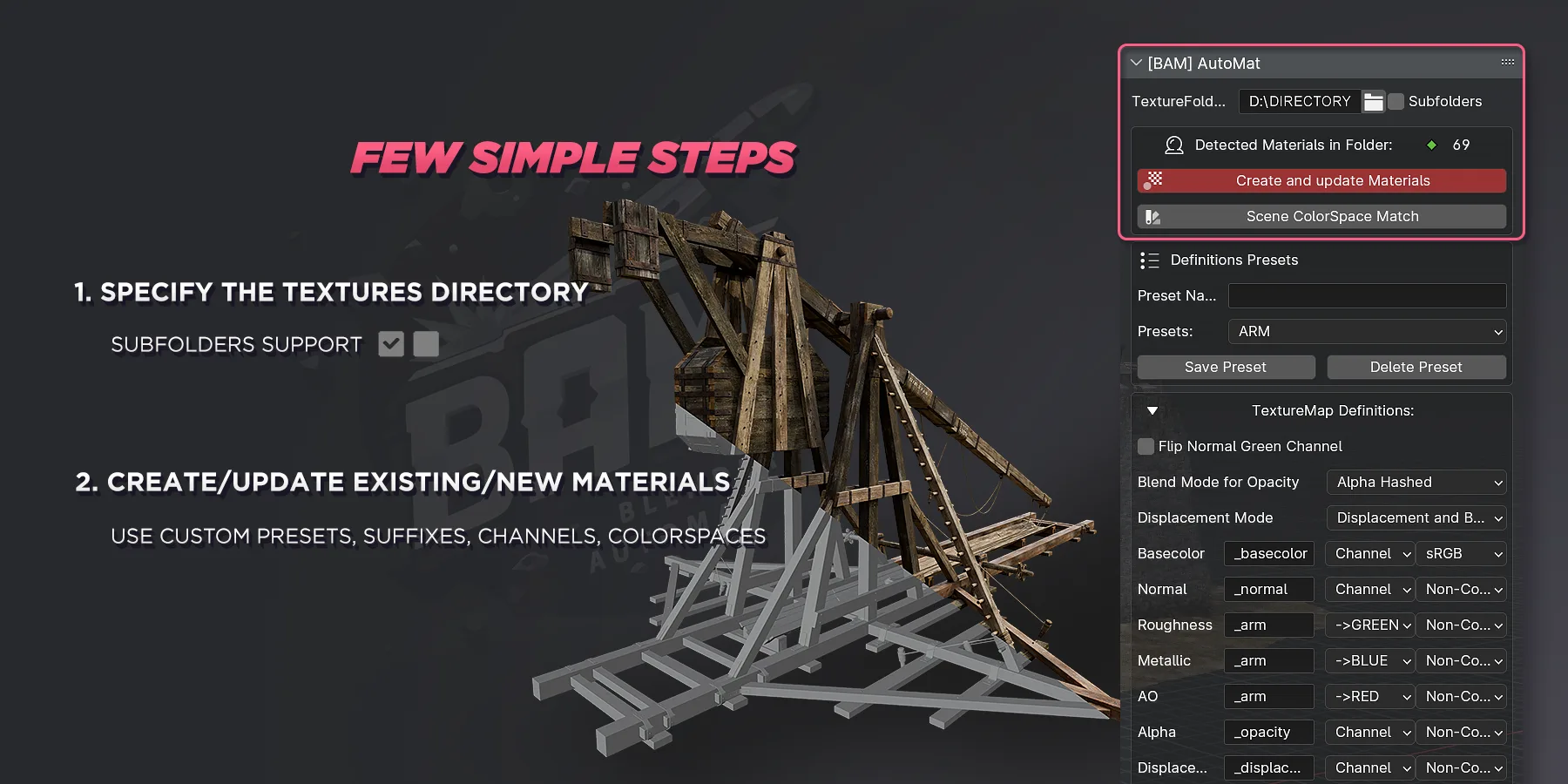
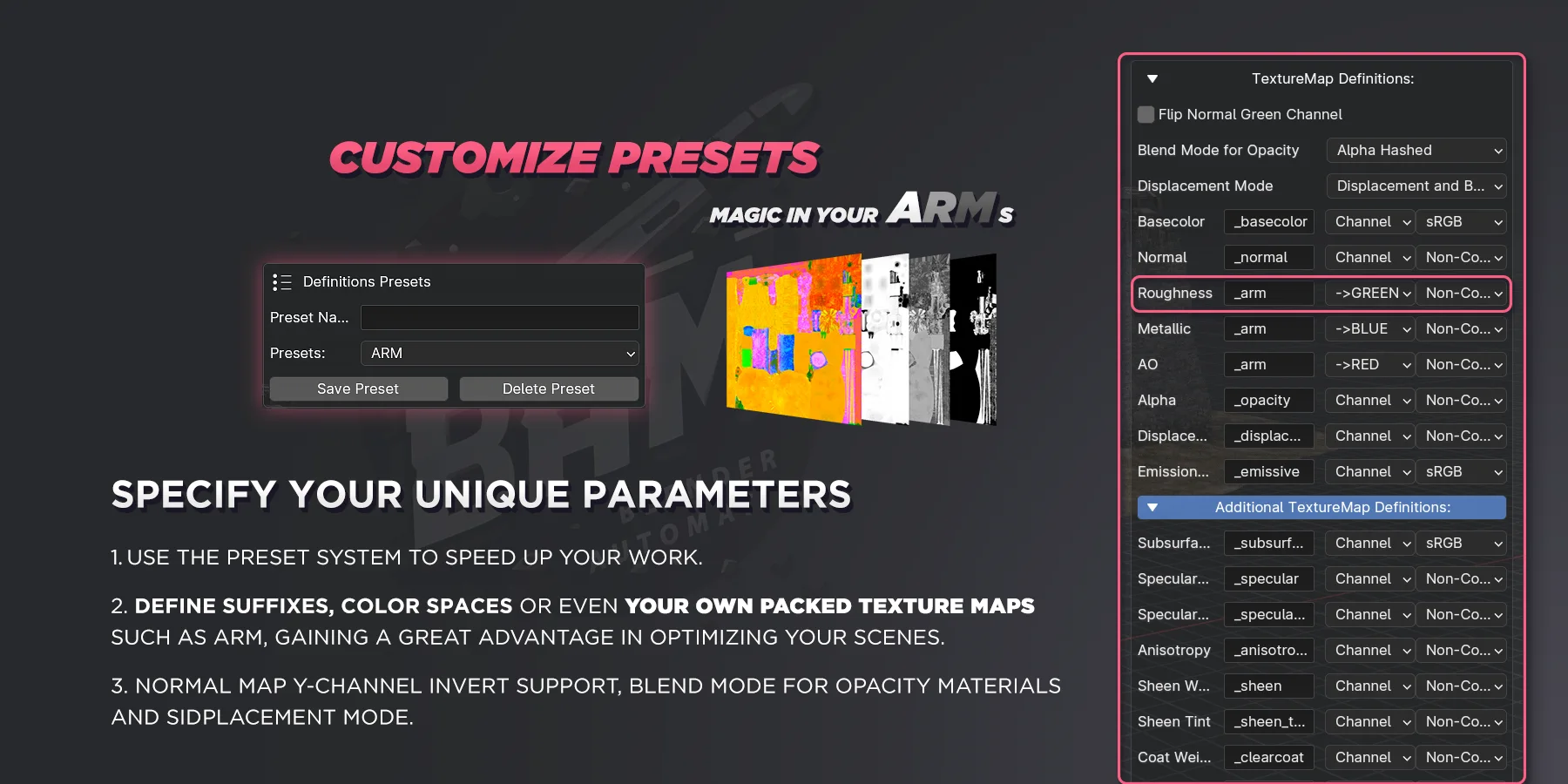
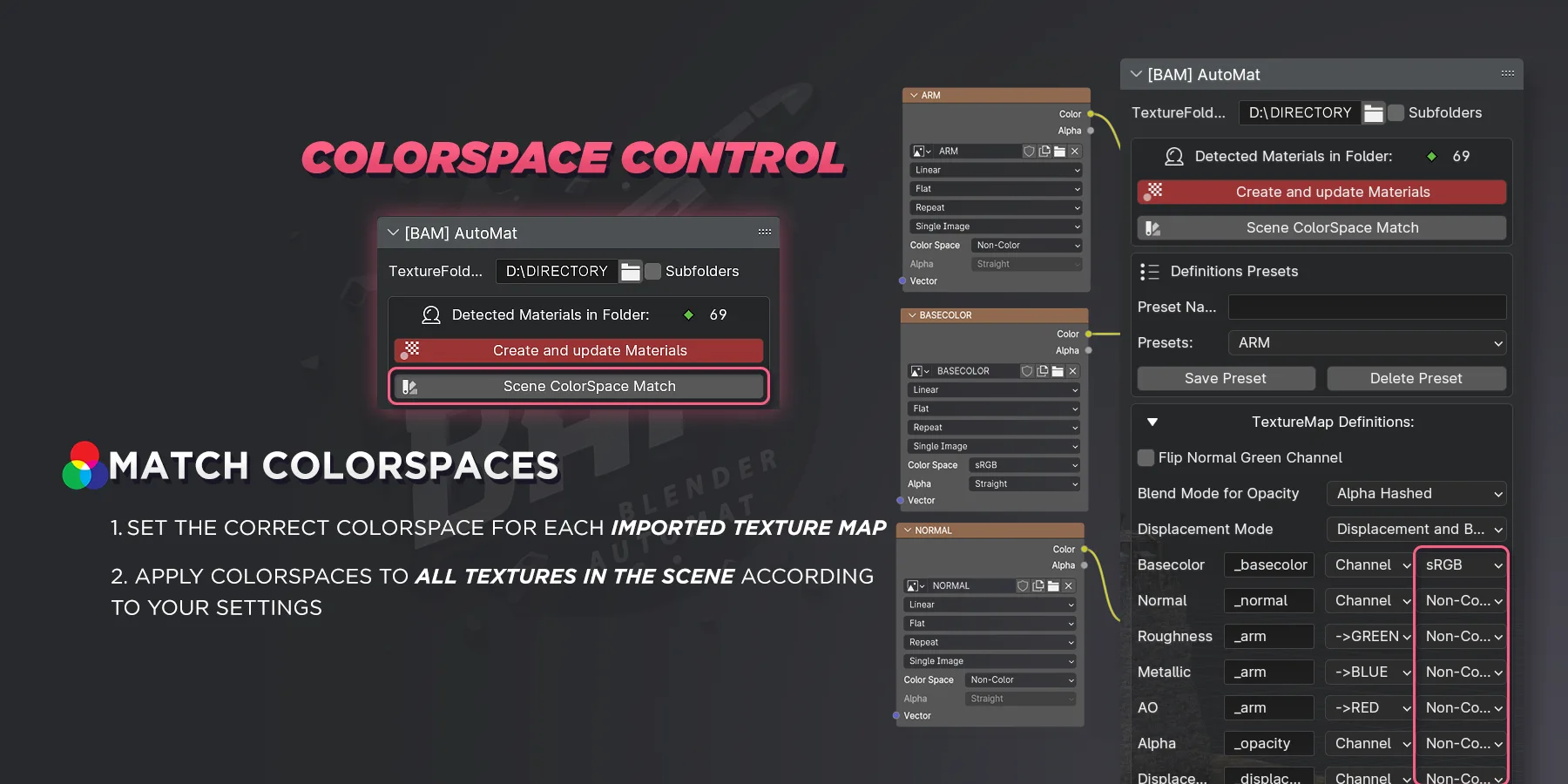
BAM - AutoMat
Universal Tool for Batch Setup & Update of Materials in Blender
Set up hundreds of materials in one click using your texture library and manage them through an intuitive Material Manager designed for production-scale workflows.
The BAM – AutoMat Story
Several years ago, I set out to create a Blender tool capable of mass material setup and updates, inspired by the workflows I had relied on in Maya.
At that time, no comparable solution existed for Blender.
As a Lead Technical Material Artist at KitBash3D, working extensively with large-scale 3D kits and Substance 3D-based material pipelines, I needed a reliable way to transition complex material workflows from Maya to Blender-without sacrificing speed, consistency, or control.
This need led to the creation of BAM - AutoMat.
Over time, the addon evolved into a full-featured solution covering real production requirements for handling large numbers of objects and materials.
Today, BAM continues to grow alongside my ongoing work with Blender and Python.
Special thanks to the KitBash3D artists for their invaluable help with testing and feedback.
Key Features
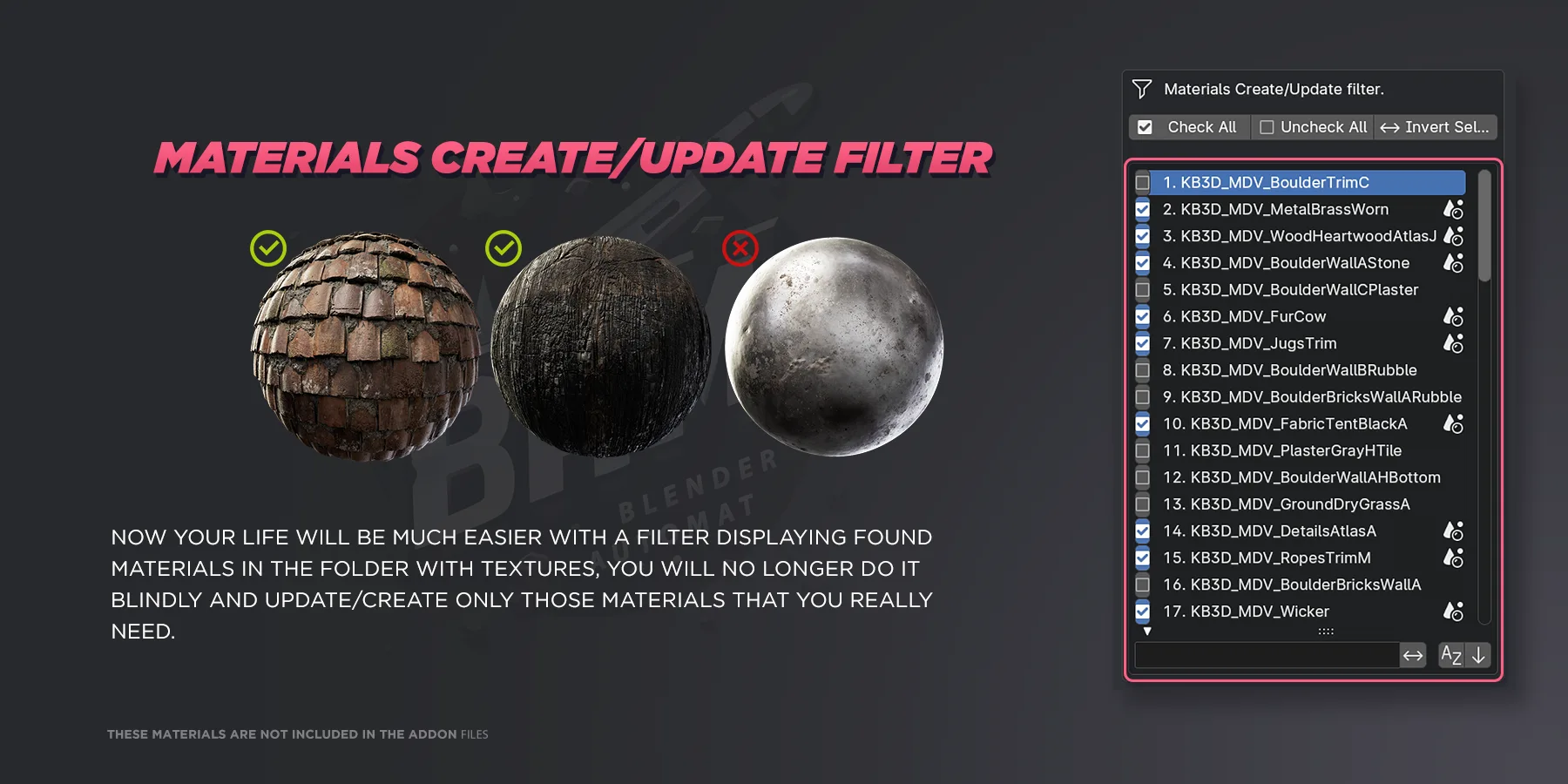
- Batch creation and updating of materials directly from a texture folder
- Support for subfolders and custom texture suffixes
- Automatic handling of color spaces
- Preset system for consistent material setups
- OpenGL / DirectX normal map support
- Channel selection for plug-in or packed textures
- Smart reuse of existing texture data-blocks to avoid unnecessary duplicates
- Robust identification of materials based on the presence of a Base Color texture
BAM is especially useful if you:
- Create many materials in Substance Designer
- Work on large scenes or asset libraries
- Maintain a custom Material Library for long-term production use
Availability
You can download BAM - AutoMat absolutely free:
- via my ArtStation
- and other Blender addon resource platforms
100% of SuperhiveMarket(BlenderMarket) proceeds go to the Blender Development Fund
Credits & Contact
Developed by: AlexeyHRDesign
Feedback & support: alexeyhrdesign@gmail.com
What's New
1.3.1 July 16th, 2026
Found an old bug.
- BugFix update v1.3.1: AutoMat: Improved Materials Create/Update filter list performance. The open filter no longer continuously scans the texture folder, preventing viewport FPS drops. The list now updates only when settings change or Refresh is clicked.
Don't miss the changes since version 1.3.0
- Blender 5.2 Support
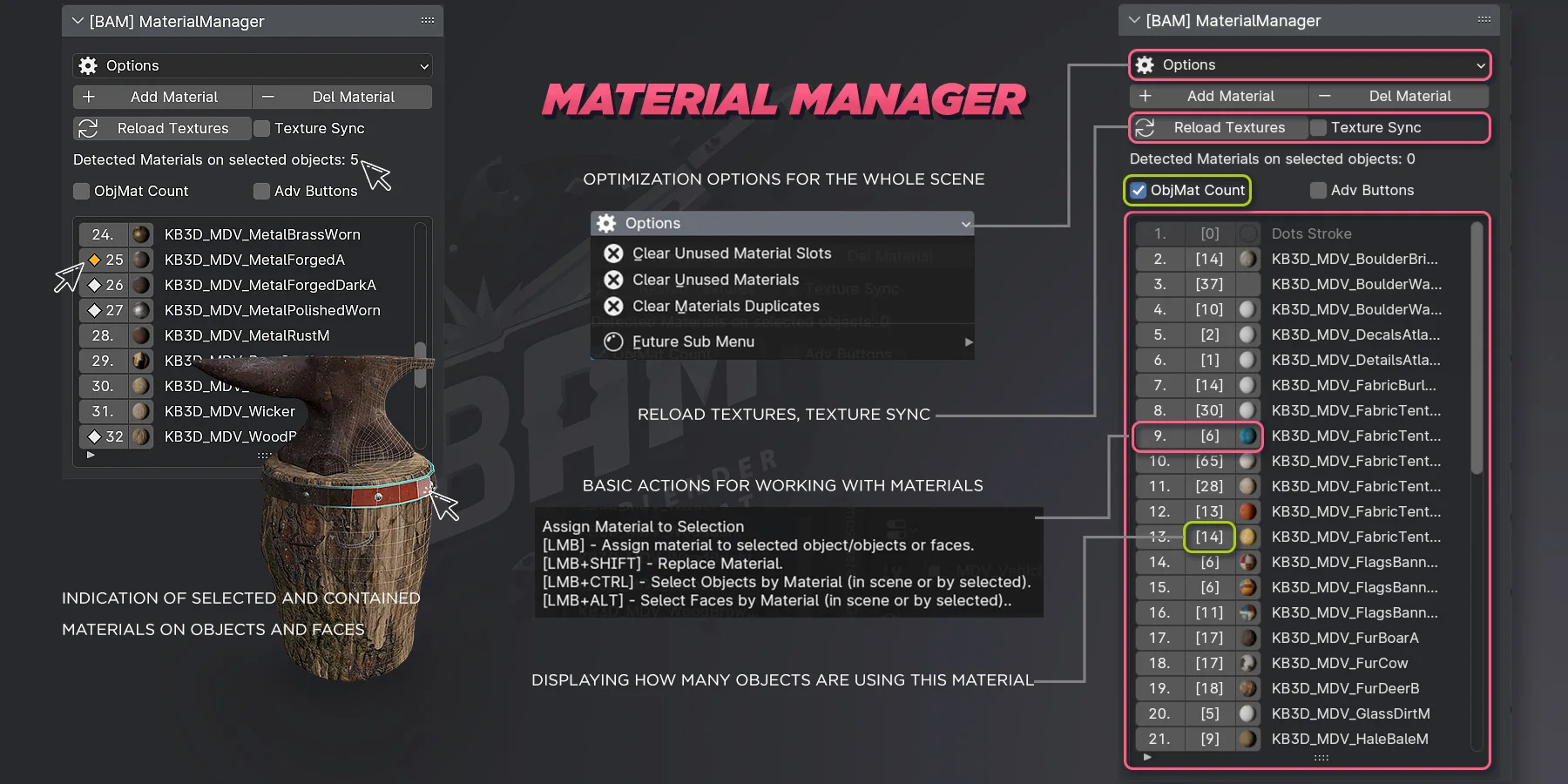
- MatDeck. Feel a new experience with the new custom Material Manager Overlay
- MatDeck Preferences options + UI Styles
- Updated UI
- Replace Material now has a new Shift-click option to replace material only on selected objects
- Recent used Material List
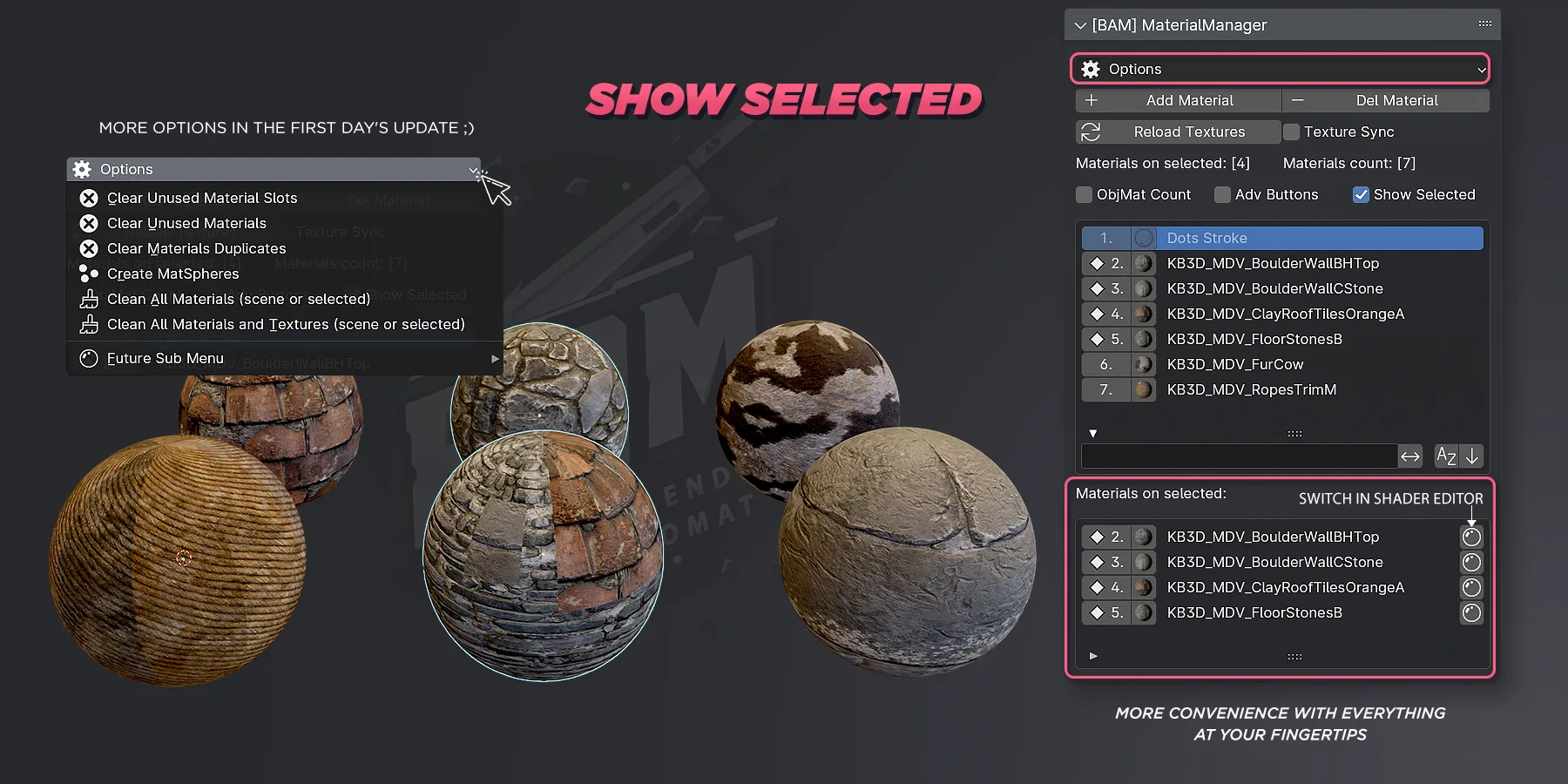
- New Selected Materials List
- Version display in header
Muito Útil