Extensions
  • Home
  • Add-ons
  • Themes
  • Approval Queue
  • About
  • Upload Extension
  • Sign in
  • BLENDER.ORG

    • Download

      Get the latest Blender, older versions, or experimental builds.

    • What's New

      Stay up-to-date with the new features in the latest Blender releases.

    DEVELOPMENT

    • Roadmap

      See which projects are currently being worked on and what's next.

    • Documentation

      Guidelines, release notes and development docs.

    LEARNING & RESOURCES

    • Blender Studio

      Access production assets and knowledge from the open movies.

    • Manual

      Documentation on the usage and features in Blender.

    • Benchmark

      A platform to collect and share results of the Blender Benchmark.

    • Blender Conference

      The yearly event that brings the community together.

    DONATE

    • Development Fund

      Support core development with a monthly contribution.

    • One-time Donations

      Perform a single donation with more payment options available.

All Add-ons

Add-on ProjectionNode from Camera
ProjectionNode from Camera
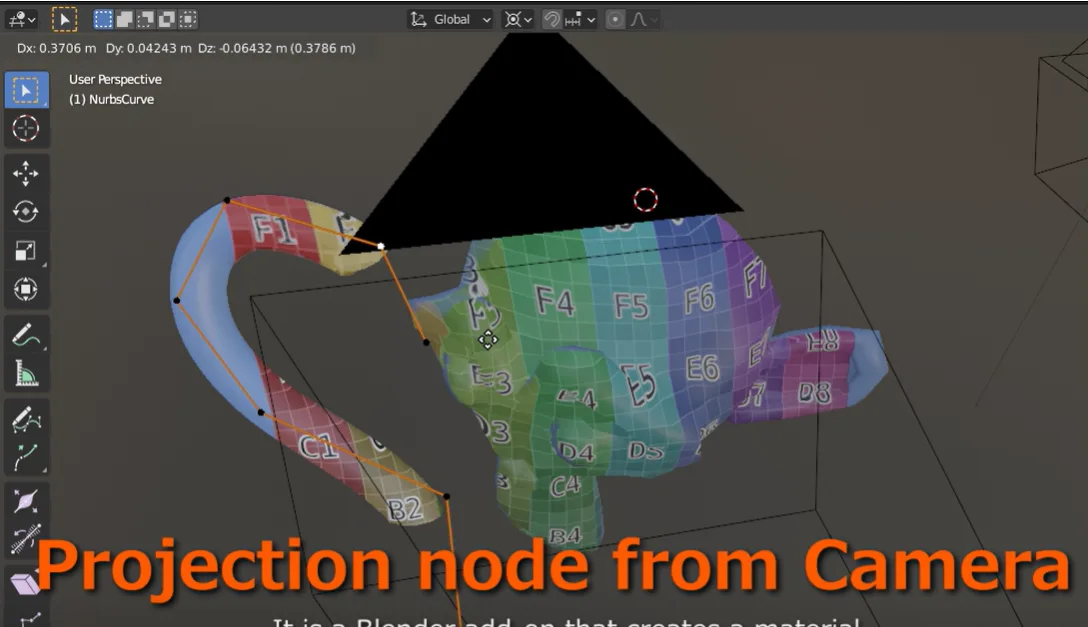
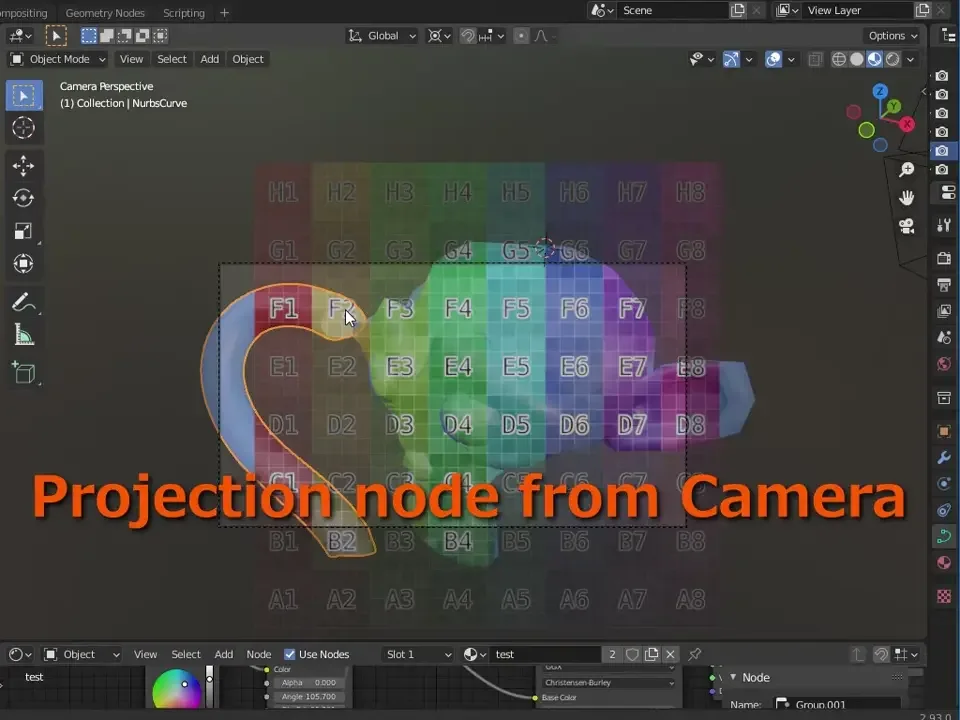
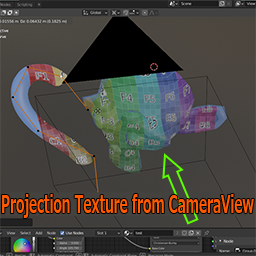
Creates a material specified in the Background Image of Camera.
Add-on by Yukimituki
About Reviews Version History
Image projection from Camera

This is an add-on that creates a node that projects a camera map according to the appearance of the image set in the camera's "background".

Basic usage of add-ons

The add-on panel appears in the node tab of the sidebar above the shader editor

Select the camera you want to use for projection from the camera pulldown and select the background you want to use. If no background image is set for the specified camera, items under "Background" will not be displayed. After specifying the camera with the sketch set, select the image you want to use from the sketch dropdown. When you press the Make CameraProjection Nodes button A node group will be created with a name such as [camera name]_[image name]_Projection.

If the material is displayed in the shader editor, add the created node group to the material If the material is not displayed or you want to use it with another material, Select from the group items in the Add menu.

How to use NodeGroup

By connecting the color output of the created node group to the color input of the shader The image will be projected from the camera as specified in the sketch.

If you use an image transparent with alpha for the sketch, The color specified in the color input or the color combined with the image will be output.

There is also a function that uses the color input value when the angle between the camera and the projected surface is larger than the limit angle specified. You can set the boundary between angle restrictions to be a gradation in the blur settings.


What's New

No changelog for this release.


Permissions

This extension does not require special permissions.

Developer
Yukimituki
Rating
(4)
Version
1.3.0
Updated
2 y
Published
March 31st, 2024
Downloads
14108
Size
9.1 KB
Compatibility
Blender 4.2 LTS and newer
License
GNU General Public License v2.0 or later
Material Node
...or download and Install from Disk
  • 9.1 KB

Reviews

See all
  • Yonchi77
  • v1.3.0
  • 10 mo

Great addon, help me a lot

  • Frame-Lab
  • v1.3.0
  • 1 y

This is how camera projection should be working in blender by default! Thanks alot!

  • antoineSIG
  • v1.3.0
  • 1 y

It's a great add-on! The projection with multiple images works perfectly. Possible improvement: ensure that the projection only applies to the first surface encountered. Thank you for this tool!

5.0

4 reviews
5
4
3
2
1
Rate this Add-on
  • About
  • Privacy Policy
  • Terms of Service
About
  • Blender Foundation
  • Blender Institute
  • Blender Studio
  • License
  • Logo & Trademark
  • Credits
  • Privacy Policy
  • Code of Conduct
Organization
  • People
  • Jobs
Blender Network
Download
  • Latest Blender
  • Blender LTS
  • Previous Versions
  • Experimental Builds
  • Source Code
  • Requirements
  • Benchmark
  • Flamenco
Extensions
  • Add-ons
  • Themes
Developers
  • Get Started
  • Roadmap
  • Projects
  • Docs
  • Blog
  • Forum
  • YouTube
  • Python API
Blender Studio
  • Films
  • Training
  • Tools & Pipeline
Support
  • Manual
  • Community
  • FAQ
Get Involved
  • Documentation
  • Education
News
  • Press Releases
  • User Stories
Blender Conference
Follow Blender
Support Blender
  • Donate
  • One-time Donation
Artistic freedom starts with Blender The Free and Open Source 3D Creation Suite