 World Apply
Sync viewport world settings with scene world settings.
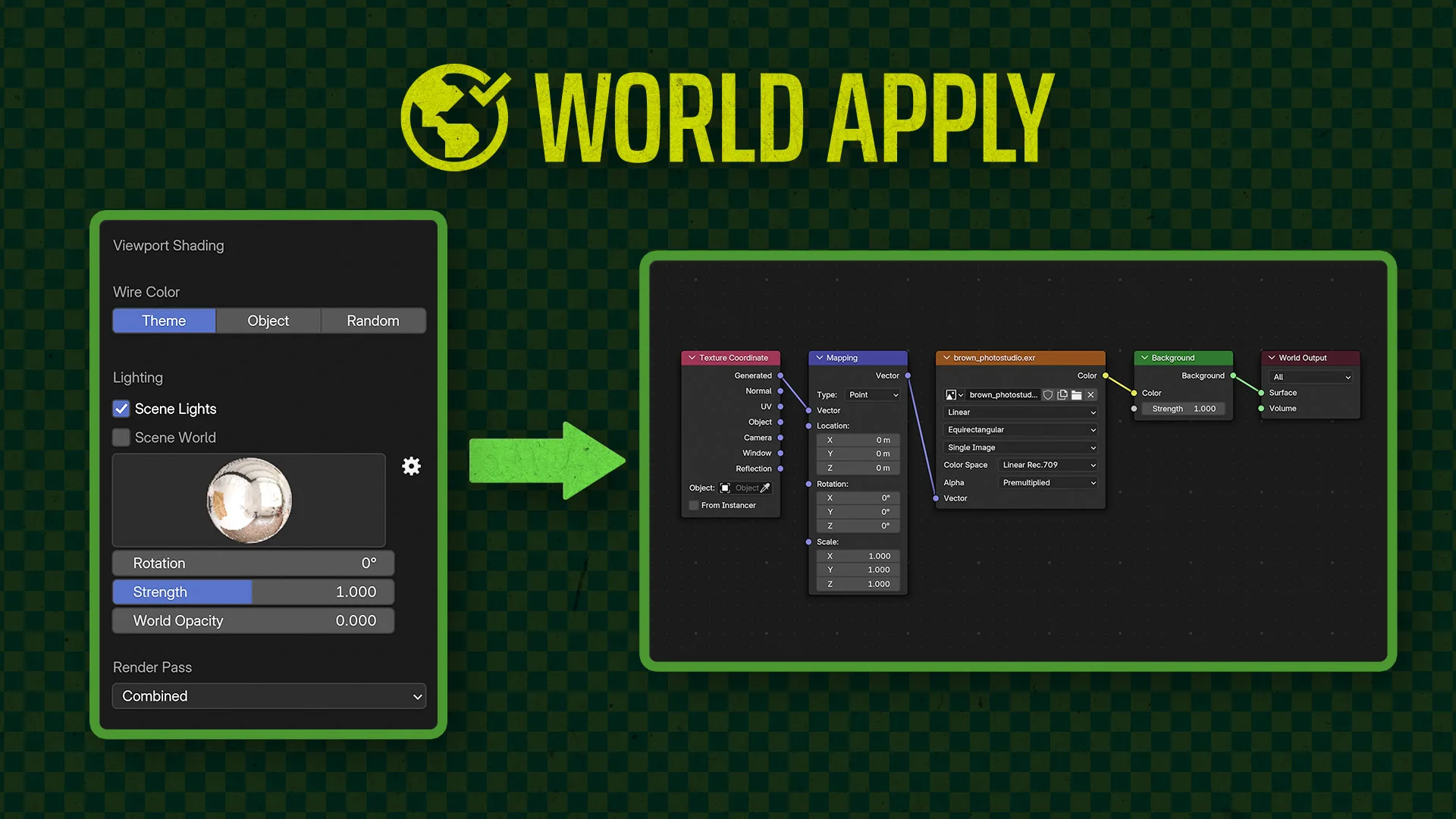
In Blender, you can choose an HDRI and adjust its strength and rotation for your viewport, but these settings aren't automatically applied when you render. World Apply solves this issue with a simple button that syncs the settings, ensuring consistency between your viewport and final render.
What's New
No changelog for this release.
Go to the viewport shading menu in the top right of the viewport. Click the far right button for 'Rendered' view. Then click the little arrow to see options, and click the big 'Apply World' button at the top. Voila! That thing you always thought must be easily possible to do, now actually is! I agree, this should be bundled with Blender. Thank you for doing this.
This plugin is fantastic, thank you! It’s exactly what I was searching for. It saves a great deal of effort compared to setting it up manually.