 Source Engine Collision Tools
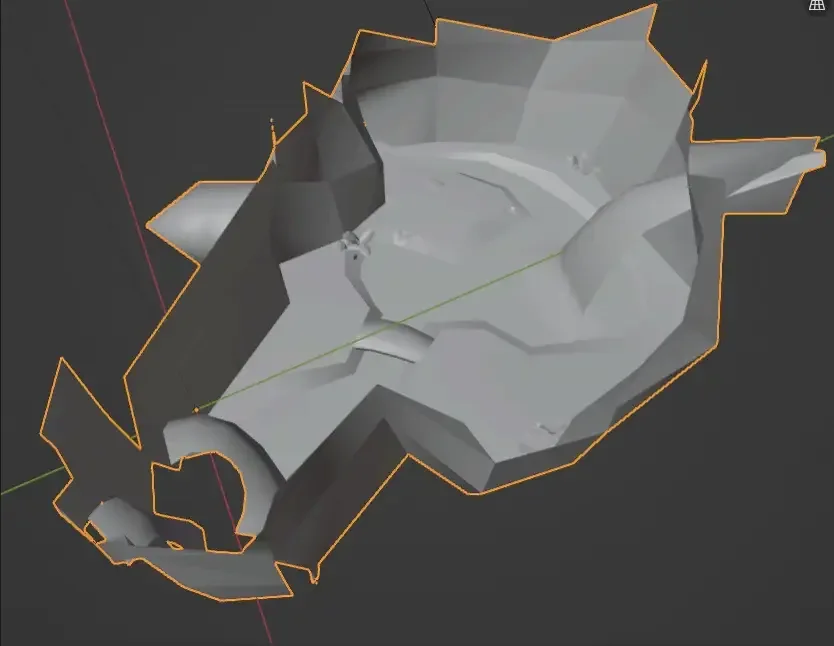

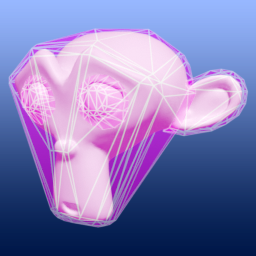
Blender (3.x to 5.x) addon for generating and optimizing collision models for use in Source Engine games (ie. TF2, GMod, L4D2). Works best when combined with the Blender Source Tools.
Features
Some features are customizeable and can be tweaked via optional settings. There is also a "Recommended Settings" button that will automatically guess the best settings for you based on the currently selected, active object. Note that all of the "Generate" features support the Decimate Ratio setting, to automatically reduce the complexity of the resulting collision model.
- Generate Collision via Bisection - Generate a collision model for every currently selected object, by evenly dividing the model into sections.
- Generate Collision from Weights - Generates a collision mesh for the currently selected objects, based on each object's rigged weights (if they exist). Can be used to quickly create ragdoll physics meshes for Garry's Mod
- Generate Collision from Faces - Generate a collision model for every currently selected object, based on the mesh's faces/polygons.
- Generate Collision via UV Map - Generates a collision mesh for the currently selected objects, based on each object's UV Map. Each UV island becomes a separate hull.
- Generate Collision via Fracture - This operator uses the Cell Fracture addon built into Blender to generate collision. Best used on individual props, not entire scenes at once. Works best on fully sealed objects with no holes or non-manifold geometry.
- Attempts to generate only the amount of hulls specified by the "Fracture Target" setting. ie. A "Fracture Target" of 4 will try to split up the model into only 4 parts.
- Note that the Cell Fracture addon needs to be enabled in your Blender preferences first!
- Split Up Collision Mesh - Splits up selected collision models into multiple separate objects, with every part having no more than 32 hulls. (The '32' amount can be customized, if needed)
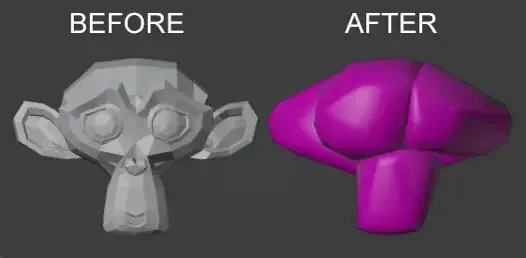
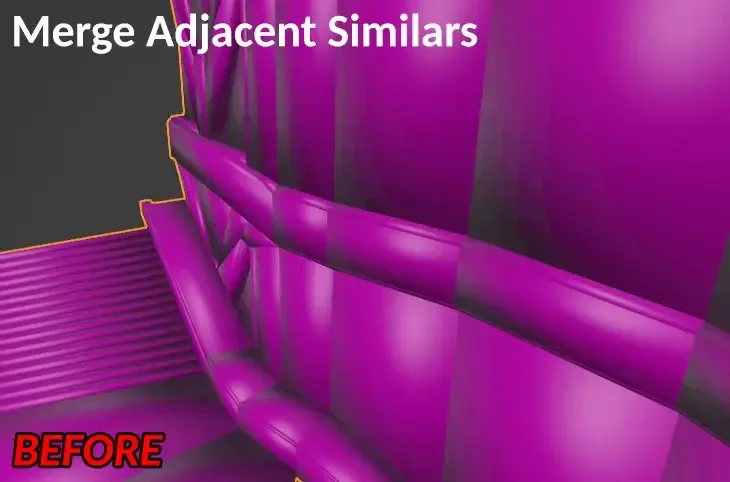
- Merge Adjacent Similars - Merges convex hulls with similar adjacent hulls aggressively, lowering the final amount of hulls & producing a (potentially) less accurate, but more performant model. Similarity is based on the face count and volume of the hulls.
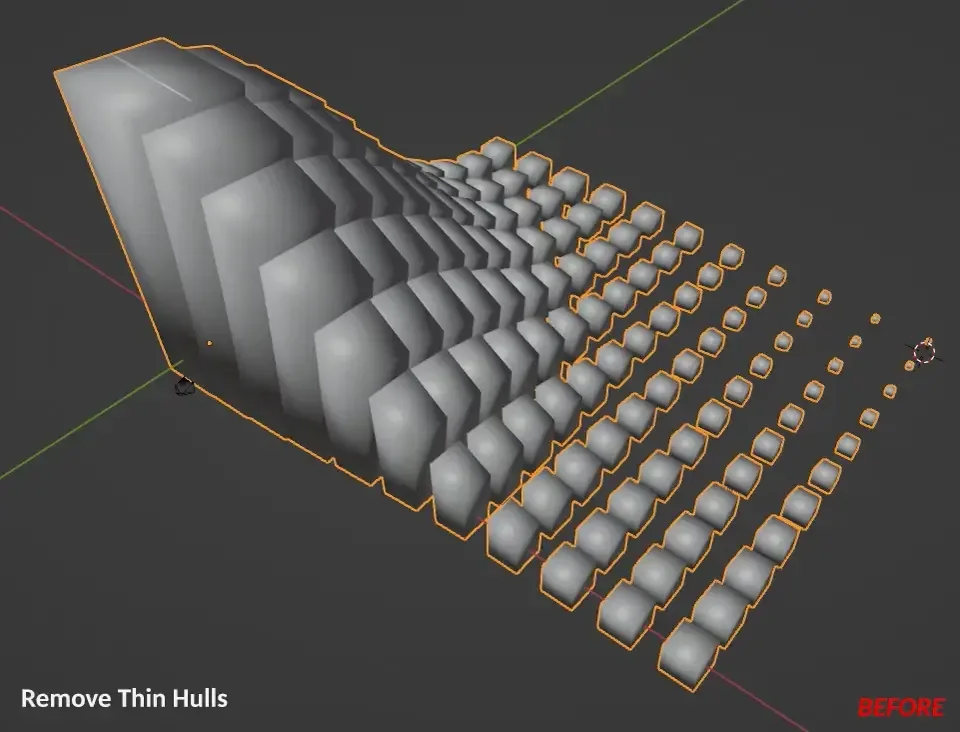
- Remove/Merge/Select Thin Hulls - Thinness tools that can quickly isolate, merge, or remove any convex hulls that are significantly smaller than all other hulls.
- Force Convex - Forces all existing hulls in every selected collision model to be convex. Especially useful after using Blender's built-in Decimate modifier on an existing collision mesh, to ensure that any decimated hulls are still convex.
- Find/Remove Inside Hulls - Finds and (optionally) removes any hulls that are completely or almost completely buried inside other hulls.
- Generate Source Engine QC - Automatically generate QC files for one or more collision model(s), allowing you to quickly compile them with batch compile tools out there (ie. Crowbar)
- Supports adding custom QC commands via a QC Override system. This allows you to, for example, add a custom "$scale" or "$surfaceprop" command to all generated QC files.
- Generate Ragdoll QCI - Generates a ragdoll .QCI file for every rigged collision mesh, with $collisionjoint lines automatically generated based on your armature's specific bones. You can use the $include command in your main QC file to load the .QCI file.
- Update VMF - Updates a selected VMF file by automatically adding any partitioned/split-up collision models that haven't already been added to the map.
- Clean Duplicate Collision - Removes any duplicate collision entries ("phys_part") found in the user's specified VMF file.
- Export Hulls to Hammer .VMF - Converts hulls in the selected collision mesh(es) into Source Engine brush solids and exports them as a .VMF file that can be opened in Hammer.
Tips
- The UI for the addon is found in the "Object Properties" tab on the right-hand side of the Blender window. The UI's features are greyed out if you have no object selected, so select an object first in the 3D VIewport.
- Decimation (by the Generate Collision Mesh operator) generally makes the Merge Adjacent Similars operator less effective, but Decimation is much faster at reducing the final complexity of the collision mesh. However, Decimation will reduce the complexity uniformly across the entire model, whereas Merge Adjacent Similars tries to reduce complexity only where similar hulls are found.
- Merge Adjacent Similars is less effective on overly large, complex models. For best results, split up a large complex model into several (3-5) separate pieces first, and then use Merge Adjacent Similars on each individual piece.
- For the "Update VMF" feature, the very first part of your split-up collision mesh, ending in 'part_000.mdl', must already be in the VMF somewhere (such as in a prop_static). The operator scans the VMF for any part_000, and any that are found are used as a template for all the other parts. So you'll need to add that first part manually in Hammer first.
- Source Engine has a limit of 32 hulls per collision mesh. Going beyond 32 hulls can lead to severe lag during gameplay. The "Split Up Collision Mesh" and "Update VMF" features are handy for this. By splitting up your collision mesh into 32-hull parts, you prevent lag, and the Update VMF feature can add numerous (even dozens or hundreds) of parts automatically for you to a VMF file.
- To utilize the QC override system, add a string-based Custom Property (in the bottom of the Object Properties panel) to one split-up collision object in your Blender scene, with the property name starting with "$". Enter the value/parameters for this property. Then press the Copy QC Overrides button to copy this override to all other selected collision parts. These will be included in the resulting generated QC files.
What's New
3.1.1 March 4th, 2026
- Fixed bug in the "Generate from Weights" operator which was causing the original mesh's modifiers to be added (but not applied) to the resulting collision.
- "Force Convex" has been updated to preserve weights in rigged collision consistently, even when vertices from different hulls are overlapping (ie. positioned in the same X/Y/Z coordinates). This means that users no longer need to add a slight gap between hulls before using the Force Convex button.
- "Force Convex" now ensures that all shape keys are removed from the result, and any custom normal data is cleared.
A completely and absolutely stellar add-on, being possibly the best piece of software sans H++ for HAMMER users trying to recreate existing maps quickly. Works like a charm even if you have very little blender understanding (like I did) and came with no errors out of the box, allowing me to turn a .obj from another editor and engine entirely into a HAMMER-readable vmf within minutes. There is hardly enough praise I can give to this addon.
PUSH ME AND THEN JUST TOUCH ME UNTIL I GET MY... COLLISSION.
This addon is literally the easiest way to create collision for Source I've ever witnessed. It's simple and effective. While also letting you get into some of the settings deeper if desired.
The creator is super helpful and will basically entertain any question no matter how stupid I am.
Good stuff