 Simple Audio Visualizer
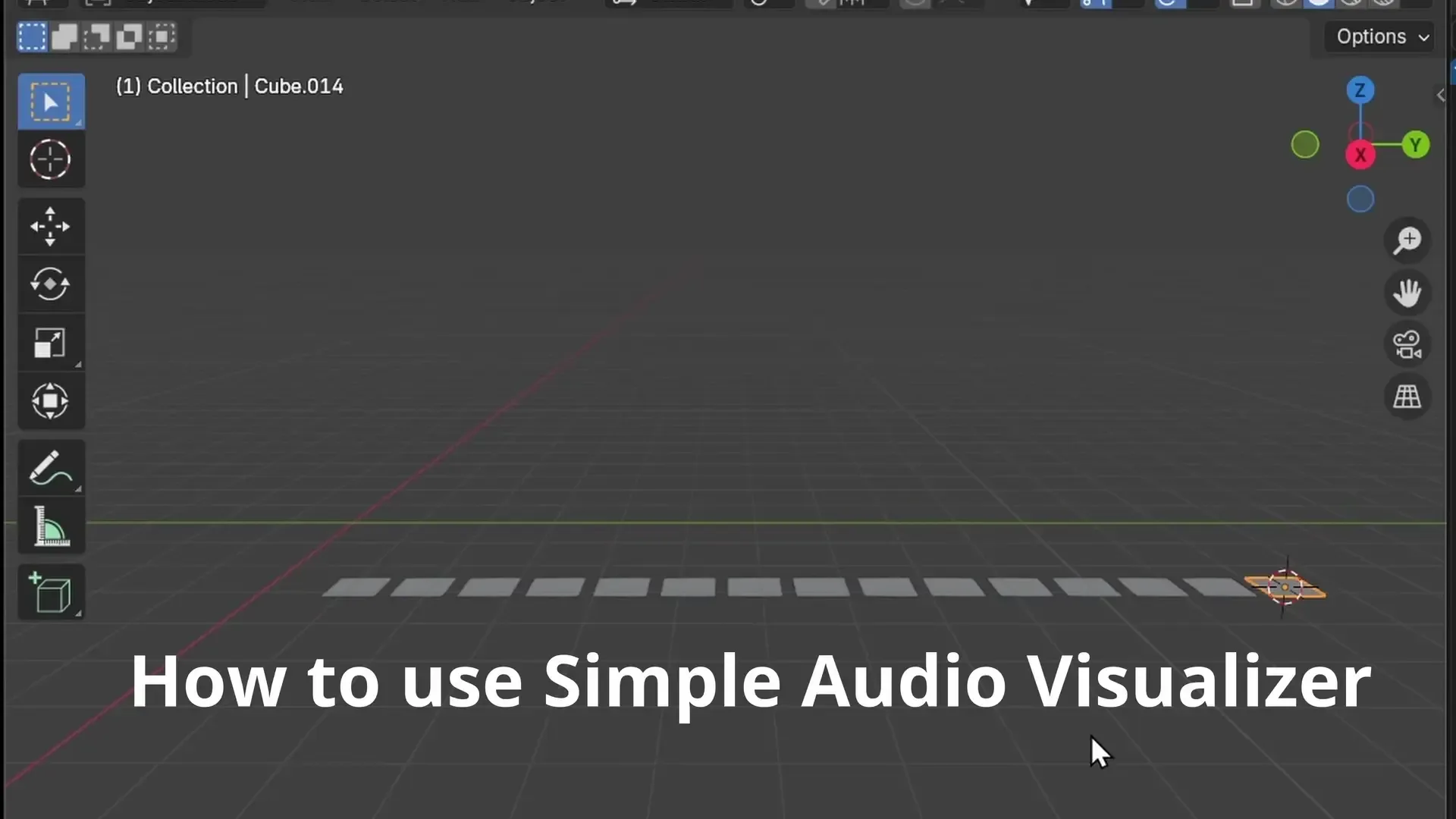
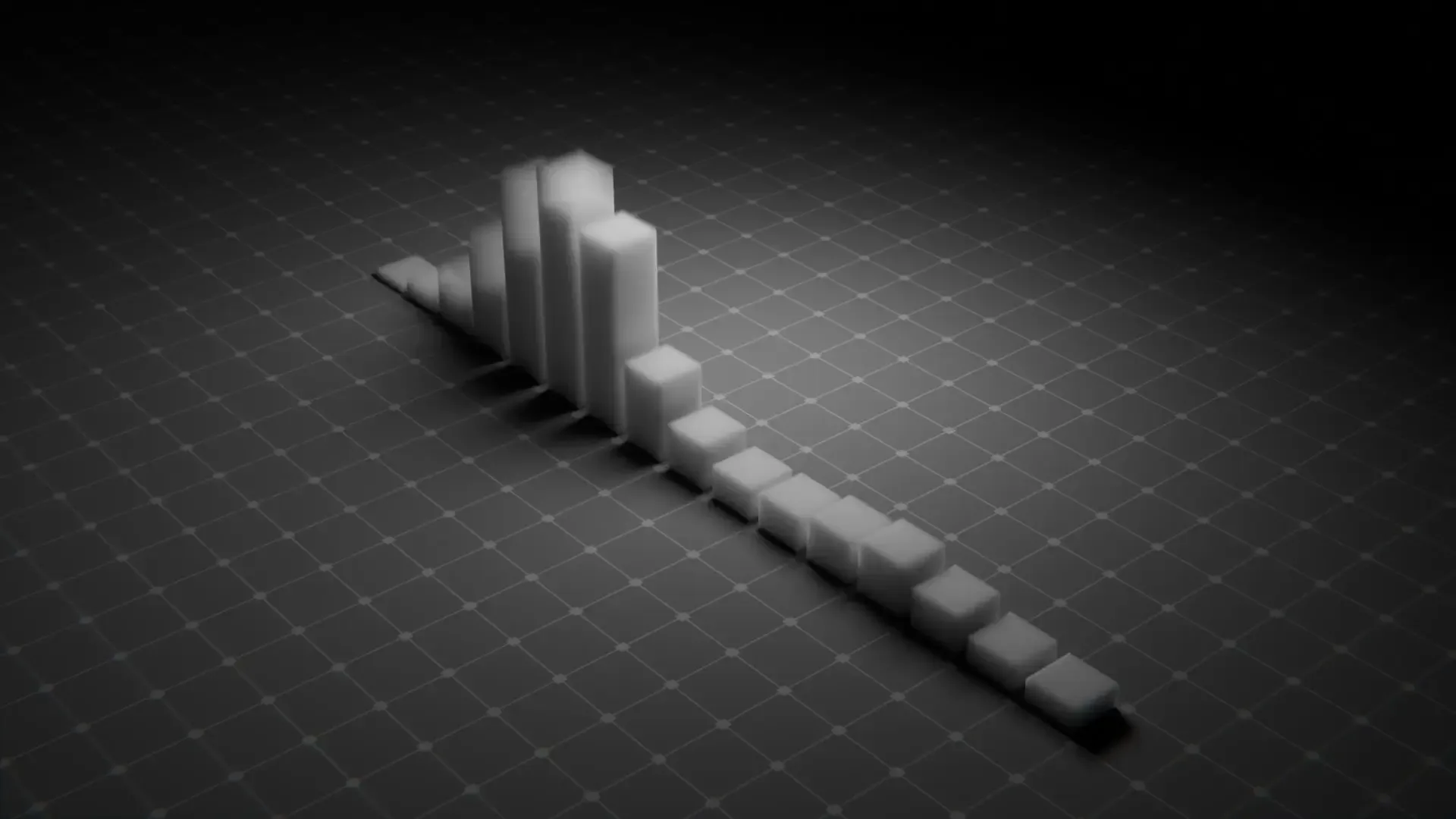
Creates a simple audio visualizer by generating animated cubes, or by animating your own objects to the spectrum of a selected audio file.
How to Use:
The add-on is located in the Graph Editor sidebar panel.
To Generate New Visualizer Objects:
- Open the Graph Editor in Blender.
- In the sidebar, find the "Simple Audio Visualizer" panel.
- Choose an Audio File by specifying the path to your desired audio file.
- (Optional) Adjust the Audio Visualizer Multiplier to control the intensity of the animation.
- (Optional) Set the Number of cubes to determine how many objects will represent the audio spectrum.
- (Optional) Enable Mirror Mode to create a mirrored visual effect.
- Click the Create Visualizer button to generate the objects and add the animation.
To Animate Your Selected Objects:
- In the 3D Viewport, select the object(s) you wish to animate.
- Choose an Audio File and set the Multiplier intensity.
- Select the transform channels (Location, Rotation, Scale) and axes (X, Y, Z) you want to animate.
- (Optional) Enable Additive mode to add the animation on top of existing keyframes instead of replacing them.
- Click the Visualize Selected Objects button. The audio spectrum will be distributed across your selected objects (sorted alphabetically) and animated according to your settings.
This extension is based on a script originally created by GitHub user soerenmetje: https://github.com/soerenmetje/Blender-Music-Visualisation-Python-Script
What's New
1.2.0 December 26th, 2025
Version 1.2.0
This update is a compatibility and stability release for Blender 5.0. It updates the animation baking internals to match Blender’s newer Action Slot / Channelbag system, while keeping the workflow and UI the same.
- Blender 5.0 Compatibility: Updated the audio baking pipeline to work with Blender 5.0’s new animation data model (fixes the
'Action' object has no attribute 'fcurves'error). - Fix: “Create Visualizer” no longer fails in Blender 5.0 when generating and baking new cube objects.
- Improvement: More robust animation setup — automatically ensures the object has valid animation data/action/slot before baking.
- Improvement: Safer Graph Editor context handling for the sound-to-keys bake, reducing failures when the operator is run from different UI states.
So simple to use and so effective- I would expect nothing less from such a great creator! Thank you!
Super useful extension that really streamlines the process, thank you very much!
This is a pretty cool addon. Simple , easy to use and does exactly what is described. But One thing i notice is the meshes are generated straight on the Y axis, the direction of the camera (in the 2d animation template at least) has the camera facing -Y . So it's not facing the camera. It's easy enough to just rotate the objects but it would be cool if you could decide which axis to generate the objects down. Also would be cool if you could choose other primitives.