Extensions
  • Home
  • Add-ons
  • Themes
  • Approval Queue
  • About
  • Upload Extension
  • Sign in
  • BLENDER.ORG

    • Download

      Get the latest Blender, older versions, or experimental builds.

    • What's New

      Stay up-to-date with the new features in the latest Blender releases.

    DEVELOPMENT

    • Roadmap

      See which projects are currently being worked on and what's next.

    • Documentation

      Guidelines, release notes and development docs.

    LEARNING & RESOURCES

    • Blender Studio

      Access production assets and knowledge from the open movies.

    • Manual

      Documentation on the usage and features in Blender.

    • Benchmark

      A platform to collect and share results of the Blender Benchmark.

    • Blender Conference

      The yearly event that brings the community together.

    DONATE

    • Development Fund

      Support core development with a monthly contribution.

    • One-time Donations

      Perform a single donation with more payment options available.

All Add-ons

Add-on References Overlays
References Overlays
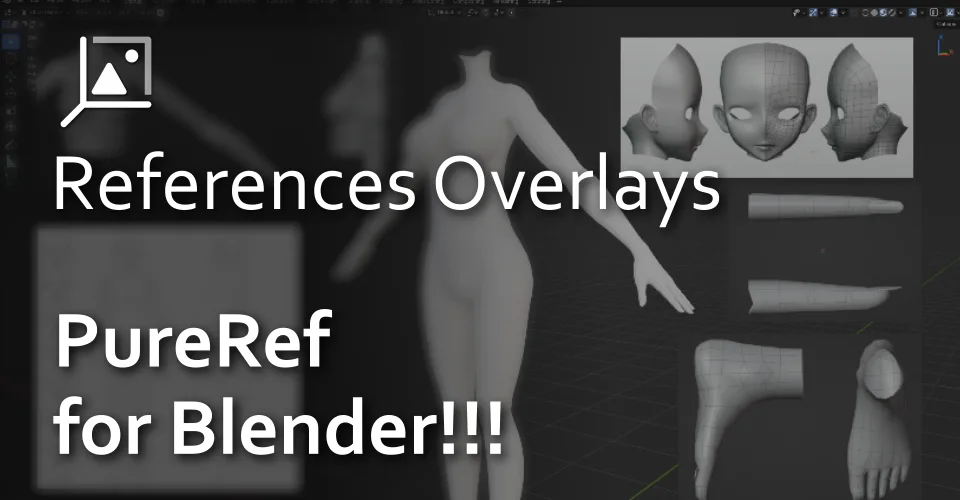
PureRef for Blender. You can add references in the 3D Viewport.
Add-on by KENKEN
About What's New Permissions Reviews Version History

PureRef for Blender!!!

You can add references in the 3D Viewport Overlays

Features

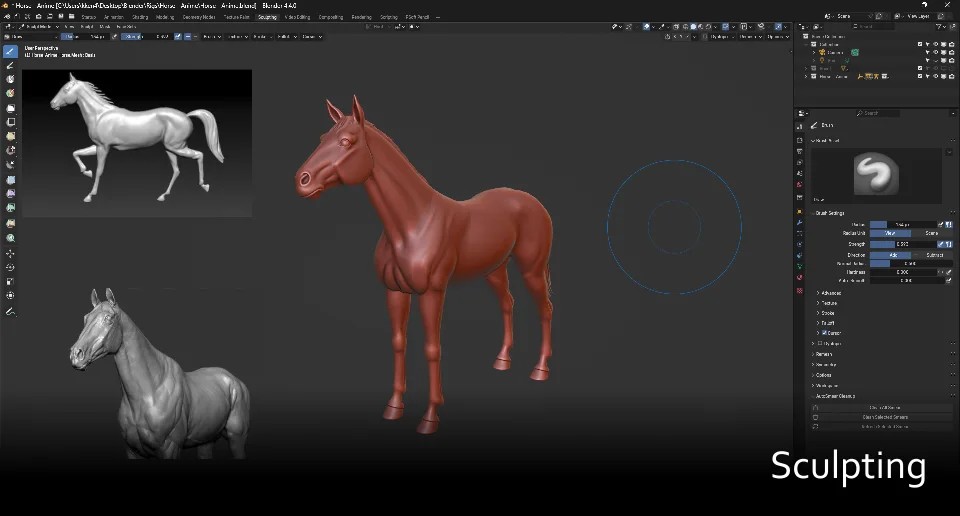
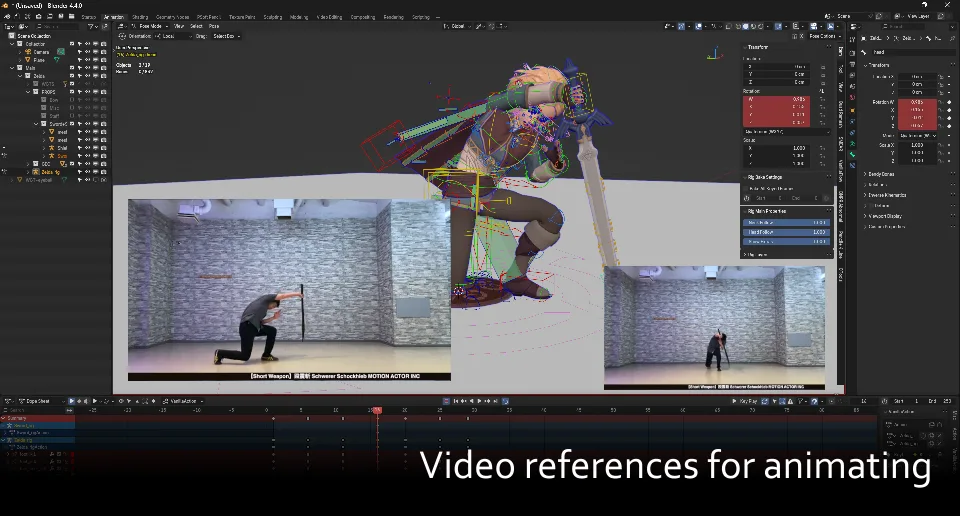
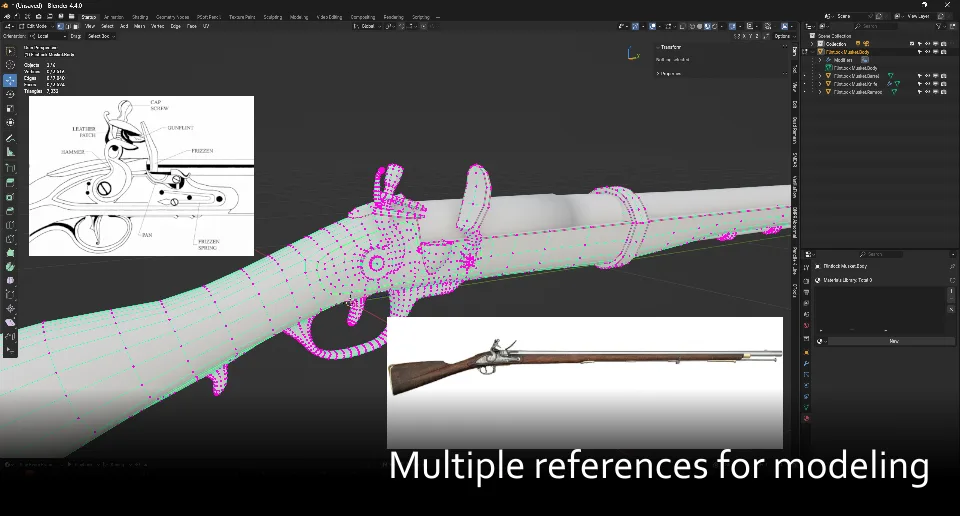
  • Add images or video references directly in the 3D viewport.
  • Drag the references directly.
  • Enable an option to switch it on or off at your convenience.
  • Allow transformations and flipping of the references.
  • Set the opacity of the references.
  • Change the layer orders of the references.
  • Utilize the color picker on the references.
  • Set the references depth.
  • Multiple media support (Video, GIF, etc).
  • Cropping the references.
  • Support Grayscale mode.
  • Support orthographic alignment display
  • Paste the image from the clipboard.

Location

  • View 3D > Header

Image

Hotkey

  • Toggle References Overlays - 'Alt + Z'
  • Toggle References Overlays Locked - 'Ctrl + T'
  • Toggle References Overlays Grayscale mode - 'Alt + G'
  • Paste from the clipboard - 'Ctrl + Alt + V'
  • Global Move References - 'Ctrl + W'

References Moving Hotkey

Image

  • Confirm - 'Left-Click'
  • Cancel - 'Esc', 'Right-Click'
  • Scale Up - 'Scroll Up'
  • Scale Down - 'Scroll Down'
  • Rotate Right - 'E'
  • Rotate Left - 'Q'
  • Set Depth Default - '1'
  • Set Depth Back - '2'
  • Higher Opacity - 'C'
  • Reduce Opacity - 'Z'
  • Reset Rotation - 'R'
  • Reset Size - 'S'
  • Remove - 'X' or 'DEL'
  • Press 'Ctrl' for snap mode during moving
  • Press "Shift" for Precision Mode

Shifting Control Hotkey

image

  • Press 'Alt' while moving the reference
  • Zoom in - 'Scroll Up'
  • Zoom Out - 'Scroll Down'
  • Rest Zoom - 'S
  • Rest Anchor - 'R'

Cropping the reference

image

Video Playing

Image

Utilize the color picker

Image

Notice

  • Feature pasting the image from the clipboard requires the Pillow Library, which you can install Pillow from the add-on preferences (Installing Pillow requires to run Blender in administrator mode)

What's New

2.3.0 May 4th, 2026
  • Fix install Pillow (Required run Blender In Administrator mode)
  • Add relative path location

See all versions


Permissions

This extension requests the following permissions:

  • Files

    Import BMP/TIFF/PNG/JPG/JPEG/GIF/MP4/WEBM from/to disk

  • Clipboard

    Paste image from the Clipboard

Developer
KENKEN
Rating
(27)
Version
2.3.0
Updated
1 mo
Published
Feb. 15th, 2025
Downloads
28043
Size
14.2 KB
Compatibility
Blender 4.2 LTS and newer
Website
extensions.blender.org/add-ons/references-overlays
Report Issues
github.com/Kenimation/References-Overlays
License
GNU General Public License v3.0 or later
3D View User Interface
...or download and Install from Disk
  • 14.2 KB

Reviews

See all
  • Wallace-Gontijo
  • v2.2.8
  • 1 mo

Excellent. The only problem is that I click on Install Pillow, restart Blender but it says it is not installed. I saved it, but it didn't solve the problem

  • KENKEN replied
  • 1 mo

Thanks for using the add-on! Version 2.2.9 should work correctly now.

  • Cesar-Quesada
  • v2.2.8
  • 3 mo

Great but needs a way to lock scale too

  • hansolocambo
  • v2.2.8
  • 3 mo

Amazing add-on! No more Image Editor tabs opened on the side. With crop, scale, rotate, etc. tools, it's indeed what would be Pureref as Overlay.

Only downside I see is that activating/deactivating the overlay changes ALL 3D viewports, not just the one mouse is hovering. All overlay and shading options in Blender are per 3D viewport. They can all be different. But those references images appear in all 3D Viewports / Monitors... or none. That's problematic especially for people working on 1 monitor and splitting the view, then images really get in the way ;)

I hope a fix can be coded to make this icon activation behave more like all others do in Blender: per 3D viewport, not all 3D Viewports in 1 click. Thanks.

5.0

27 reviews
5
4
3
2
1
Rate this Add-on Report an issue
  • About
  • Privacy Policy
  • Terms of Service
About
  • Blender Foundation
  • Blender Institute
  • Blender Studio
  • License
  • Logo & Trademark
  • Credits
  • Privacy Policy
  • Code of Conduct
Organization
  • People
  • Jobs
Blender Network
Download
  • Latest Blender
  • Blender LTS
  • Previous Versions
  • Experimental Builds
  • Source Code
  • Requirements
  • Benchmark
  • Flamenco
Extensions
  • Add-ons
  • Themes
Developers
  • Get Started
  • Roadmap
  • Projects
  • Docs
  • Blog
  • Forum
  • YouTube
  • Python API
Blender Studio
  • Films
  • Training
  • Tools & Pipeline
Support
  • Manual
  • Community
  • FAQ
Get Involved
  • Documentation
  • Education
News
  • Press Releases
  • User Stories
Blender Conference
Follow Blender
Support Blender
  • Donate
  • One-time Donation
Artistic freedom starts with Blender The Free and Open Source 3D Creation Suite