 MustardUI
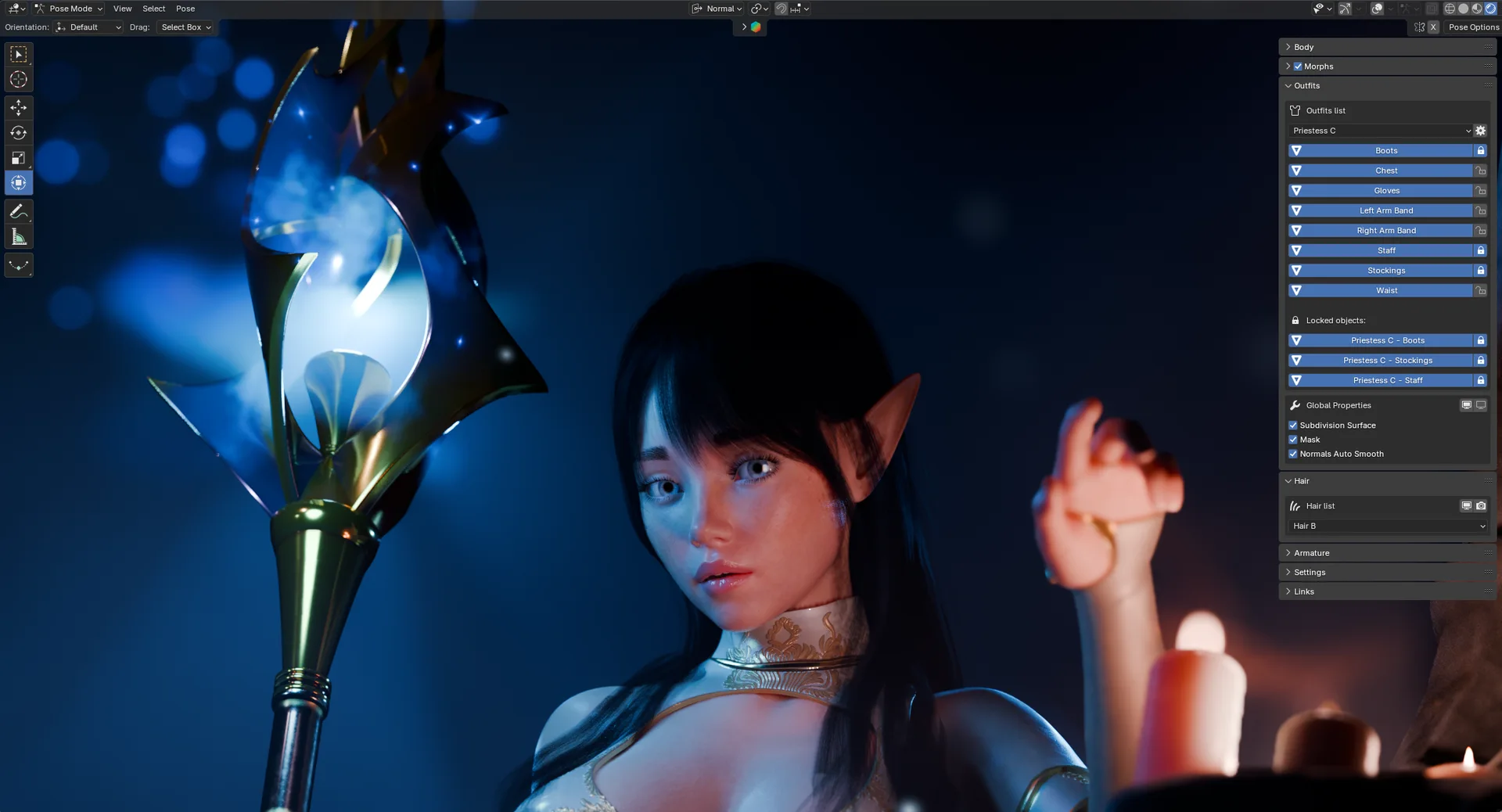
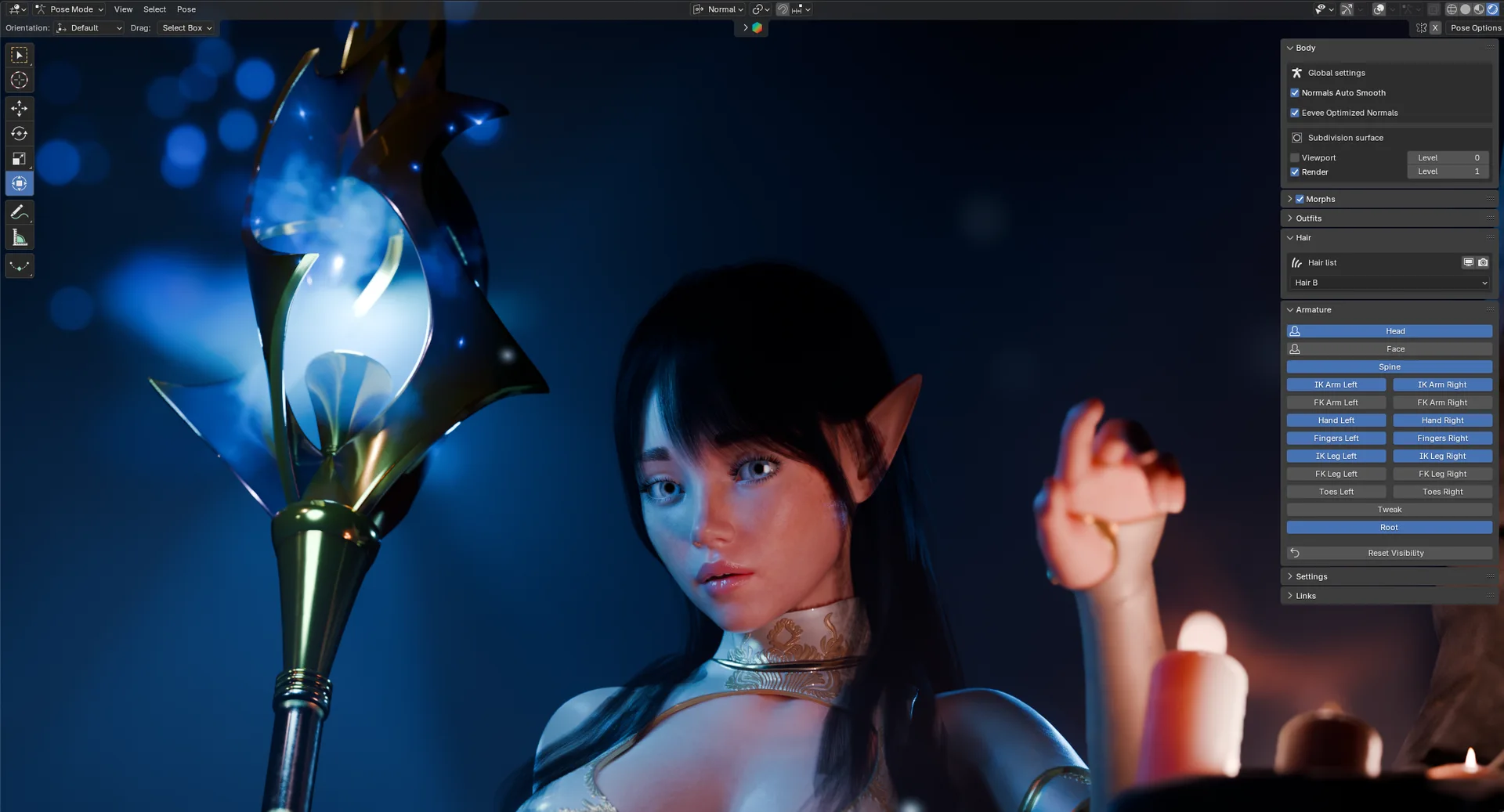
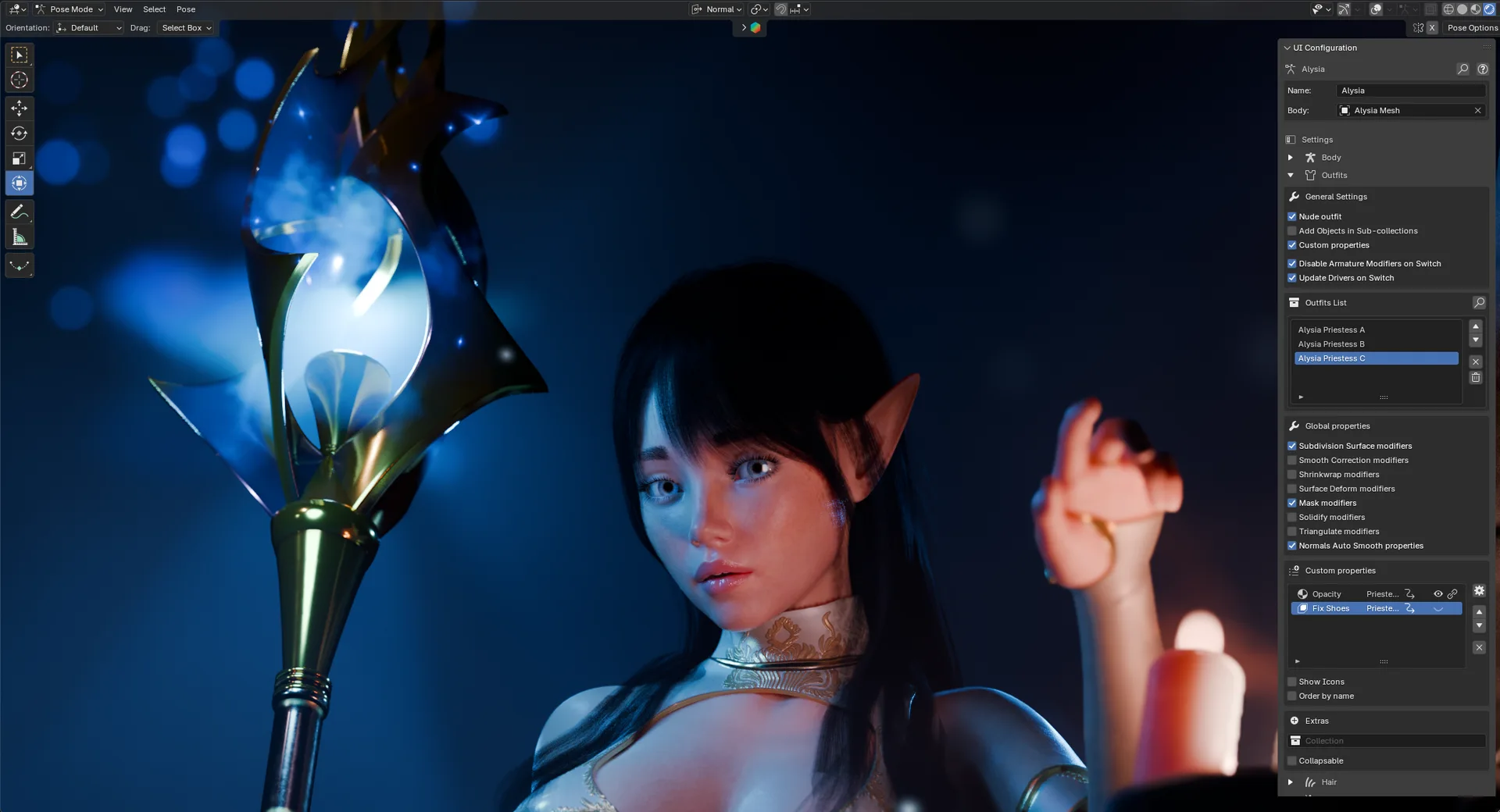
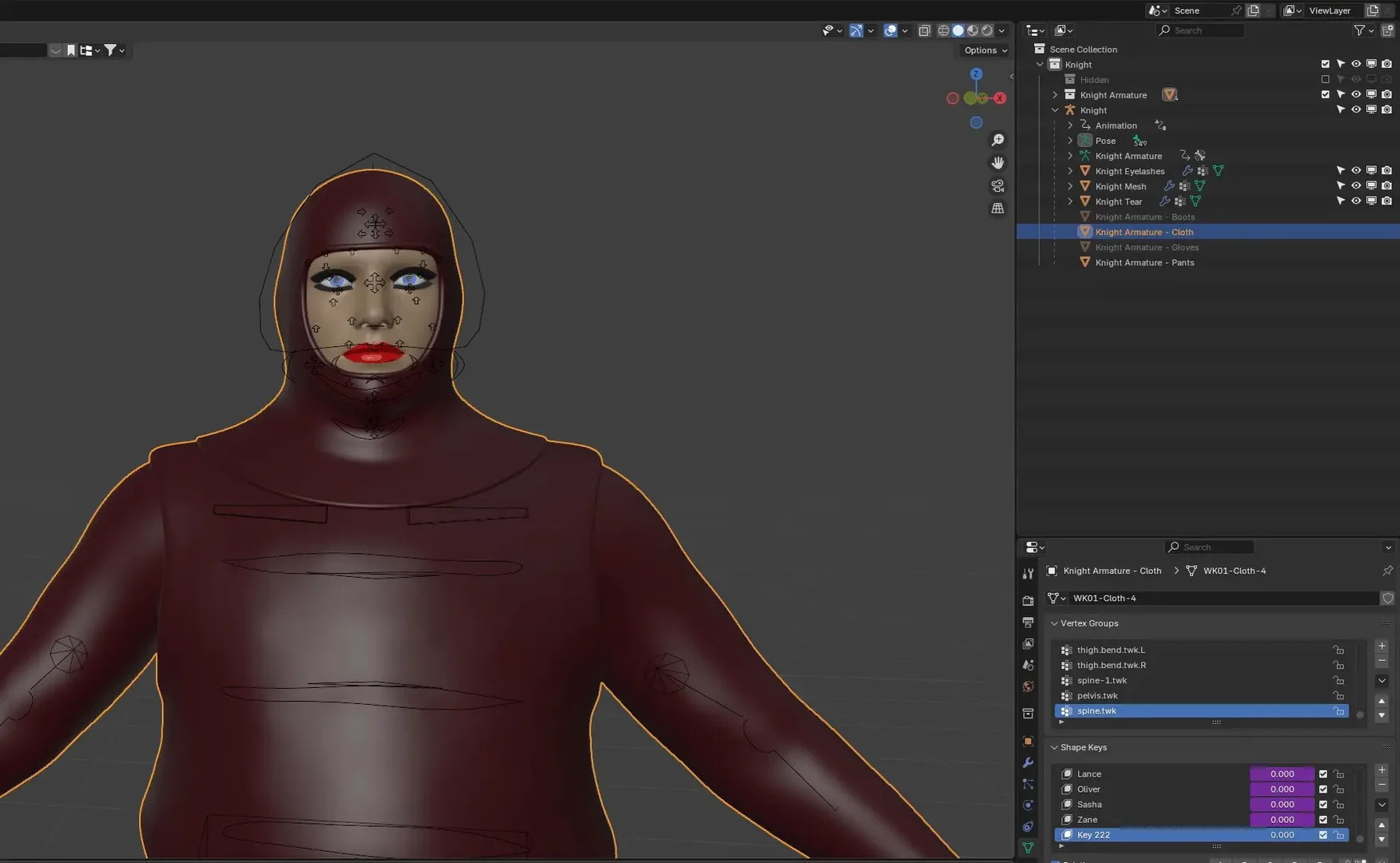
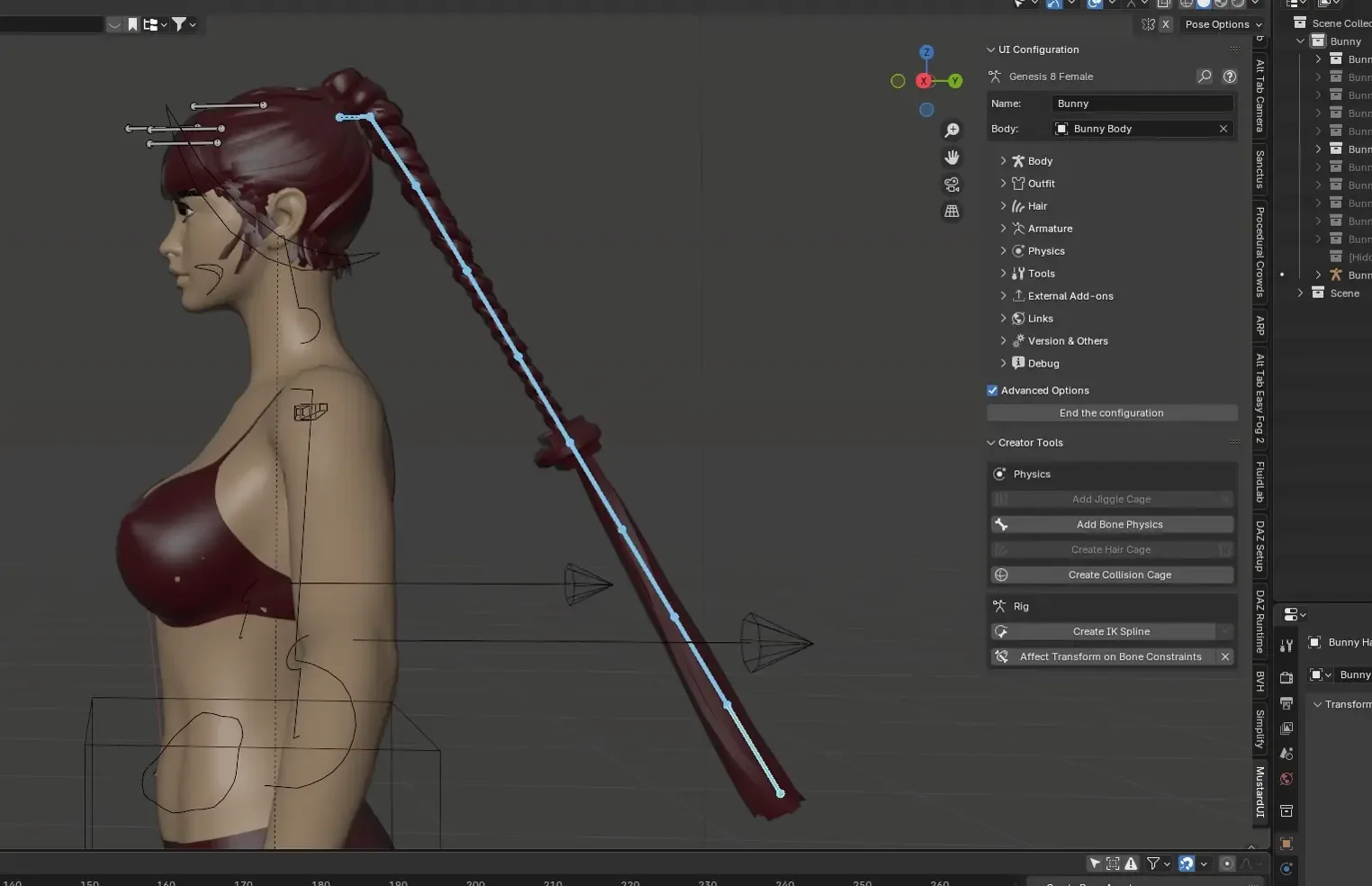
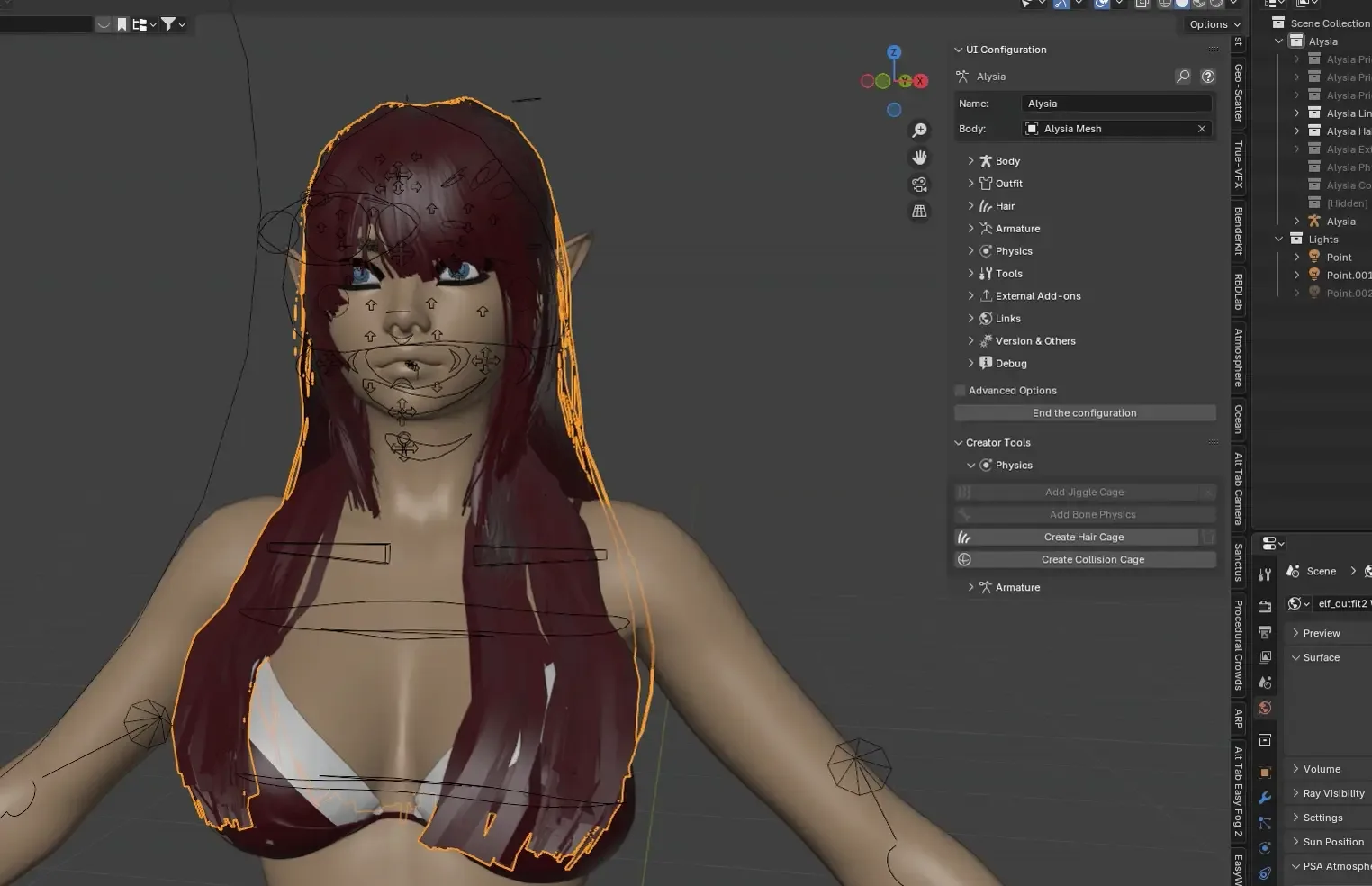
MustardUI is an extension that provides an intuitive and easy-to-use user interface for human models.
Features
The main features are:
- No Python required: build your whole UI from a panel inside Blender.
- Outfit support: mix parts from different outfits, with automatic mask and armature-layer switching on the body and hair.
- Hair support: enable or disable hair (mesh, particle, curves) and its modifiers.
- Custom properties: add any Blender property to the UI panels with a right-click.
- Morphs support: add morphs to any model, with dedicated support for Diffeomorphic Daz models.
- Automatic optimization: as you use the UI, modifiers, shape keys, drivers and collections are toggled and muted for you to keep the Viewport fast.
- Custom Simplify: disable modifiers and settings that slow down the viewport in one click.
- Creator tools: add physics and optimize your model in a few clicks.
- ...and much more.
Requirements
The only requirement is to have an Armature (which can be a simple armature or a more complex Rigify/MHX/ARP rig), from which you can start creating your UI.
Quick start
- Just click on any Armature.
- If the model already has a MustardUI, you can start using the UI to tweak the model.
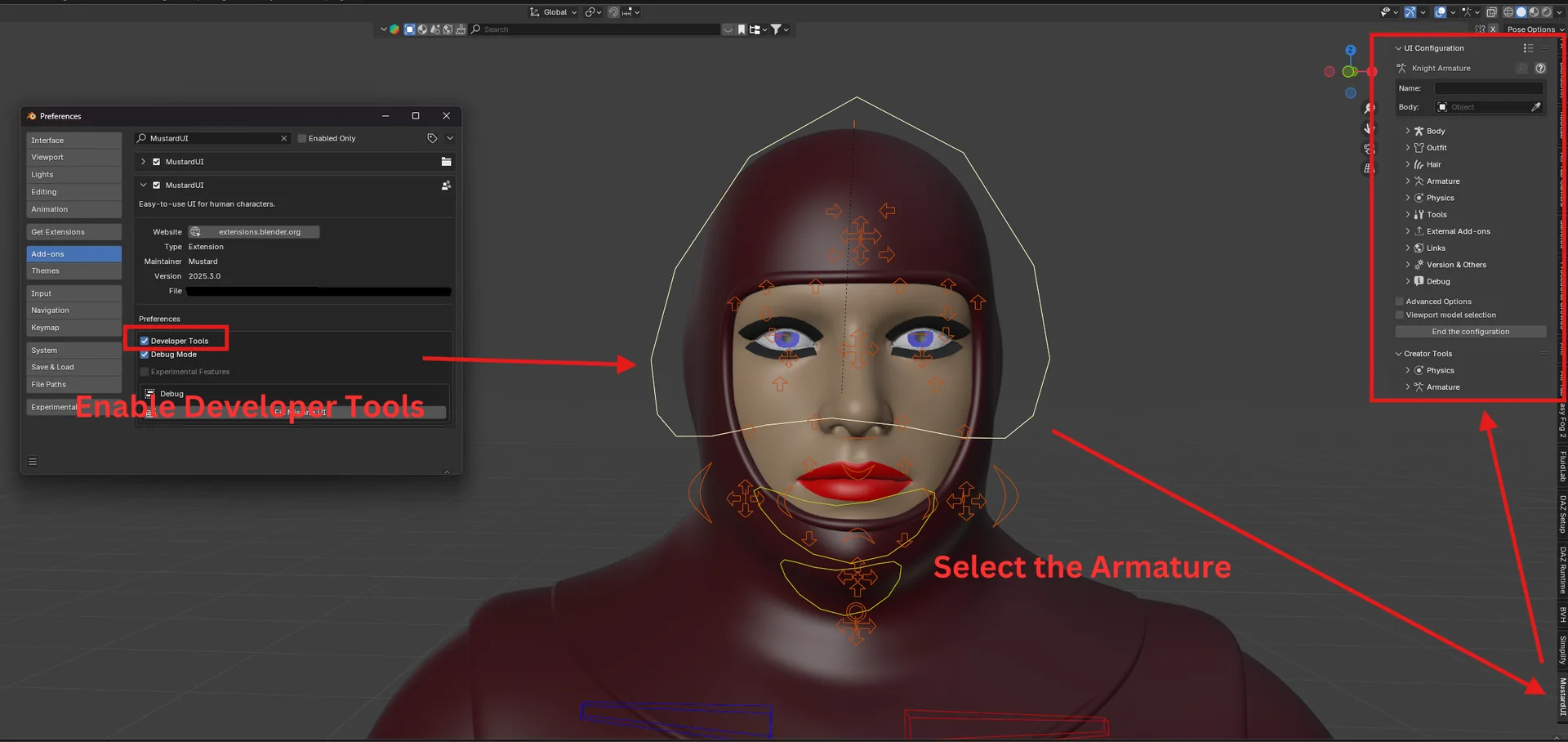
- Otherwise, a configuration mode should appear (remember to enable Developer mode in the extension settings to start creating your UIs!).
Configuration and Tutorials
For creators of models, be sure to follow the Developer Guide!
Video tutorials are available on Youtube (some are NSFW!).
What's New
2026.6.0 June 20th, 2026
Important
If the panel order is wrong in your Configuration mode (e.g. the End Configuration button is in the middle instead at the bottom), it might be that a clean reinstallation of MustardUI is necessary to fix the issue. To do so: remove the addon, restart Blender, and then reinstall it.
What's New
The most notable new feature is the Quick Setup. In a few clicks you can setup the UI on any model, without the need to go through the whole Configuration process. At the moment, Outfits, Hair and Armature (with the new automatic IK/FK snapper for models that do not have external panels such as MHX, Rigify and ARP) settings are supported, with more to come.
A new optimization which automatically excludes Collections from the scene when not used leads to a noticeable increase in performance when the models has a lot of Outfits.
Moreover, a lot of new tools to optimize the model has been added for creators, as well as general improvements on how to quickly add physics support to the outfits.
Finally, the documentation has been updated. In particular, a page with a list of all the automatic and user-triggered optimizations is available in the Wiki: https://github.com/Mustard2/MustardUI/wiki/Automatic-Optimizations
Changelog
- Feature: A new tool is available to quickly generate a MustardUI configuration without going through the whole Configuration process. This is useful to generate quick UIs on any model for the basic functions (outfits, hair, extras, armature and IK/FK functions).
- Feature: Tool to optimize Shaders (remove Image and Groups duplicates).
- Feature: Tool to select the correct Image nodes for the Texture Solid Mode in Viewport.
- Feature: Tool to optimize Shape Keys (adding a driver on the mute button based on the shape key value).
- Feature: Shape Key Morphs can now be added with a driver on their mute button.
- Feature: Outfits can now be selected directly in Configuration mode. This should make easier and more convenient to add Custom Properties or to tweak settings without having to go back and forth between user and configuration modes.
- Feature: Physics can be added to single Outfits in the Ouftits panel if the Physics UI is enabled. This is the same feature available in the Physics panel, but it add the physics to just one outfit instead of all.
- Feature: Generic IK/FK Snapper for models that are not directly supported by the UI (MHX, APR or Rigify).
- Enhancement: Armature Smart Check auto-detects "unknown" Armature type (not standard MHX, ARP or Rigify) and tries to build the Armature panel with common patterns.
- Enhancement: The Transfer Animation tool now works also on posed model (without assigned actions or NLA strips).
- Optimization: Collections are excluded from the View Layer when not used, leading to a noticeable increase in performance when Outfits/Hair/Physics are disabled.
- Optimization: Setting up the Physics for Outfits is now up to 4x faster.
- Fix: Mirror for Armature bone layers was not supporting
R_/L_or_R/_Lpatterns. - Fix: Fixed missing custom property setting in Smart Check.
- Fix #361: Original hair can reappear when toggling multiple hair switchers in one outfit (by @Ckang3D).
- Fix: The order of the Menus in User and Development mode might be wrong.
- Fix: Rebind all cages might not work for Outfits whose physics has been added with the UI.
- Fix: Error when switching outfits if one physics item object is deleted from the scene.
- Fix: Update UI button might appear also in scenes where no MustardUI compatible model was available.
- Fix: Error might appear when right clicking on Collections when MustardUI was not configured.
- Fix: The Outfit optimization options were not working correctly.
- Fix: Override Physics check was not considered in the Physics Outfits Setup operator.
- Fix: Global Mask was not updated correctly.
- Fix: Extras Physics settings were not updated correctly.
- Fix (#377): Face Controller cleanup could be slow or remove the wrong driver expression in some cases.
- Fix: Many other bugs fixed.
Deprecation Notice
The addon follows the LTS support of Blender. This means that when Blender 5.2 will be released, the support for 4.2 will be dropped. We will continue to try to support older versions, but the support won't be a guaranteed as for LTS versions.
very good