Extensions
  • Home
  • Add-ons
  • Themes
  • Approval Queue
  • About
  • Upload Extension
  • Sign in
  • BLENDER.ORG

    • Download

      Get the latest Blender, older versions, or experimental builds.

    • What's New

      Stay up-to-date with the new features in the latest Blender releases.

    DEVELOPMENT

    • Roadmap

      See which projects are currently being worked on and what's next.

    • Documentation

      Guidelines, release notes and development docs.

    LEARNING & RESOURCES

    • Blender Studio

      Access production assets and knowledge from the open movies.

    • Manual

      Documentation on the usage and features in Blender.

    • Benchmark

      A platform to collect and share results of the Blender Benchmark.

    • Blender Conference

      The yearly event that brings the community together.

    DONATE

    • Development Fund

      Support core development with a monthly contribution.

    • One-time Donations

      Perform a single donation with more payment options available.

All Add-ons

Add-on Scene MVR (.mvr) and GDTF (.gdtf)
Scene MVR (.mvr) and GDTF (.gdtf)
My Virtual Rig and General Device Type Format.
Add-on by NRGSille
About What's New Permissions Reviews Version History
Fixture Control Blender Screen MVR Exporter MVR Importer GDTF Importer Blender Workspace EEVEE Render Cycles Render Import from VX Target Tracking

MVR (.mvr) and GDTF (.gdtf) for Blender


My Virtual Rig (.mvr) and General Device Type Format (.gdtf)

Category:

  • Import-Export

Location:

  • File --> Import-Export --> My Virtual Rig (.mvr)
  • File --> Import --> General Device Type Format (.gdtf)

Manual:

  • ->Documentation<-

Authors:

  • Sebastian Schrand, Vanous, Hugo Aboud

Maintainer:

  • Sebastian Sille (NRGSille)

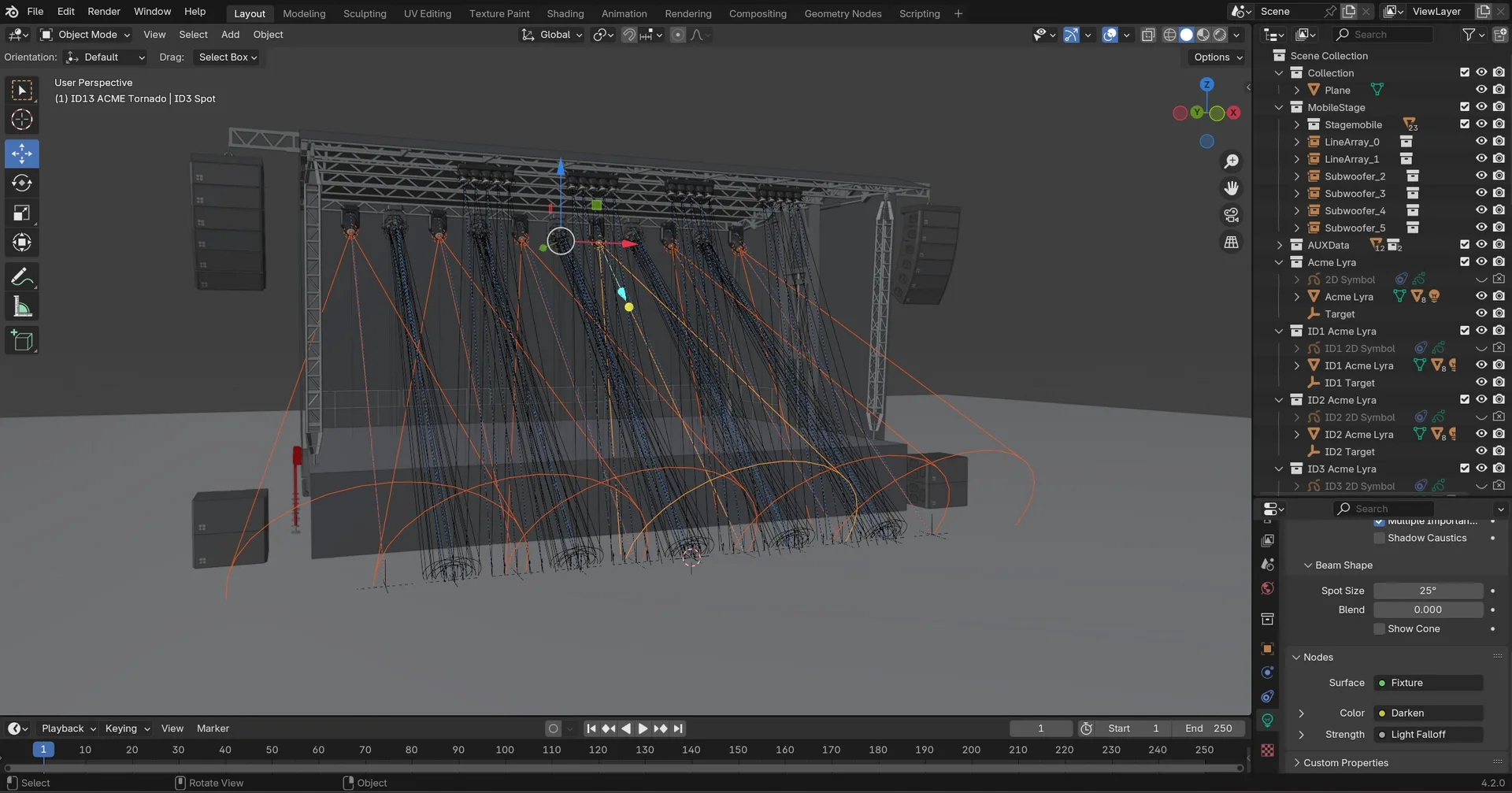
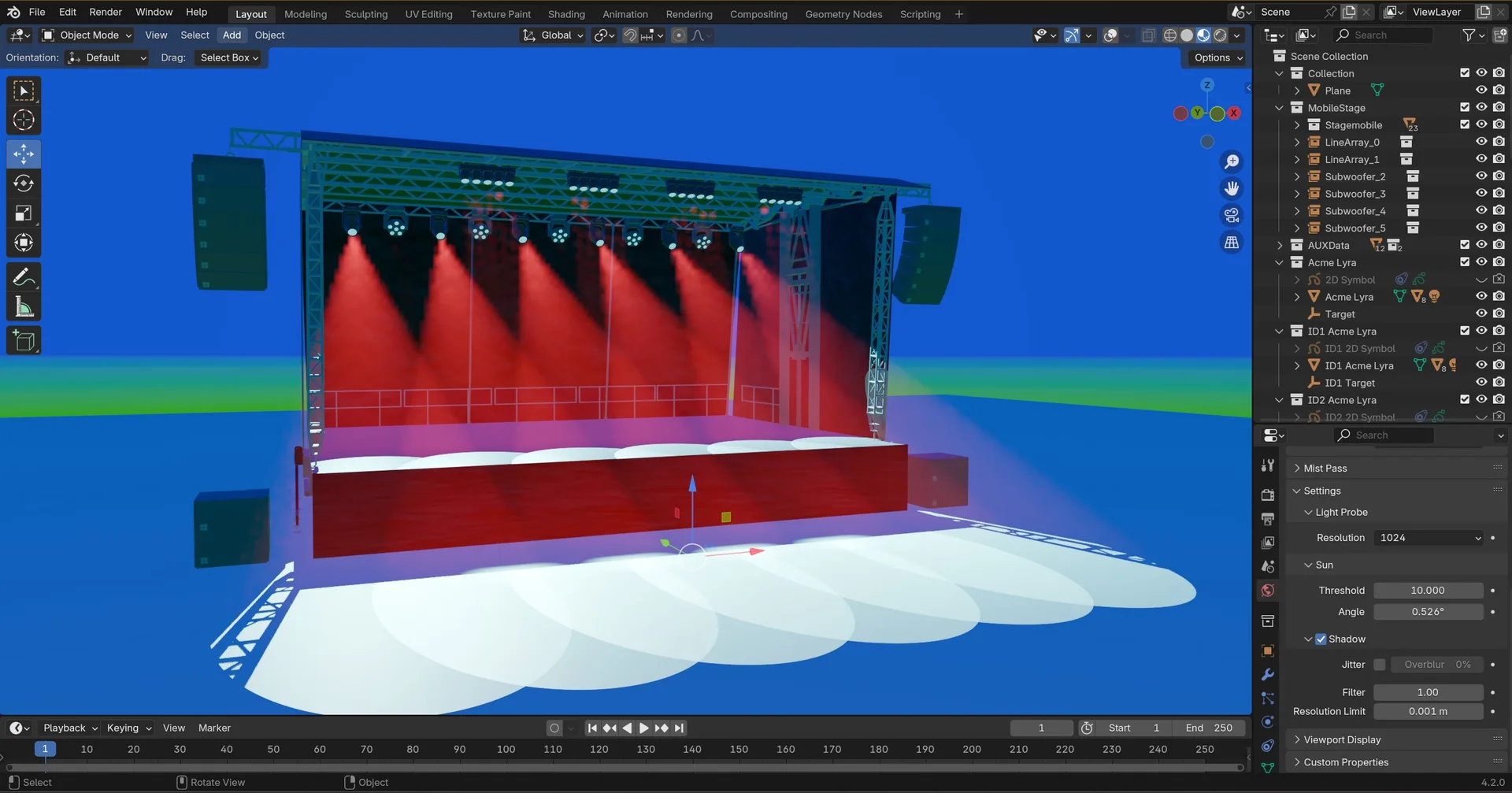
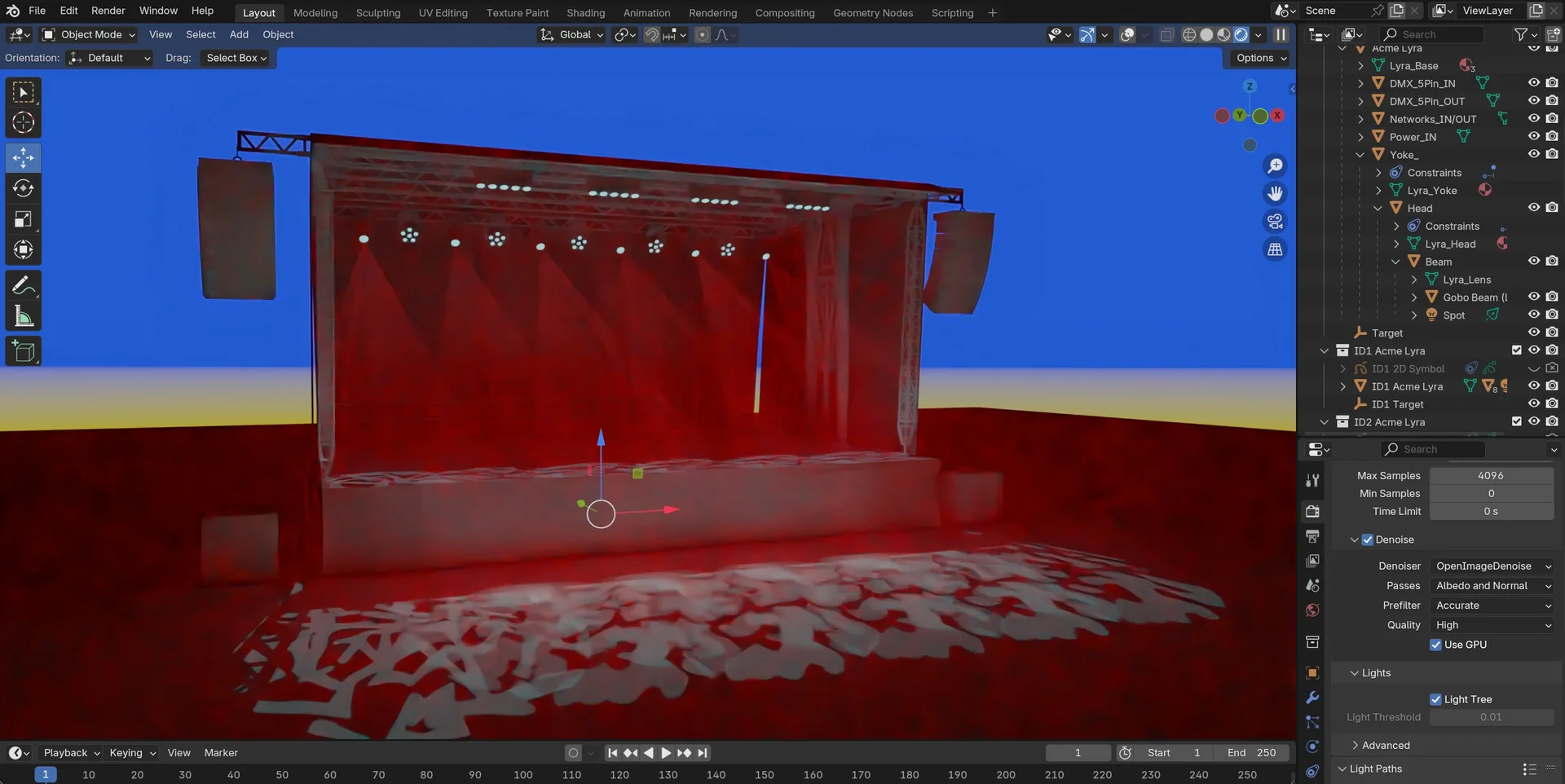
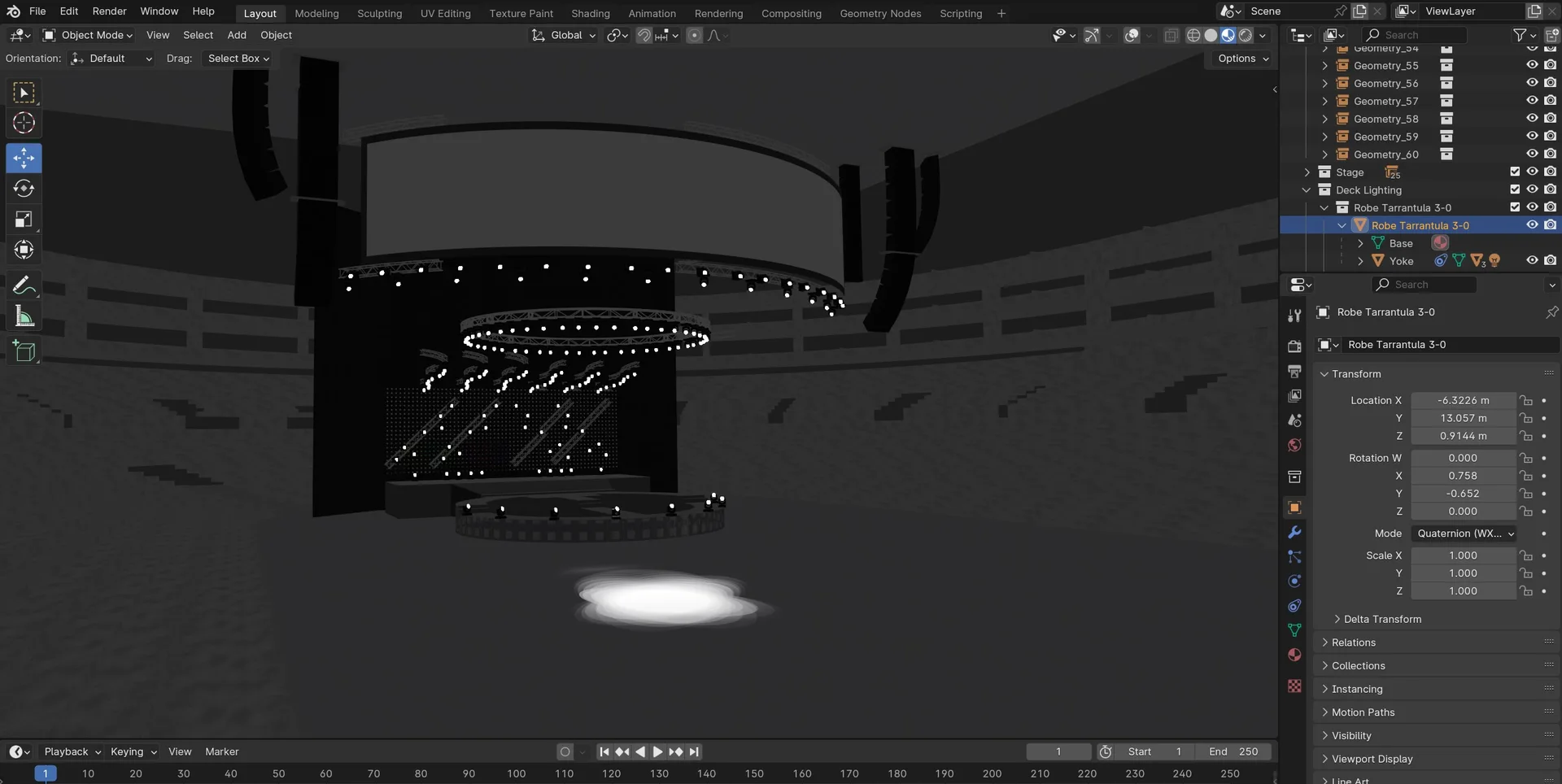
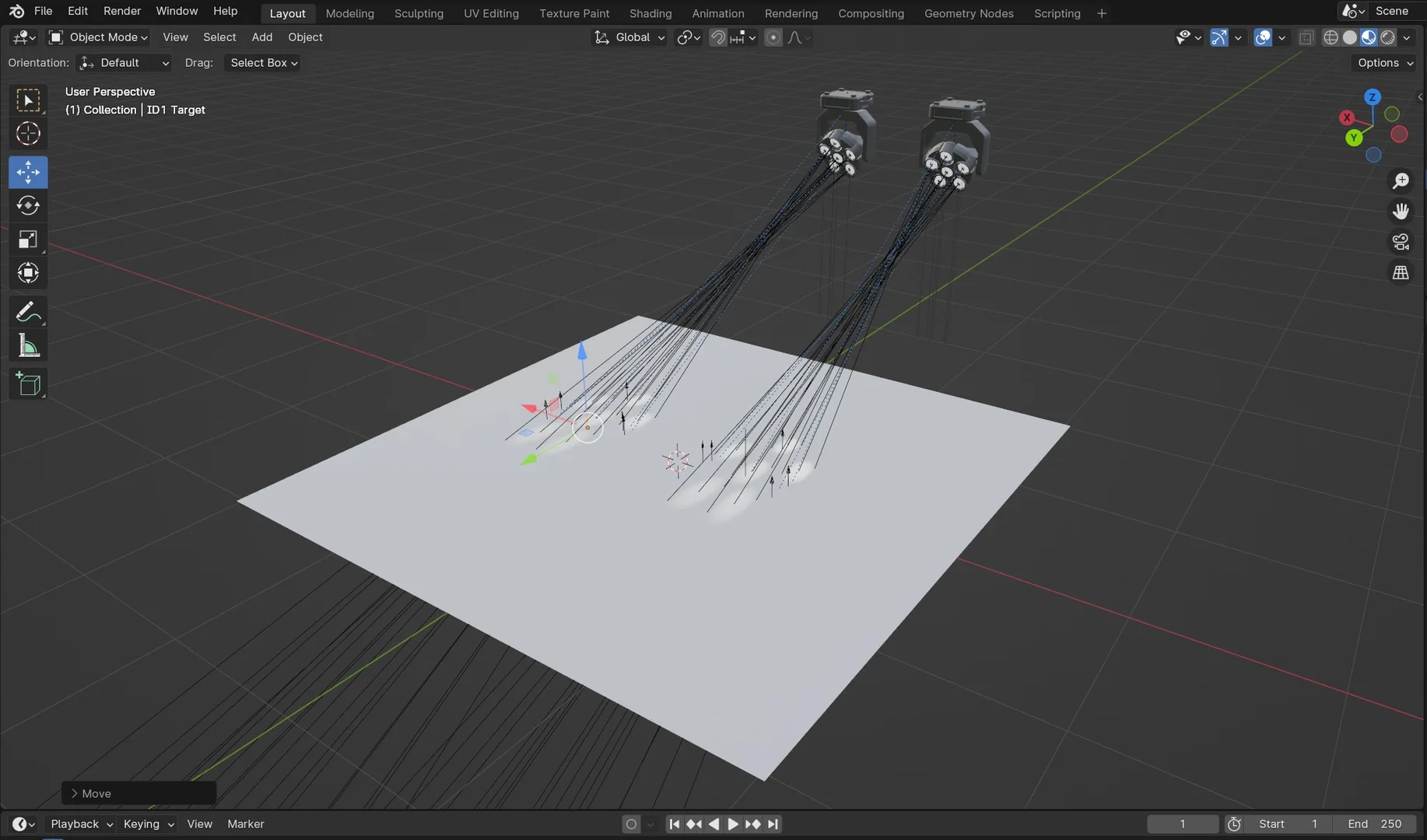
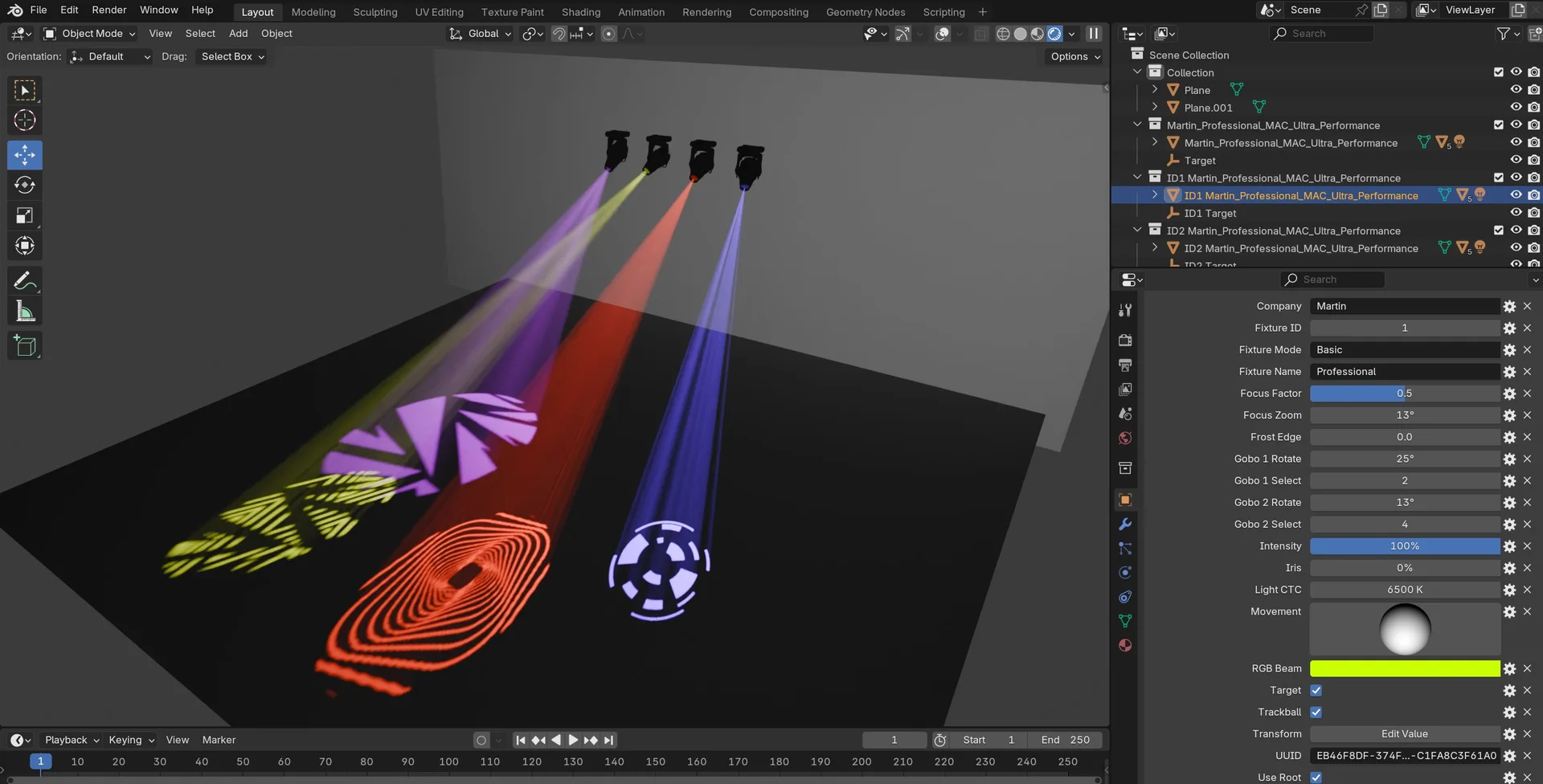
Extension for importing and exporting My Virtual Rig (.mvr ) files and for importing General Device Type Format (.gdtf ). GDTF files will be imported with targets to easily focus the fixture or they can be controlled with a trackball. The attributes and features of a fixture can be controlled from the custom property panel of the base model. Supported attributes are Pan, Tilt, RGB, CTC, Focus, Frost, Zoom, Intensity, Iris, Gobo and Gobo Rotate. Each fixture has its own index and will be replaced if another fixture with the same index is imported. MVR files wich are not including GDTF files will import a generic default fixture for the placeholders. The Exporter exports layer collections as Layer, the child collections with children as GroupObject and collections with objects and no children as SceneObject. The mesh objects of a collection will be exported as Geometry3D and instance objects will be exported as Symbol with the instance collection as Symdef. Fixture collections will be exported as Fixture and the targets will be exported as FocusPoint. Children of a target will be exported as Geometries. GDTF fixtures can be exported within a MVR file if they are in the predefined path wich can be setted in the addon preferences or the collection exporter.


What's New

1.5.4 April 21st, 2026

Updated pymvr wheel 0b6f39e
Uploaded pymvr 1.0.7 35f5309

Import GDTF:

  • Fixed emission strength driver 35ba58c

See all versions


Permissions

This extension requests the following permission:

  • Files

    General Device Type Format and My Virtual Rig files

Developer
NRGSille
Rating
(5)
Version
1.5.4
Updated
2 mo
Published
Aug. 5th, 2024
Downloads
11023
Size
310.2 KB
Compatibility
Blender 4.2 LTS and newer
Website
github.com/nrgsille76/io_scene_mvr
Report Issues
github.com/nrgsille76/io_scene_mvr/issues
License
GNU General Public License v3.0 or later
Import-Export Lighting Rigging Scene Tracking
...or download and Install from Disk
  • 310.2 KB

Reviews

See all
  • Kgabe
  • v1.4.9
  • 9 mo

It's good. Would be nice having a text object in the collection of the fixture, that shows fixt name or fixt id (not Blender name on viewport since It cannot be rendered) to create plots

  • SunnyFlow
  • v1.1.5
  • 1 y

Neat :)

  • Seba-Zen
  • v1.1.4
  • 1 y

Awesome! Great idea ;)

5.0

5 reviews
5
4
3
2
1
Rate this Add-on Report an issue
  • About
  • Privacy Policy
  • Terms of Service
About
  • Blender Foundation
  • Blender Institute
  • Blender Studio
  • License
  • Logo & Trademark
  • Credits
  • Privacy Policy
  • Code of Conduct
Organization
  • People
  • Jobs
Blender Network
Download
  • Latest Blender
  • Blender LTS
  • Previous Versions
  • Experimental Builds
  • Source Code
  • Requirements
  • Benchmark
  • Flamenco
Extensions
  • Add-ons
  • Themes
Developers
  • Get Started
  • Roadmap
  • Projects
  • Docs
  • Blog
  • Forum
  • YouTube
  • Python API
Blender Studio
  • Films
  • Training
  • Tools & Pipeline
Support
  • Manual
  • Community
  • FAQ
Get Involved
  • Documentation
  • Education
News
  • Press Releases
  • User Stories
Blender Conference
Follow Blender
Support Blender
  • Donate
  • One-time Donation
Artistic freedom starts with Blender The Free and Open Source 3D Creation Suite