Extensions
  • Home
  • Add-ons
  • Themes
  • Approval Queue
  • About
  • Upload Extension
  • Sign in
  • BLENDER.ORG

    • Download

      Get the latest Blender, older versions, or experimental builds.

    • What's New

      Stay up-to-date with the new features in the latest Blender releases.

    DEVELOPMENT

    • Roadmap

      See which projects are currently being worked on and what's next.

    • Documentation

      Guidelines, release notes and development docs.

    LEARNING & RESOURCES

    • Blender Studio

      Access production assets and knowledge from the open movies.

    • Manual

      Documentation on the usage and features in Blender.

    • Benchmark

      A platform to collect and share results of the Blender Benchmark.

    • Blender Conference

      The yearly event that brings the community together.

    DONATE

    • Development Fund

      Support core development with a monthly contribution.

    • One-time Donations

      Perform a single donation with more payment options available.

All Add-ons

Add-on HAS Paint Layers
HAS Paint Layers

Layers for texture painting.
Add-on by Hirourk
About What's New Permissions Reviews Version History
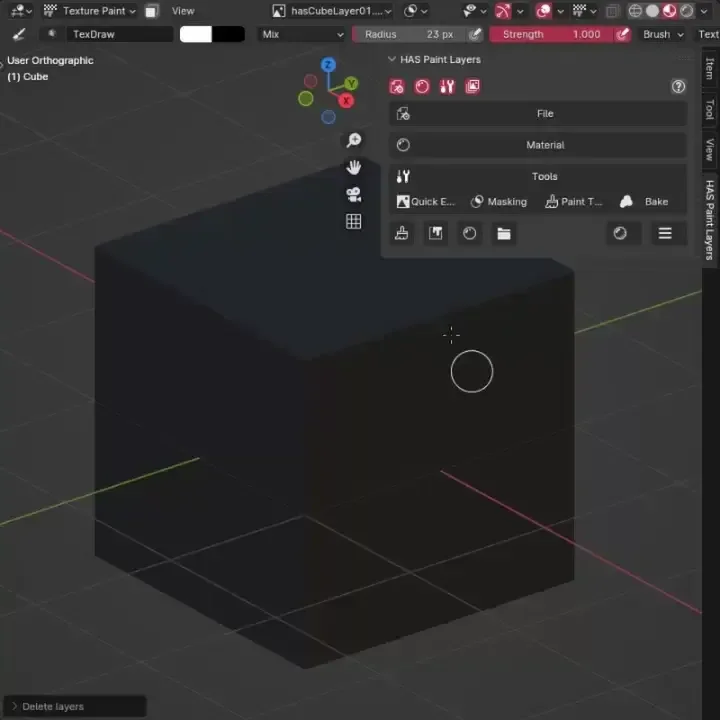
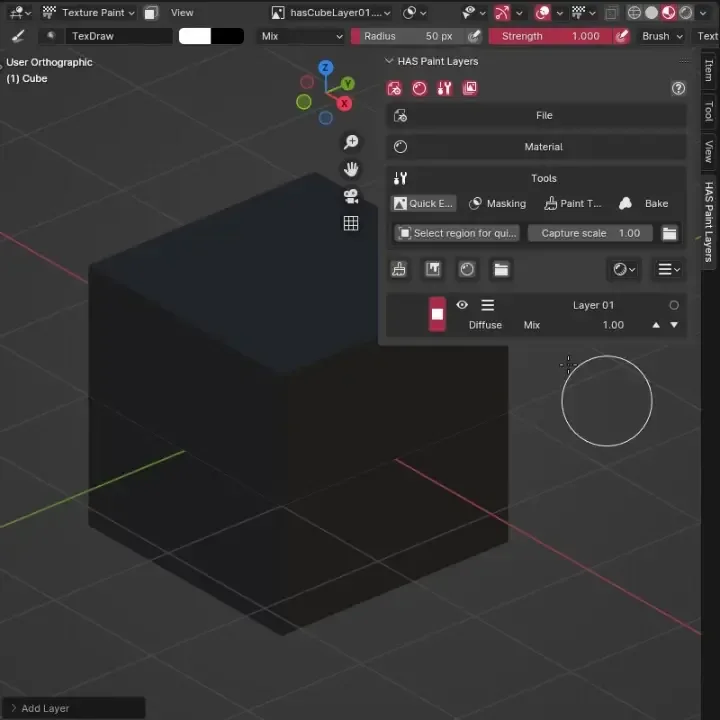
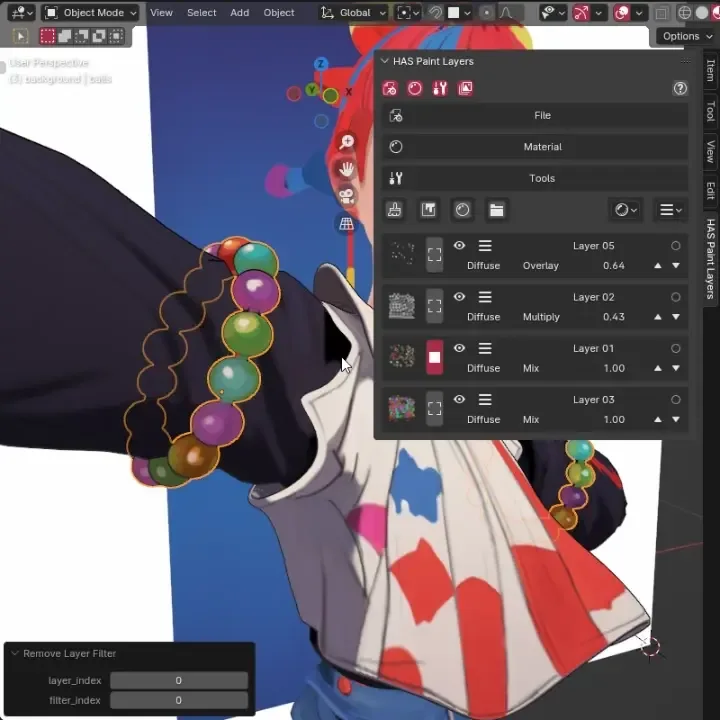
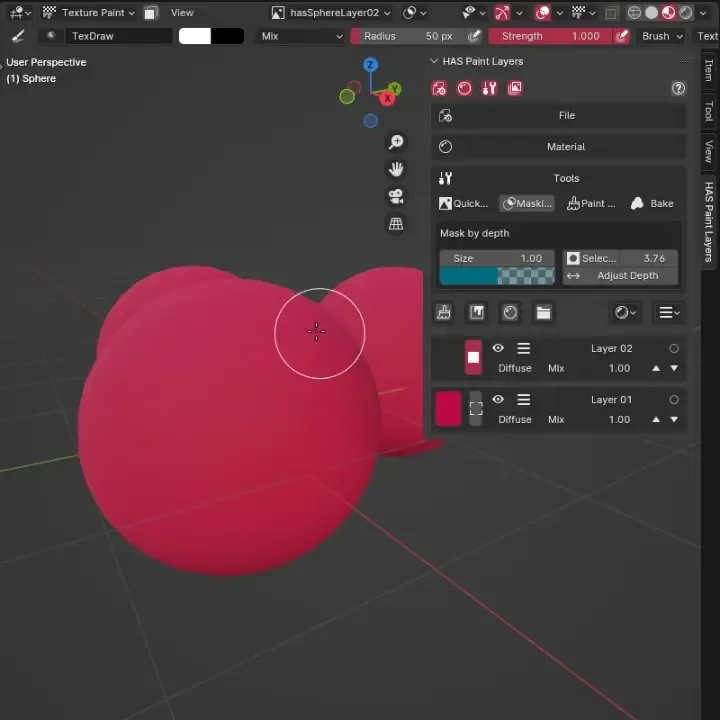
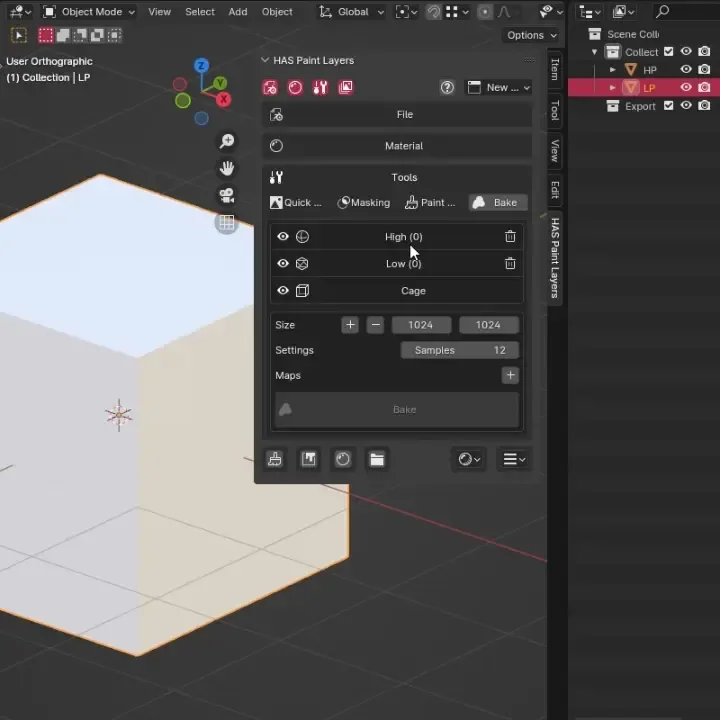
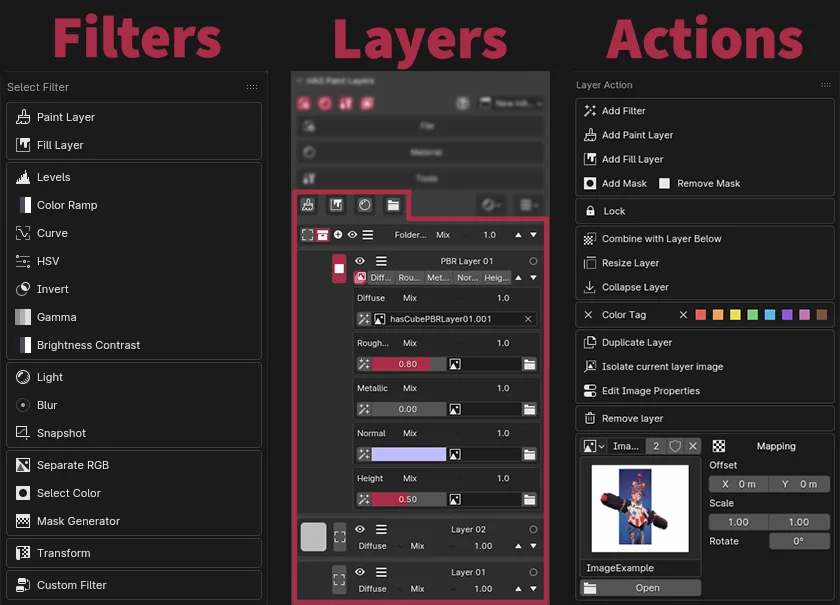
Actions Simple layer and filters Quick edit Tool Filter Levels Mask Tool Bake Tool Paint by PBR Showcase Light Filter

HAS Paint Layers is a Blender add-on for artists looking to streamline their texture painting process. This add-on allows you to create and manage multiple layers for paint textures, use filters, baking and other tools.


Key Features:

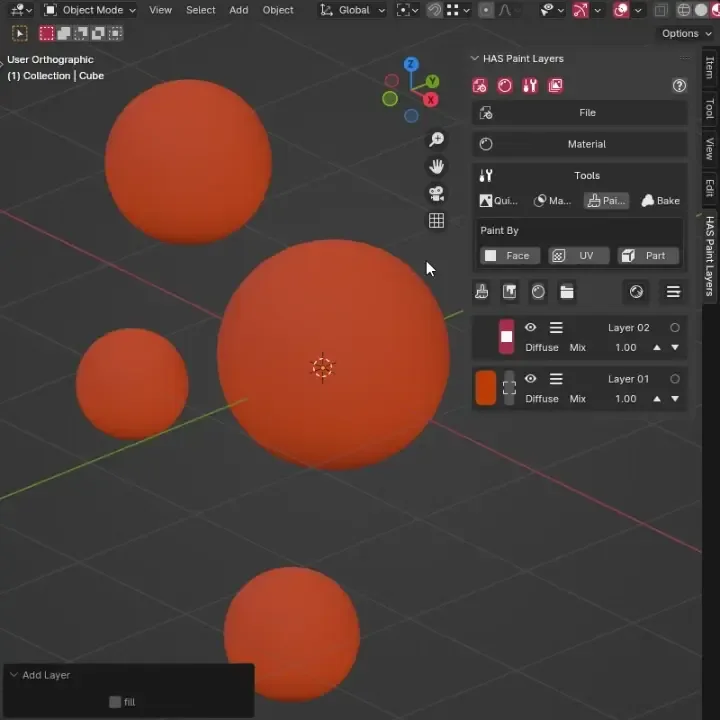
  • Layer Management: Create, organize, and manage multiple paint layers.
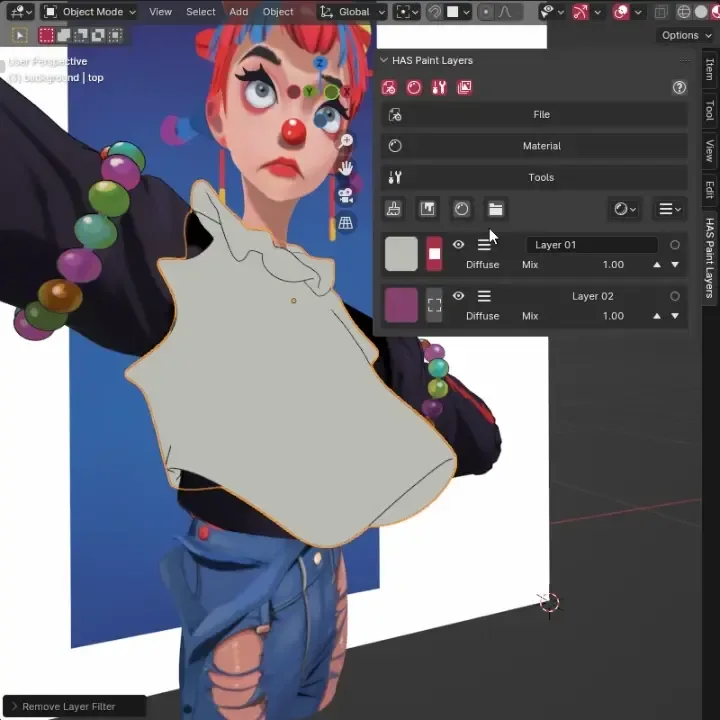
  • Filters: Each layer can have unlimited amount of filters and masks.
  • Easy Bake
  • Paint tools
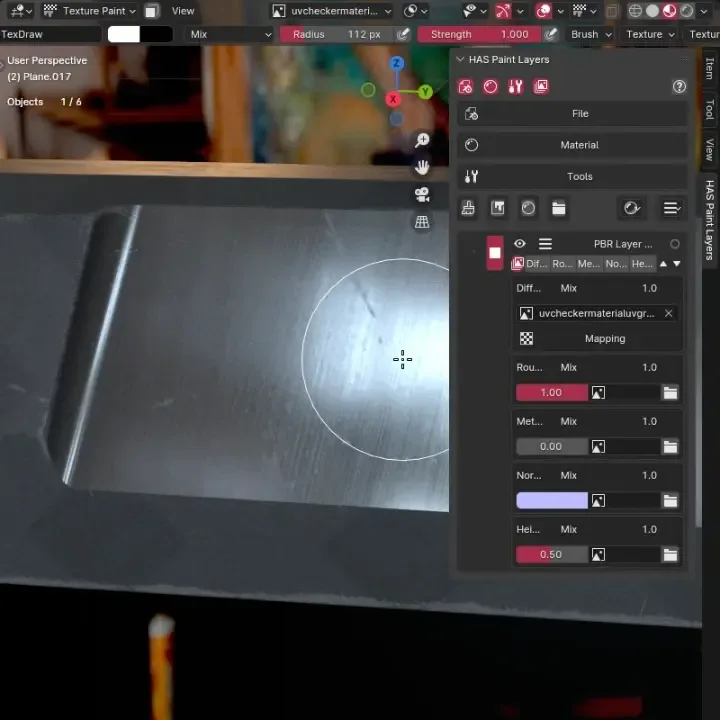
  • PBR Texture Painting: Texturing PBR channels and easy setup
  • Blending Modes
  • Preview images and colors for layers
  • Create custom node group and use it as filter
  • Combine layers, Apply filters, Resize
  • Export created textures or as ORA
  • Autosave textures

How to start?

After installation, you can find HAS Paint Layers on the side panel in 3d View. Select any mesh, make sure it is unwrapped. Navigate to add-on panel, and click Setup Material and Setup Scene. Then add paint layer (Brush icon on bottom left corner) and you can start painting. For additional information, use wiki - hirourk.github.io/HASPaintLayersWiki/


What's New

0.8.93 January 15th, 2025
  • Removed all eval() calls

Permissions

This extension requests the following permission:

  • Files

    Store temporary images

Developer
Hirourk
Rating
(14)
Version
0.8.93
Updated
1 y
Published
Jan. 4th, 2025
Downloads
22834
Size
66.5 KB
Compatibility
Blender 4.2 LTS and newer
Website
hirourk.github.io/HASPaintLayersWiki/index
Report Issues
github.com/Hirourk/HASPaintLayers
License
GNU General Public License v3.0 or later
Paint Bake
...or download and Install from Disk
  • 66.5 KB

Reviews

See all
  • 木子
  • v0.8.93
  • 1 w

Python: Traceback (most recent call last): File "C:\Users\Microsoft\AppData\Roaming\Blender Foundation\Blender\5.1\extensions\blender_org\has_paint_layers\bake.py", line 377, in execute bake_scene, material, plane, output_node, colorfix, alphasocket, camera = setup_bake_scene(basescene) ~~~~~~~~~~~~~~~~^^^^^^^^^^^ File "C:\Users\Microsoft\AppData\Roaming\Blender Foundation\Blender\5.1\extensions\blender_org\has_paint_layers\bake.py", line 528, in setup_bake_scene new_scene.view_layers["ViewLayer"].use_pass_combined = False ~~~~~~~~~~~~~~~~~~~~~^^^^^^^^^^^^^ KeyError: 'bpy_prop_collection[key]: key "ViewLayer" not found' Saving the texture or merging the layers will result in an error.

  • Monotom
  • v0.8.93
  • 1 mo

This addon is amazing! I have one problem, why i cant find "Delete layer" option anywhere? I saw the screenshots on this addon page and in the layer actions panel, there is a delete layer option... but that's missing on my site for some reason.... what am I doing wrong?

  • maulik-shakya
  • v0.8.93
  • 3 mo

great addon- it is texture material compositing at best

5.0

14 reviews
5
4
3
2
1
Rate this Add-on Report an issue
  • About
  • Privacy Policy
  • Terms of Service
About
  • Blender Foundation
  • Blender Institute
  • Blender Studio
  • License
  • Logo & Trademark
  • Credits
  • Privacy Policy
  • Code of Conduct
Organization
  • People
  • Jobs
Blender Network
Download
  • Latest Blender
  • Blender LTS
  • Previous Versions
  • Experimental Builds
  • Source Code
  • Requirements
  • Benchmark
  • Flamenco
Extensions
  • Add-ons
  • Themes
Developers
  • Get Started
  • Roadmap
  • Projects
  • Docs
  • Blog
  • Forum
  • YouTube
  • Python API
Blender Studio
  • Films
  • Training
  • Tools & Pipeline
Support
  • Manual
  • Community
  • FAQ
Get Involved
  • Documentation
  • Education
News
  • Press Releases
  • User Stories
Blender Conference
Follow Blender
Support Blender
  • Donate
  • One-time Donation
Artistic freedom starts with Blender The Free and Open Source 3D Creation Suite