Extensions
  • Home
  • Add-ons
  • Themes
  • Approval Queue
  • About
  • Upload Extension
  • Sign in
  • BLENDER.ORG

    • Download

      Get the latest Blender, older versions, or experimental builds.

    • What's New

      Stay up-to-date with the new features in the latest Blender releases.

    DEVELOPMENT

    • Roadmap

      See which projects are currently being worked on and what's next.

    • Documentation

      Guidelines, release notes and development docs.

    LEARNING & RESOURCES

    • Blender Studio

      Access production assets and knowledge from the open movies.

    • Manual

      Documentation on the usage and features in Blender.

    • Benchmark

      A platform to collect and share results of the Blender Benchmark.

    • Blender Conference

      The yearly event that brings the community together.

    DONATE

    • Development Fund

      Support core development with a monthly contribution.

    • One-time Donations

      Perform a single donation with more payment options available.

All Add-ons

Add-on Context Pie
Context Pie
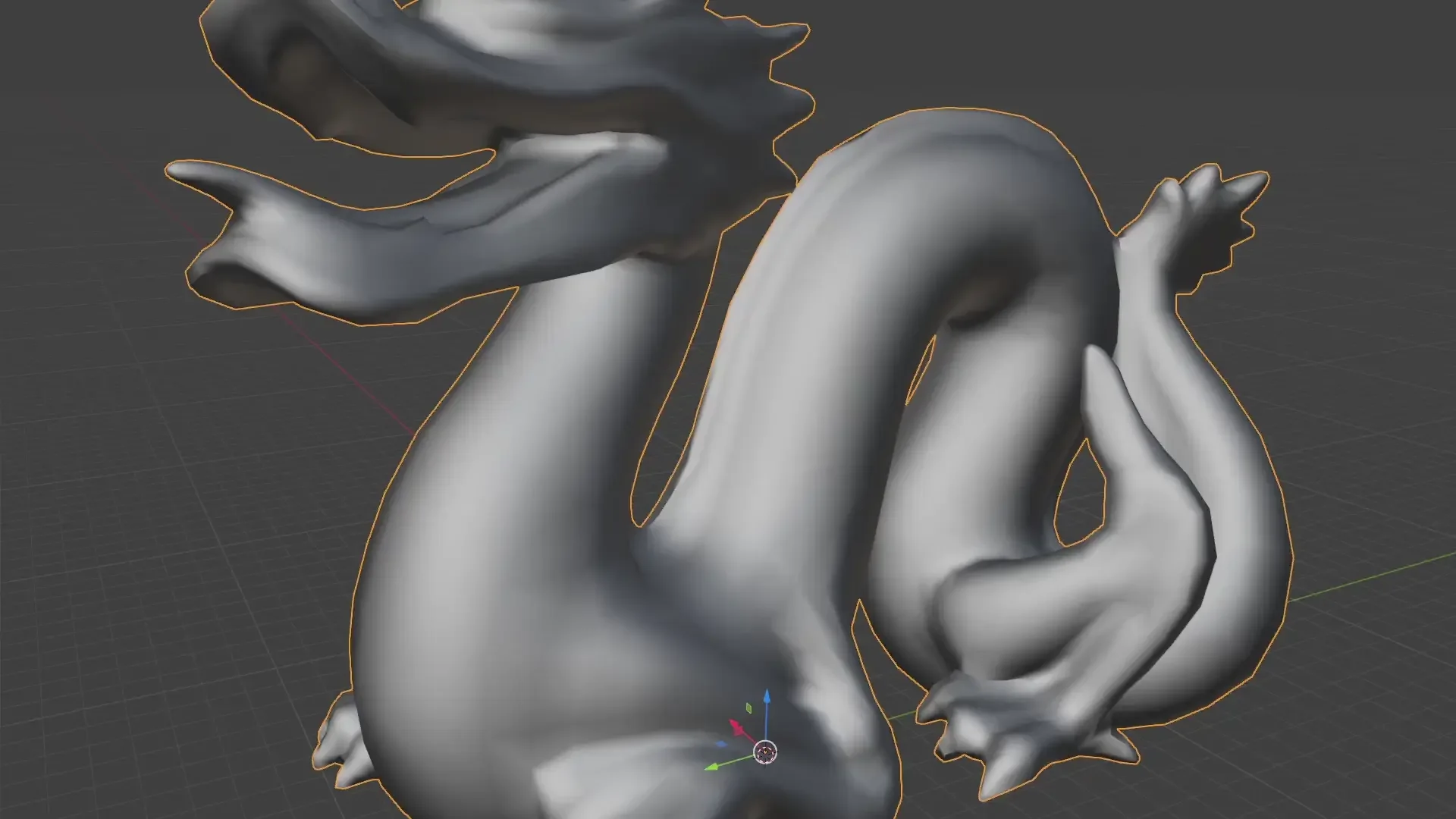
Context sensitive pie menu for a simple, fast workflow.
Add-on by BastianLS
About What's New Reviews Version History
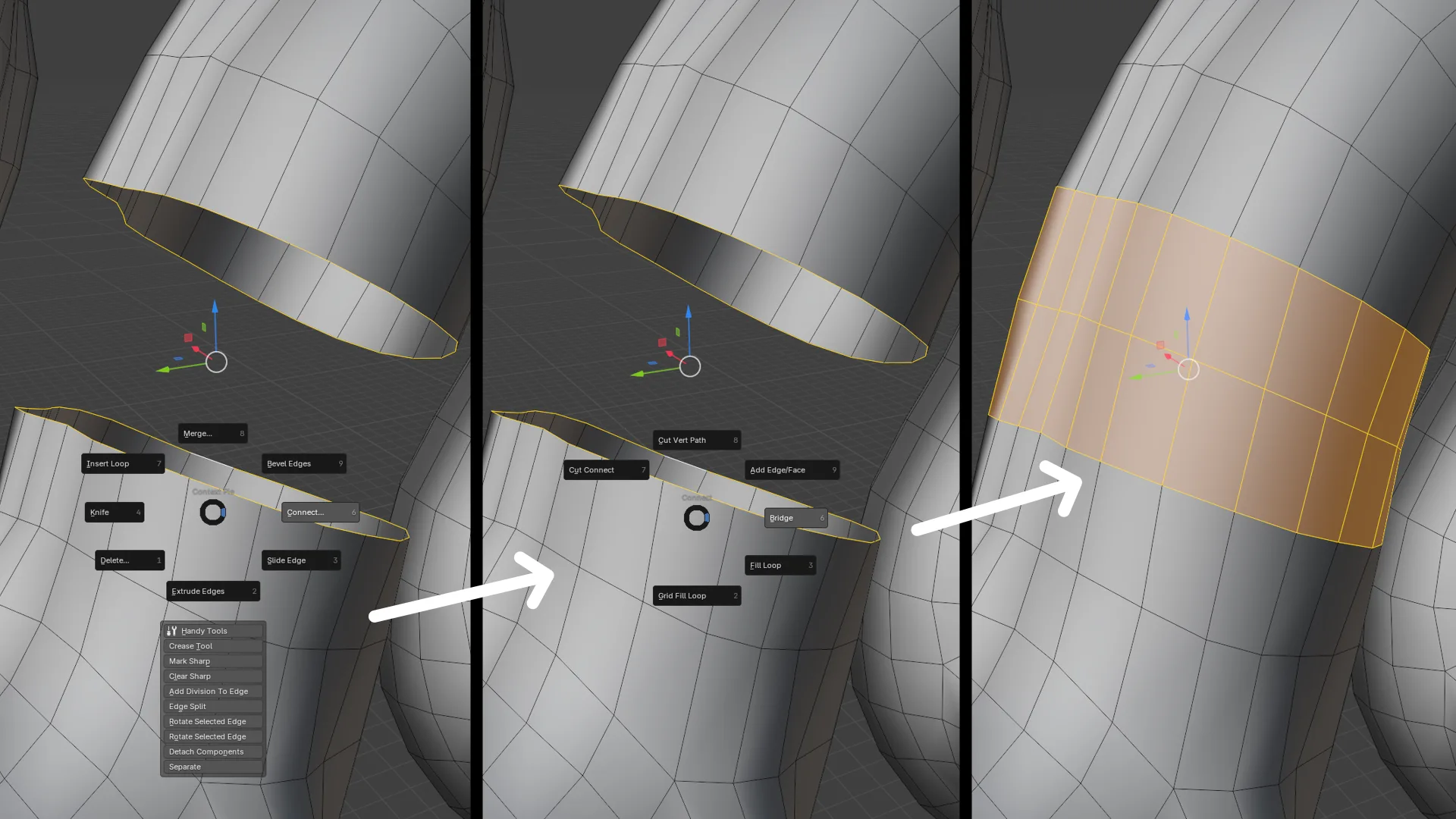
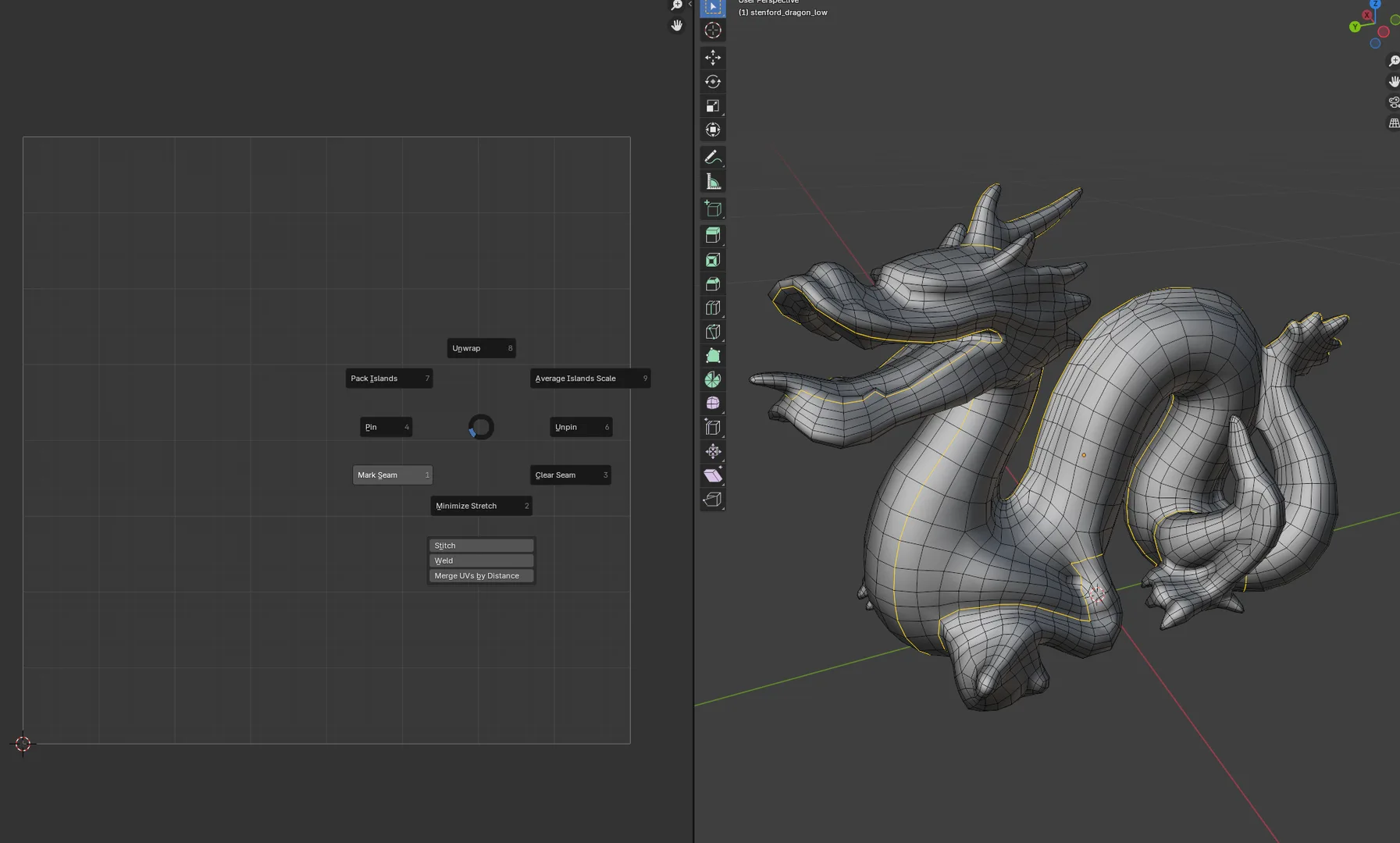
Poly Modeling Workflow Merging Vertices Edge Bridging UV Context

Context Sensitive Pie Menu

3 hotkeys to access most functionality as fast as possible. Brings pie menus to poly modeling, curve editing, uv mapping, node editors and animation. Replaces the traditional context menu with a pie menu, enabling many more functions on the same hotkey. Pie menus gets faster to navigate with muscle memory and lets you focus on the task at hand. Operations are sensibly placed across contexts. The top option will "Merge" in Edit mode, "Join" in Object mode and "Make Segment" between selected points in Edit Curve mode.

Shortcuts

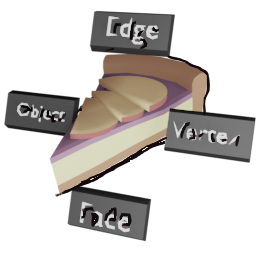
Right Mouse : Mode selection pie menu

Shift + Right Mouse: Context sensitive pie menu

Ctrl + Right Mouse: Pivots/Node Links pie menu

Made with inspiration from an ancient Mayan pie recipe and works well with the industry compatible keymap.


What's New

0.9.51 May 8th, 2026

Node Editor Pie Menus!

  • New Pie menus across Shader, Geometry and Compositor Node Editors

  • Heavily integrated with Node Wrangler core addon (enable in preferences)

  • Custom operators to change Mix/Math modes (multiply, add, subtract...)

  • Still experimental, feedback welcome and can be separately disabled in preferences

  • Fix to bug causing "Edit Mesh: Mode > Select..." menu to not display all options (reported by Ionos-Warii & JwarnerDev)

See all versions


Permissions

This extension does not require special permissions.

Developer
BastianLS
Rating
(45)
Version
0.9.51
Updated
1 mo
Published
March 1st, 2024
Downloads
35089
Size
167.1 KB
Compatibility
Blender 5.1 and newer
Website
github.com/bastianlstrube/ContextPie
Report Issues
github.com/bastianlstrube/ContextPie/issues
License
GNU General Public License v3.0 or later
3D View UV User Interface
...or download and Install from Disk
  • 167.1 KB

Reviews

See all
  • Prabakaran
  • v0.9.51
  • 3 w

Absolute 10/10 love it

  • Ionos-Warii
  • v0.9.40
  • 1 mo

Absolutely incredible add-on, it's made such a massive difference when it comes to learning / using Blender. I'm not sure if this is the appropriate place, but one thing that would be awesome is to have the Select Pie Menu (RMB) in edit mode expanded to include Select Edge Loops and Select Edge Rings. It currently only has Select Boundary.

  • BastianLS replied
  • 1 mo

Thank you! There should be all of these in Edit Mesh Mode: Boundary, Ring, Loop, Checker, Invert, Mirror, Linked, Inside. If not, are you able to create an issue and post screenshots on github?: https://github.com/bastianlstrube/ContextPie/issues

  • Mark
  • v0.9.40
  • 1 mo

Great and useful addon. Wished there was a more complex shading pie menu. But with other pie menu addons this is a great addon to pair with them.

  • BastianLS replied
  • 1 mo

Thanks for the review. I'm testing a whole rework of the node editor pie menus (Shading, Compositor, Geo Nodes). It is currently available on github, link here on the page. Feedback is very welcome

5.0

45 reviews
5
4
3
2
1
Rate this Add-on Report an issue
  • About
  • Privacy Policy
  • Terms of Service
About
  • Blender Foundation
  • Blender Institute
  • Blender Studio
  • License
  • Logo & Trademark
  • Credits
  • Privacy Policy
  • Code of Conduct
Organization
  • People
  • Jobs
Blender Network
Download
  • Latest Blender
  • Blender LTS
  • Previous Versions
  • Experimental Builds
  • Source Code
  • Requirements
  • Benchmark
  • Flamenco
Extensions
  • Add-ons
  • Themes
Developers
  • Get Started
  • Roadmap
  • Projects
  • Docs
  • Blog
  • Forum
  • YouTube
  • Python API
Blender Studio
  • Films
  • Training
  • Tools & Pipeline
Support
  • Manual
  • Community
  • FAQ
Get Involved
  • Documentation
  • Education
News
  • Press Releases
  • User Stories
Blender Conference
Follow Blender
Support Blender
  • Donate
  • One-time Donation
Artistic freedom starts with Blender The Free and Open Source 3D Creation Suite