 Bone Eyedropper
Eyedrop a bone from active or target and assign it to a property.
Overview
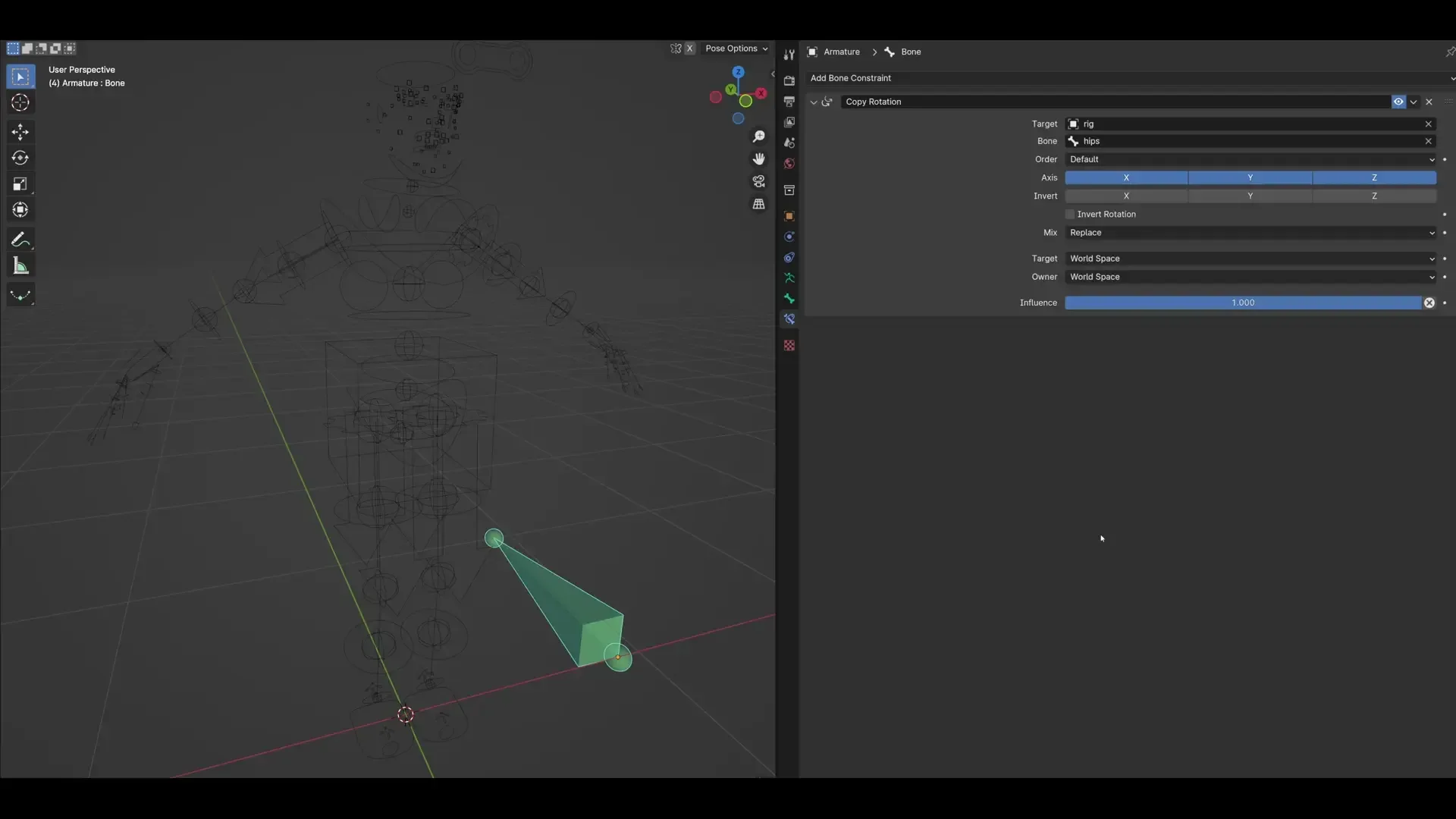
Simple eyedropper tool to select and enter bones directly from the 3DView into properties. Even if the property has been added by add-ons, etc.
Features
Direct input
The selected bone is entered directly into the property field. The armature used to get is the active object, or in the case of a constraint property, the constraint target.
Copy to clipboard
When executed outside of the property field, the selected bone name is saved to the clipboard.
How to use
Direct input :
String/EditBone/PoseBone Property field>Context Menu (Right Click)>Bone EyedropperCopy to clipboard :
3D View>Context Menu (Right Click)>Bone Eyedropper
Known Issues
- In the edge case, there will be a slight discrepancy between the preview and B-bone shape
What's New
1.1.8 November 10th, 2025
Blender 5.0.0 Compatibility
This version introduces full compatibility with Blender 5.0.0. All features have been updated to work with the latest API changes.
Changes
- Massive Performance Overhaul: The operator's performance has been dramatically improved. By reducing unnecessary scene updates, responsiveness is now excellent even in complex scenes or on armatures with a high bone count.
- Data Pre-fetching: All bone data is now pre-fetched and cached when the operator starts, eliminating data access during mouse movement for a smooth, real-time experience.
- Shader Caching: All drawing shaders are now compiled only once when the operator is invoked, rather than on every frame.
Fixes
- Fixed Critical Lag: Removed a
context.view_layer.update()call from themodalfunction, which caused the entire scene to re-evaluate on every mouse movement. - Fixed
AttributeErroron Custom Properties: The add-on now correctly distinguishes between RNA attributes (likesubtarget) and Custom Properties. - Fixed RNA Pointer Assignment: Corrected a bug where assigning
EditBoneorPoseBonetypes to RNA properties would fail.
Bro change from context menu to default blender eyedropper then someone can works fast