 Neon Nexus

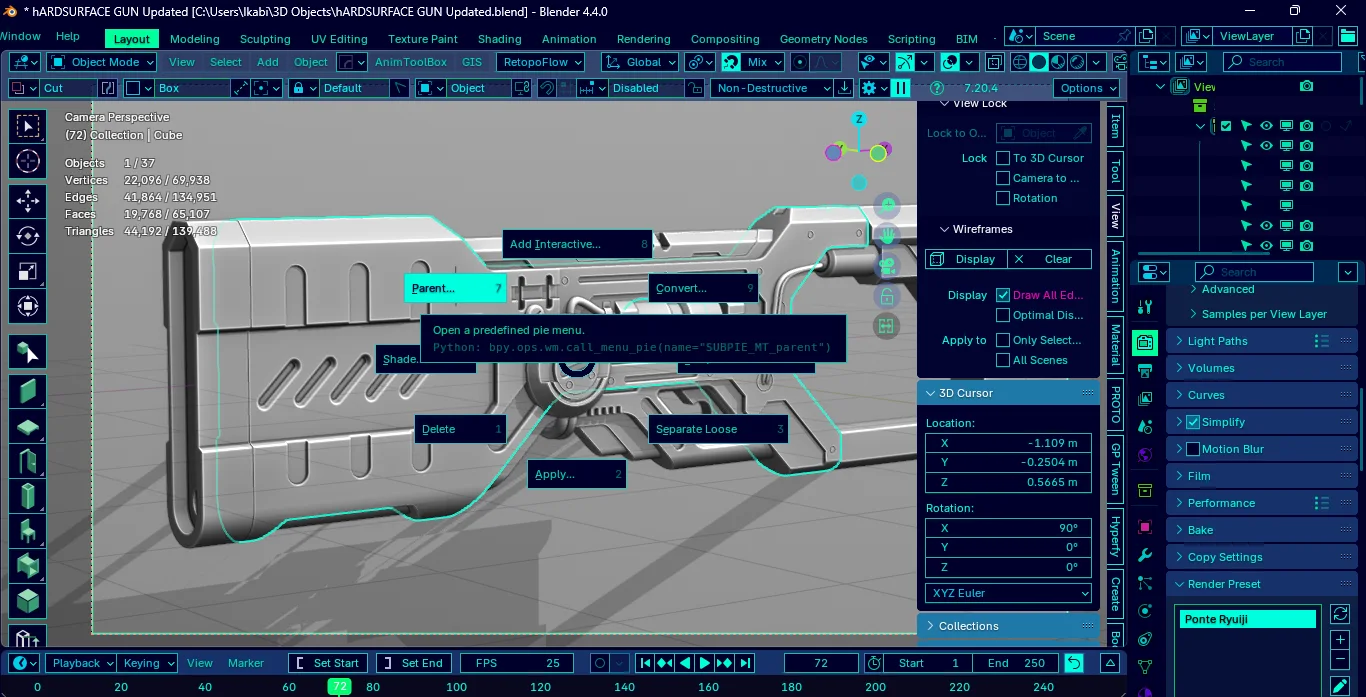
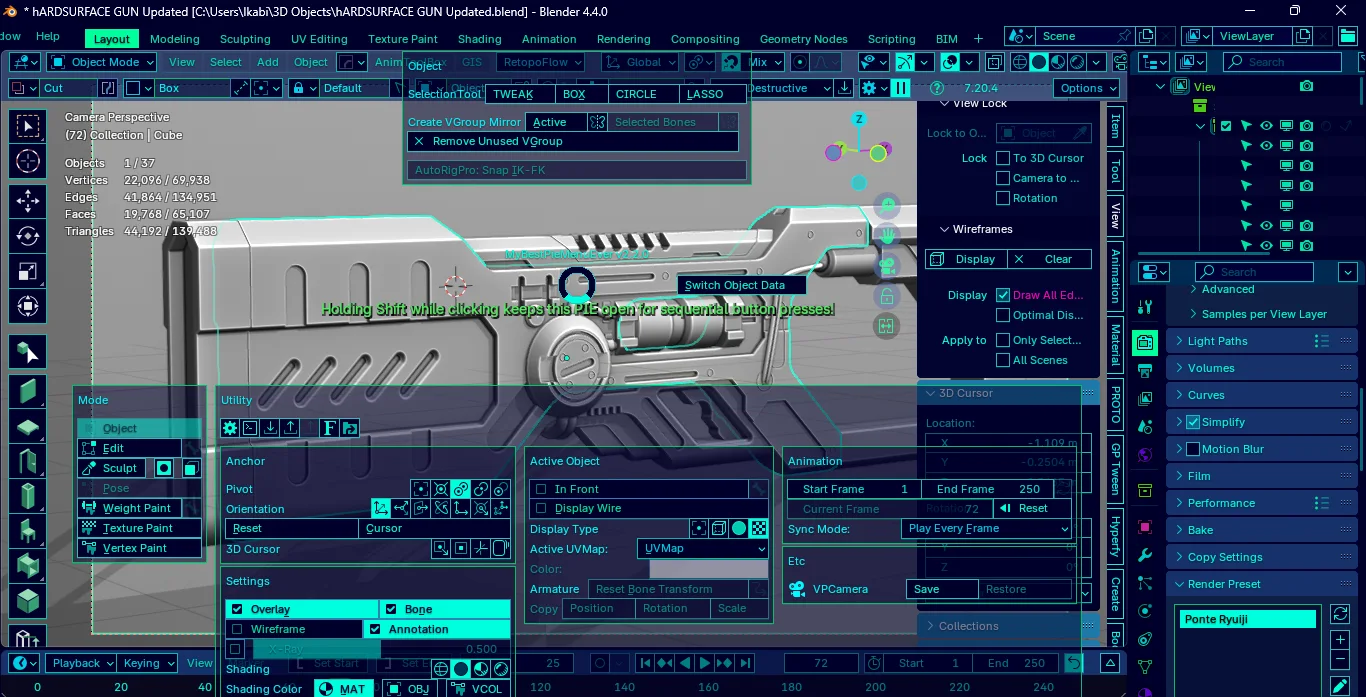


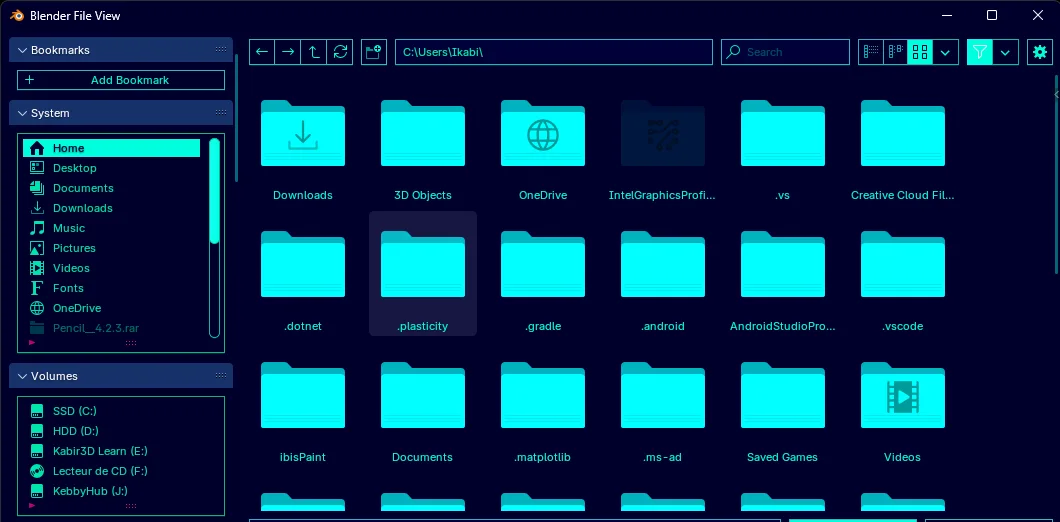

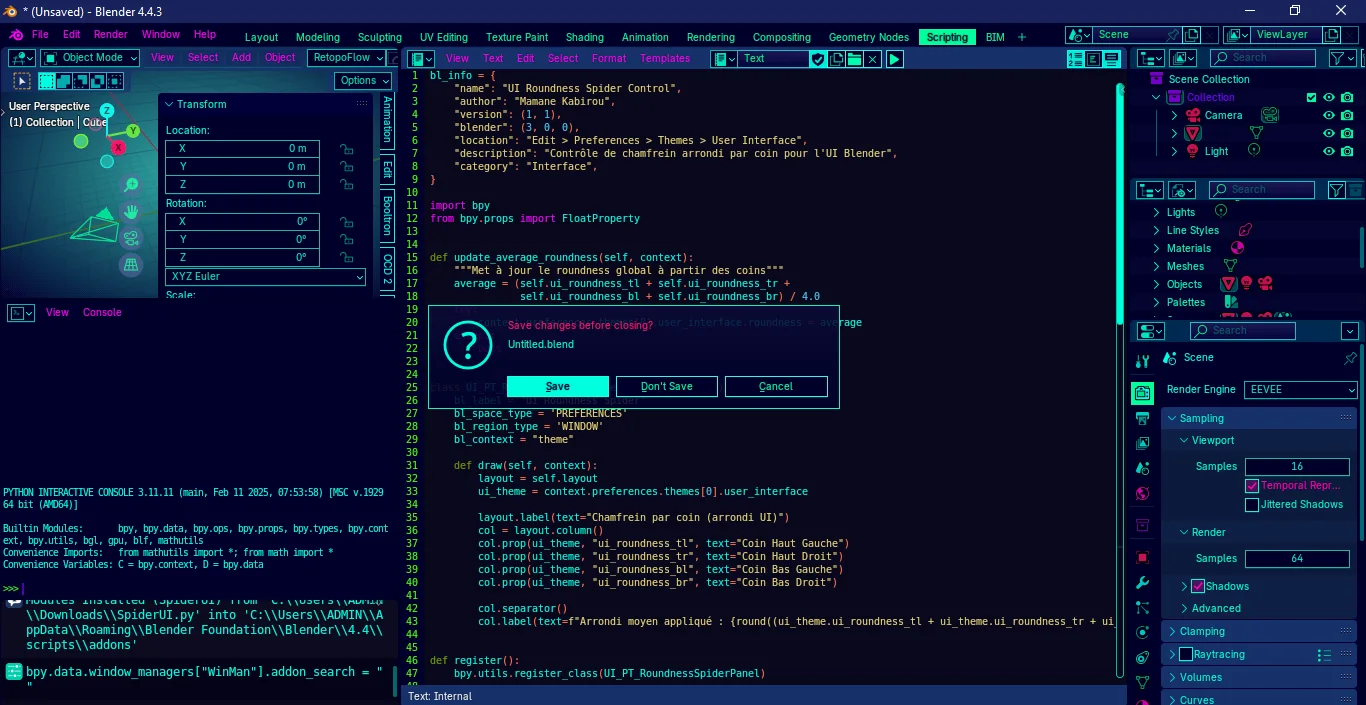


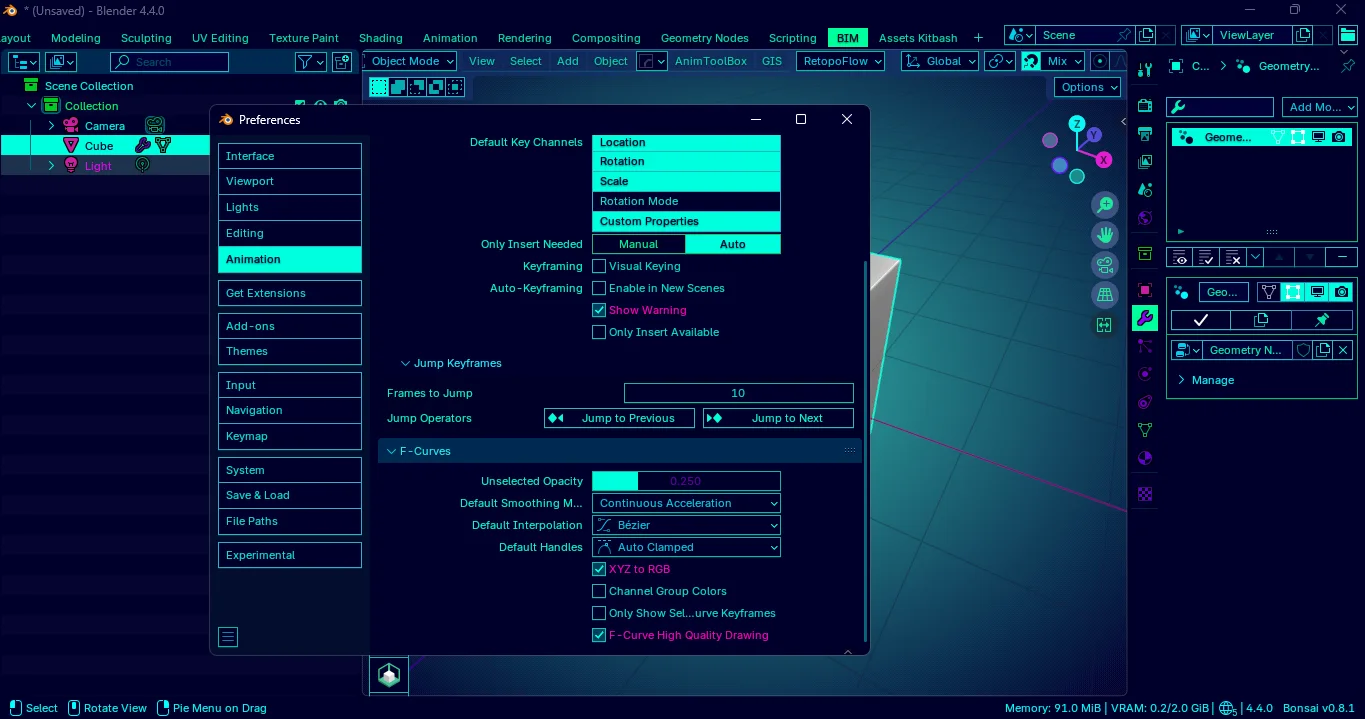
Neon Nexus – Create in a world of light and imagination.
Transform Blender’s interface into a futuristic cockpit with Neon Nexus, a sleek theme inspired by neon and sci-fi aesthetics. Its dark base with cyan and deep blue highlights delivers a modern, high-tech atmosphere that keeps you immersed and inspired.
Features
- 🎯 Ergonomic – Optimized contrasts to reduce eye strain.
- ⚡ Efficient – Streamlined menus for a faster workflow.
- 🌌 Immersive – A visual style that fuels creativity.
Apache GNU V3 License – Customize, share, and make it yours.
☕ If you like my work and want to support more creations, consider buying me a coffee. Thanks !
What's New
2.0.0 June 8th, 2026
Neon Nexus Theme - Changelog & UX Review
Version 2.0.0 (vs 1.3.5)
Released: June 2026
Theme: Neon Nexus
Quick Overview
Hey everyone! Neon Nexus 2.0.0 is a big step forward from 1.3.5. We moved away from the super bright, slightly chaotic yellow/cyan/magenta energy of the old version toward a cleaner, more cohesive cyan, violet, and deep blue cyber-neon vibe.
Bottom line: This is a solid upgrade. It feels more polished and comfortable for long work sessions.
What Changed
1. User Interface Basics
| Element | 1.3.5 | 2.0.0 | What’s Different |
|---|---|---|---|
panel_header |
#12244eff |
#1f2166ff |
Brighter and richer |
panel_back |
#00002cff |
#181a48ff |
Deeper, nicer panel background |
panel_outline |
None | #00ffed53 |
New subtle cyan borders – huge readability boost |
axis_x |
#ff00f3 |
#ff00c2 |
Magenta → Pink-violet |
axis_y |
#00ffa6 |
#2e3fbf |
Cyan → Deep blue |
axis_z |
#ffcc00 |
#14d8e0 |
Yellow → Cyan |
icon_object |
Bright yellow | Deep blue | Much calmer |
icon_modifier |
Off-white | Gold | Cleaner look |
icon_shading |
Magenta | Deep violet | Better harmony |
2. Widgets & Controls
- Regular text now uses a soft cyan instead of harsh magenta → much easier on the eyes.
- Toolbars, menus, toggles, and tabs got nice color tweaks for better consistency.
- Active tabs and selections are now clearer.
3. 3D Viewport (The Most Important Part)
| Element | 1.3.5 | 2.0.0 | Verdict |
|---|---|---|---|
| Grid | Dark | Deeper blue | More visible |
| Wireframe | Black | Bright cyan | Big improvement |
| Object Active | Bright yellow | Cyan | More consistent |
| Transform Gizmo | Cyan | Yellow | Still pops |
| Background Gradient | Warm cyan | Cool blue | More atmospheric |
4. Other Editors
- Dope Sheet: Grid is now darker (less flashy, slightly less visible).
- Outliner: Active items switched from yellow to cyan — feels more unified.
- Node Editor: Colors are more consistent with the overall theme (yellow nodes → violet, etc.).
- Properties & Top Bar: Cleaner and better balanced.
Honest UX Review: Before vs After
What got better:
- Way more consistent and professional look.
- Noticeably less eye strain during long sessions (modeling, rigging, texturing, nodes…).
- Better visual hierarchy — panels and elements are easier to distinguish.
- The viewport just feels nicer to work in.
- Overall more “mature cyber-neon” instead of chaotic rainbow.
What some people might miss:
- The old version had more “pop” and crazy energy (especially the yellow accents).
- If you loved the super vibrant, in-your-face style, 2.0 feels a bit calmer.
- Dope Sheet grid lost some punch.
Final Thoughts
2.0.0 is a genuine improvement for most users — especially if you spend hours in Blender every day. It trades some of the flashy excitement for better comfort, clarity, and cohesion.
If you do serious work, I highly recommend updating.
If you prefer maximum neon chaos, you might want to stick with 1.3.5 (or let me know — we could do a “High Energy” variant!).
Made with love for the Blender community ❤️
Neon Nexus 2.0.0 — Cleaner. Calmer. More enjoyable to use.
Let me know what you think or if you want any tweaks!
awesome look and suprisingly useable !! love it!