 MacOS Dark Theme
The MacOS interface style in Blender.
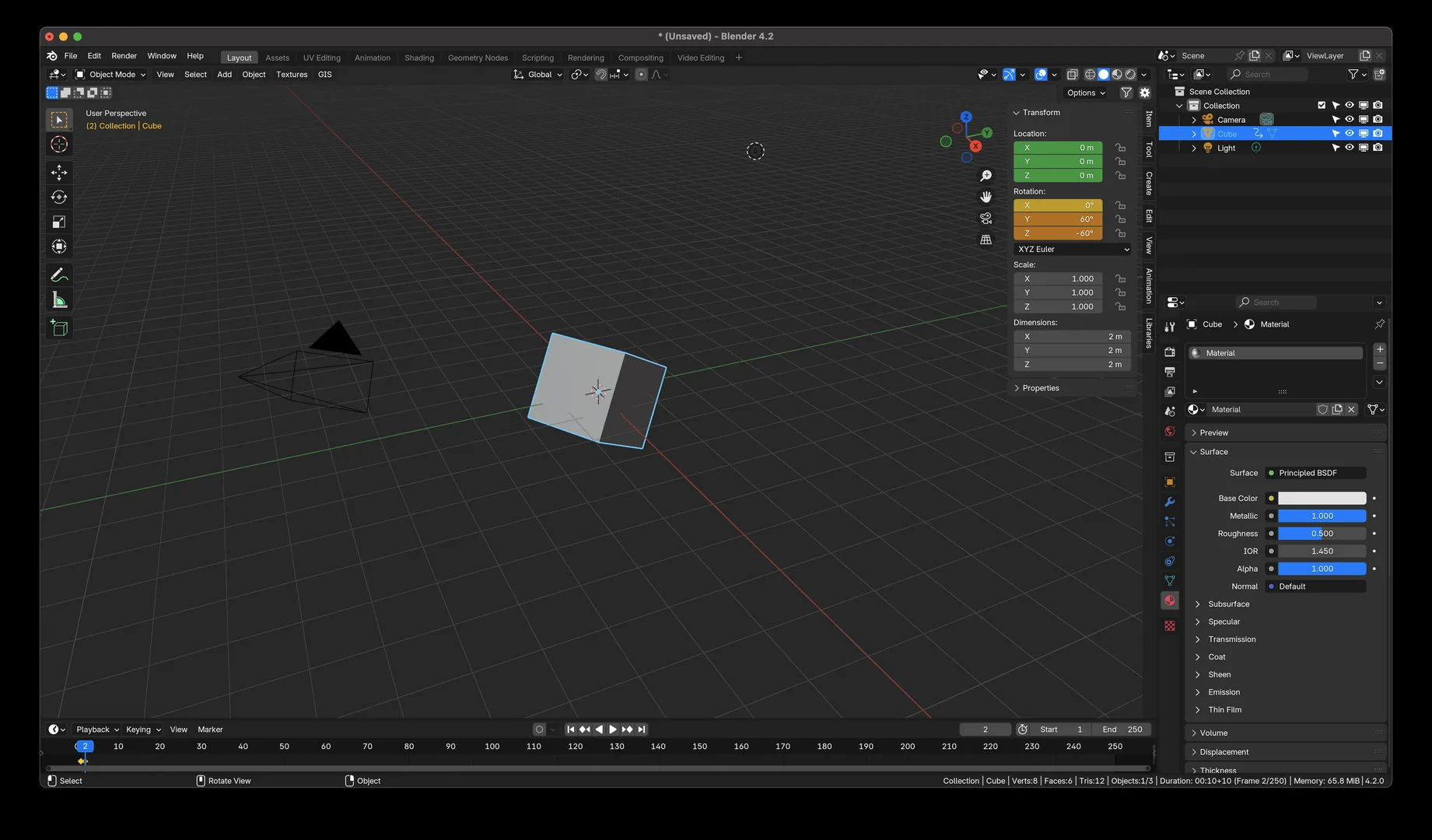
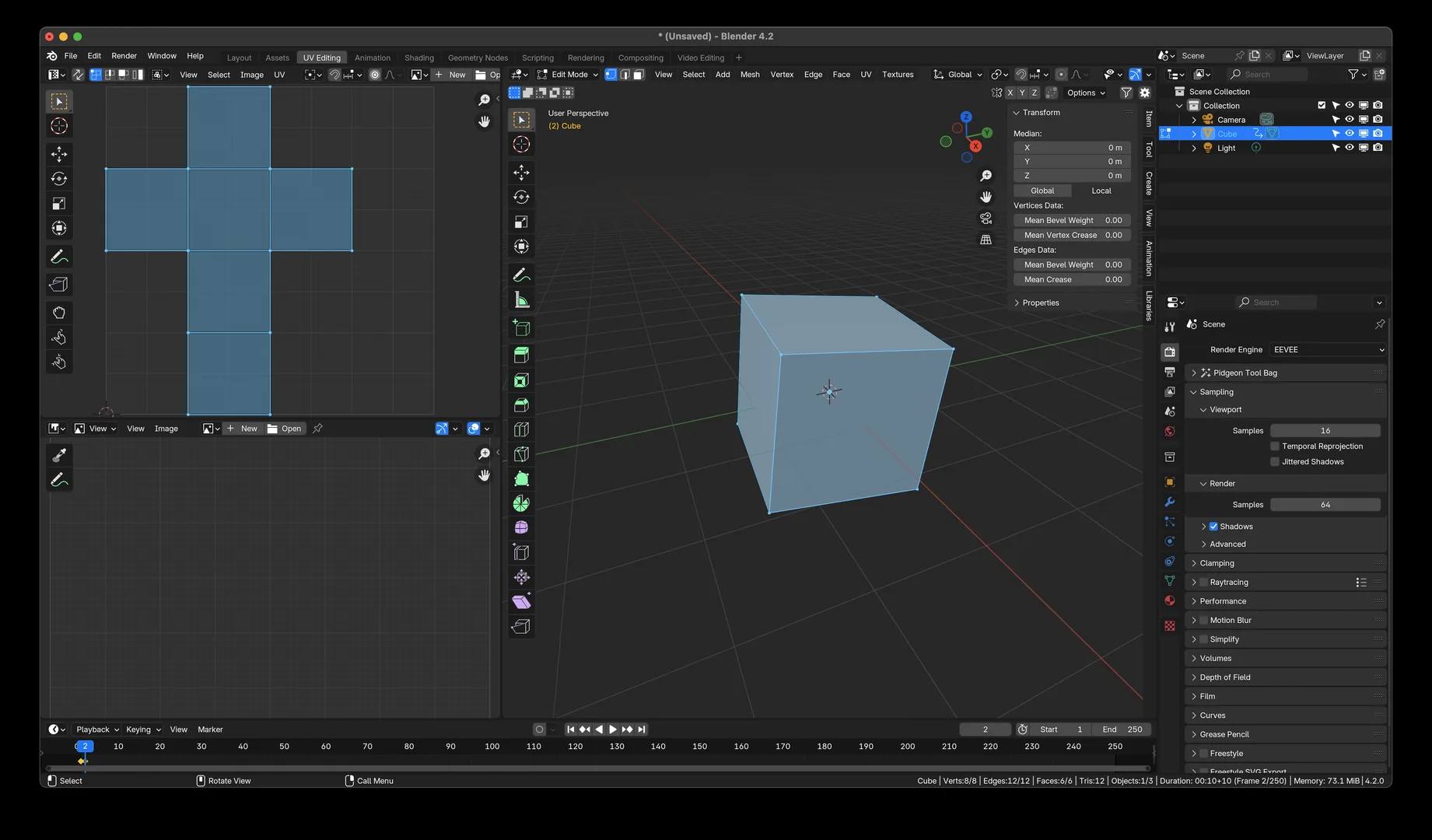
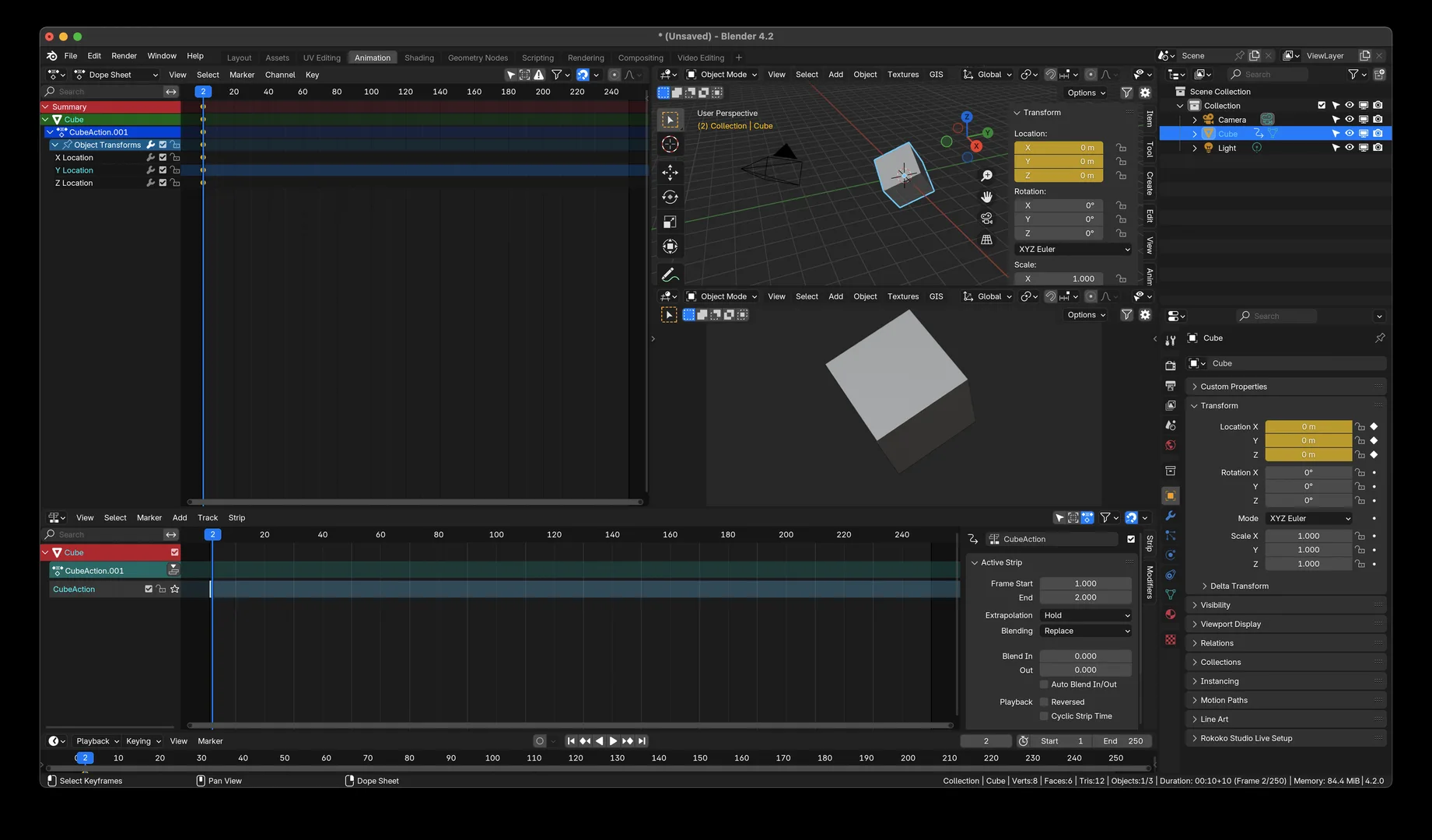
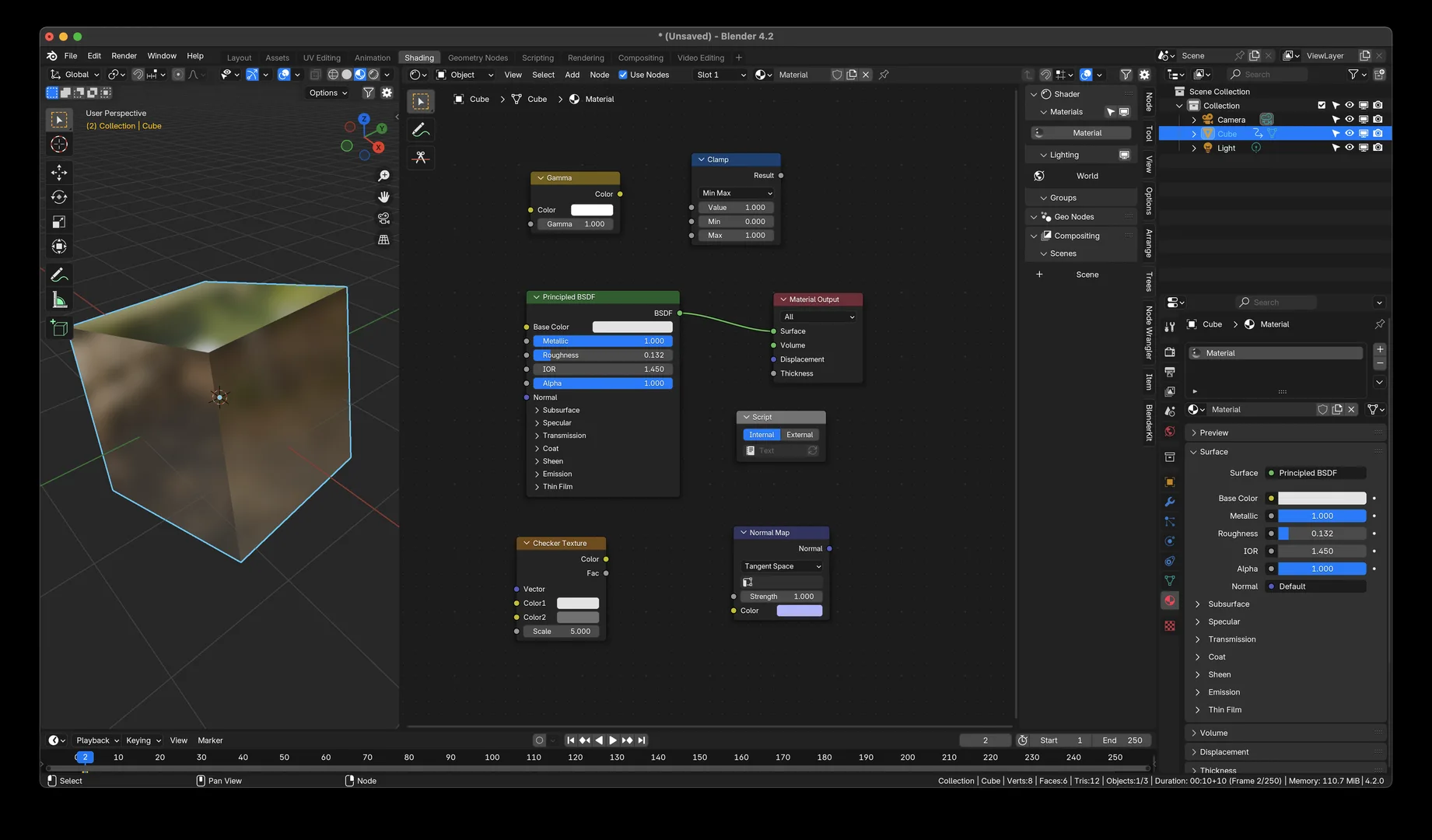
The MacOS interface style recreated in Blender. This is primarily a color overhaul where I used Apple's MacOS dark mode color palette in place of Blender Dark's default colors. Blue is still for modifiers, orange is still for objects, they're just different shades now. Blue is used as the accent color over orange. You shouldn't have any issues adapting from Blender Dark.
Tip: for added MacOS realism, change the Blender interface font to SF Pro Regular, and the monospace font to SF Mono Regular. You can change the interface font in Blender Preferences > Interface > Text Rendering. You can download the Apple SF fonts from https://developer.apple.com/fonts/
What's New
2.0.1 February 11th, 2026
v2.0.1 updates the list item selection color to be more similar to MacOS.
Hi, that theme is so good, but why my render transparent view is so large? The checker box is bigger than normal.