 UniV
UniV

UniV
Blender Addon for UV Editor which aims to cover all sorts of operators for working with UV

Align Edge by Angle - align edges by angle in Island mode.
Quick Snap - allows you to transform an island or geometry elements by Vertex, Edge Center and Face Center. There are two methods of calling the operator via the keys:
- V - quick start, the nearest transformation element is selected immediately
- Alt+V - here you can safely select the necessary element and change the modes to Island or Element mode
Stack - overlap islands with similar geometry:
Weld - [W] connects selected vertices by common vertexes, if there is nothing to connect, it works as Stitch
Alt+Weld Button - connect by distance
Stitch - [Shift+W] connects islands to each other, preserving the islands' proportions. When called via keymap with sync enabled, the target island becomes the closest:
Stitch with padding
Unwrap - differs from the built-in operator in that it unwrap inplace.
Relax - combination of minimize stretch and unwrap borders.
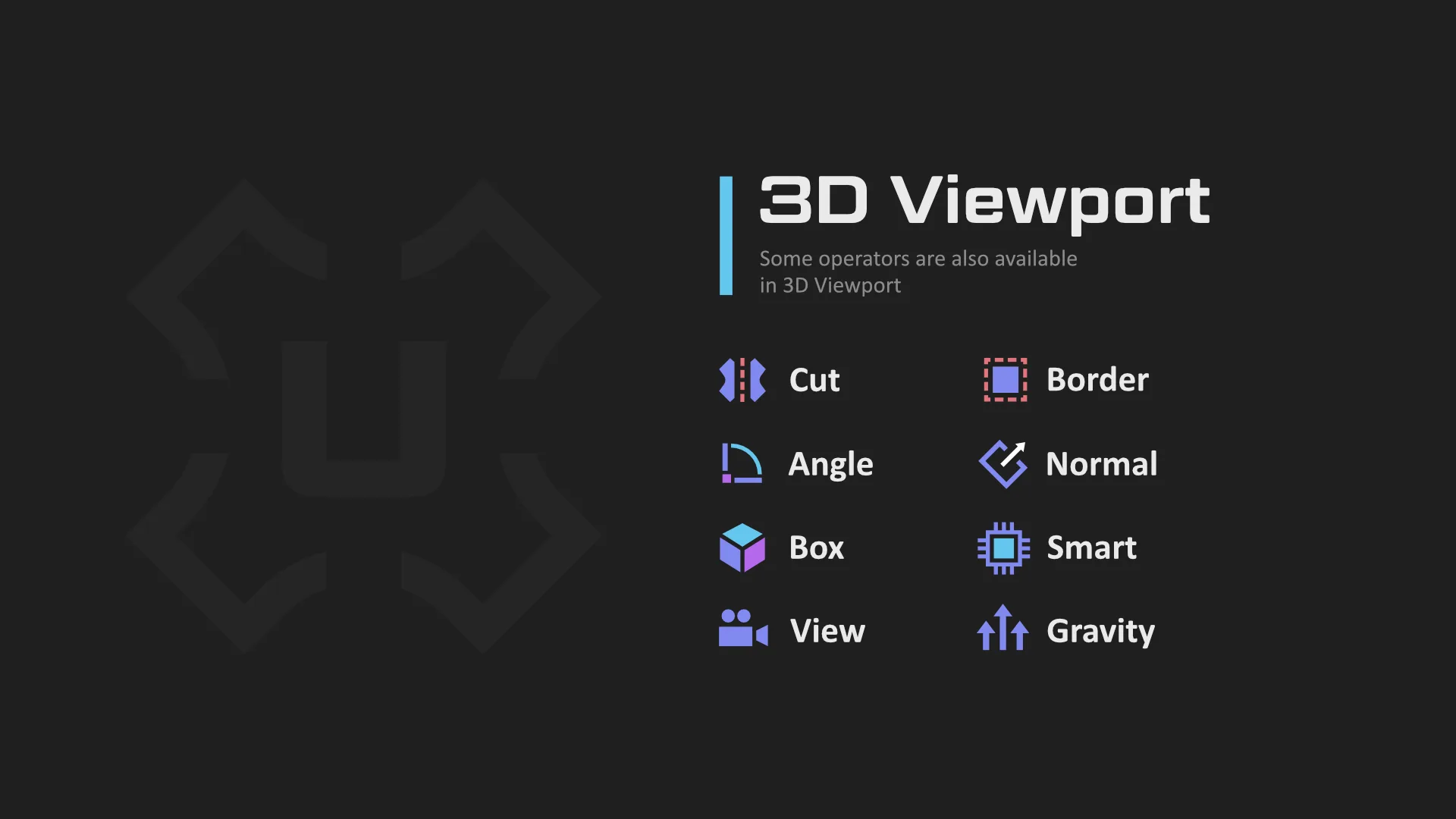
Cut - [C] - sets mark seams by border selection and at the same time expands the island
Quadrify - [E] align selected UV to rectangular distribution
Straight - [Shift+E] straighten selected edge-chain and relax the rest of the UV Island
Copy to Layer - copy coordinates between uv-channels
Adjust & Normalize - sets a uniform texel
Flatten - convert 3d coords to 2D from uv map
Focus - [F] improved focusing, which frames the focussed elements.
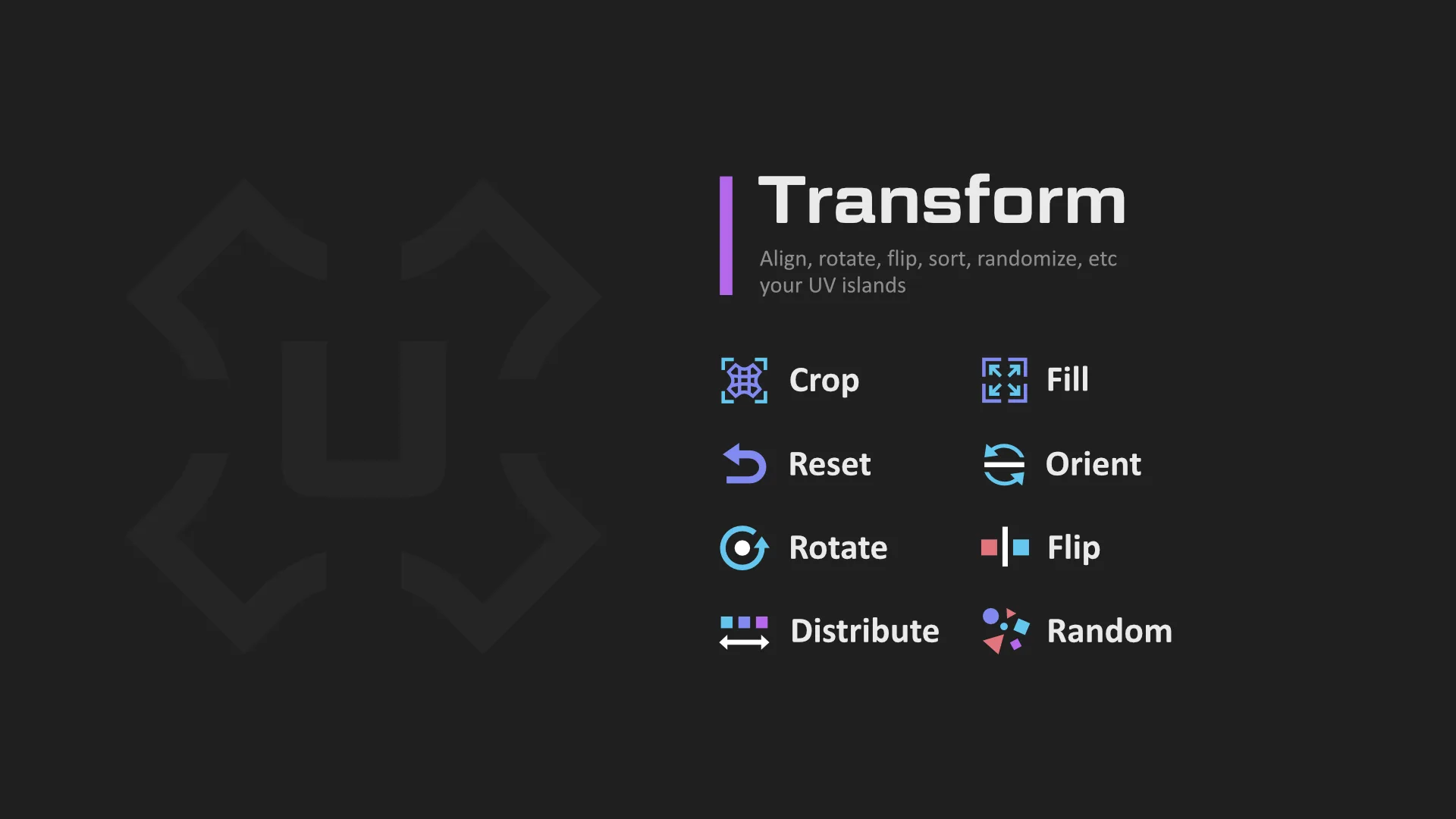
Crop - proportional tile filling
Fill - it is similar in everything with Crop, but without preserving the proportions
Orient - orients islands along the axes, maximally filling the area according to the boundbox. In a 3D viewport, it .
Orient3D - orients islands according to world coordinates.
Align - straightens, moves islands or vertices, places a 2D cursor on bound boxes, etc.
Sort - sorts islands, also aligns for more compactness.
Distribute - similar to Sort, but the goal is to arrange the islands evenly according to the original position
Random - randomly transforms islands to break down repetitive patterns.
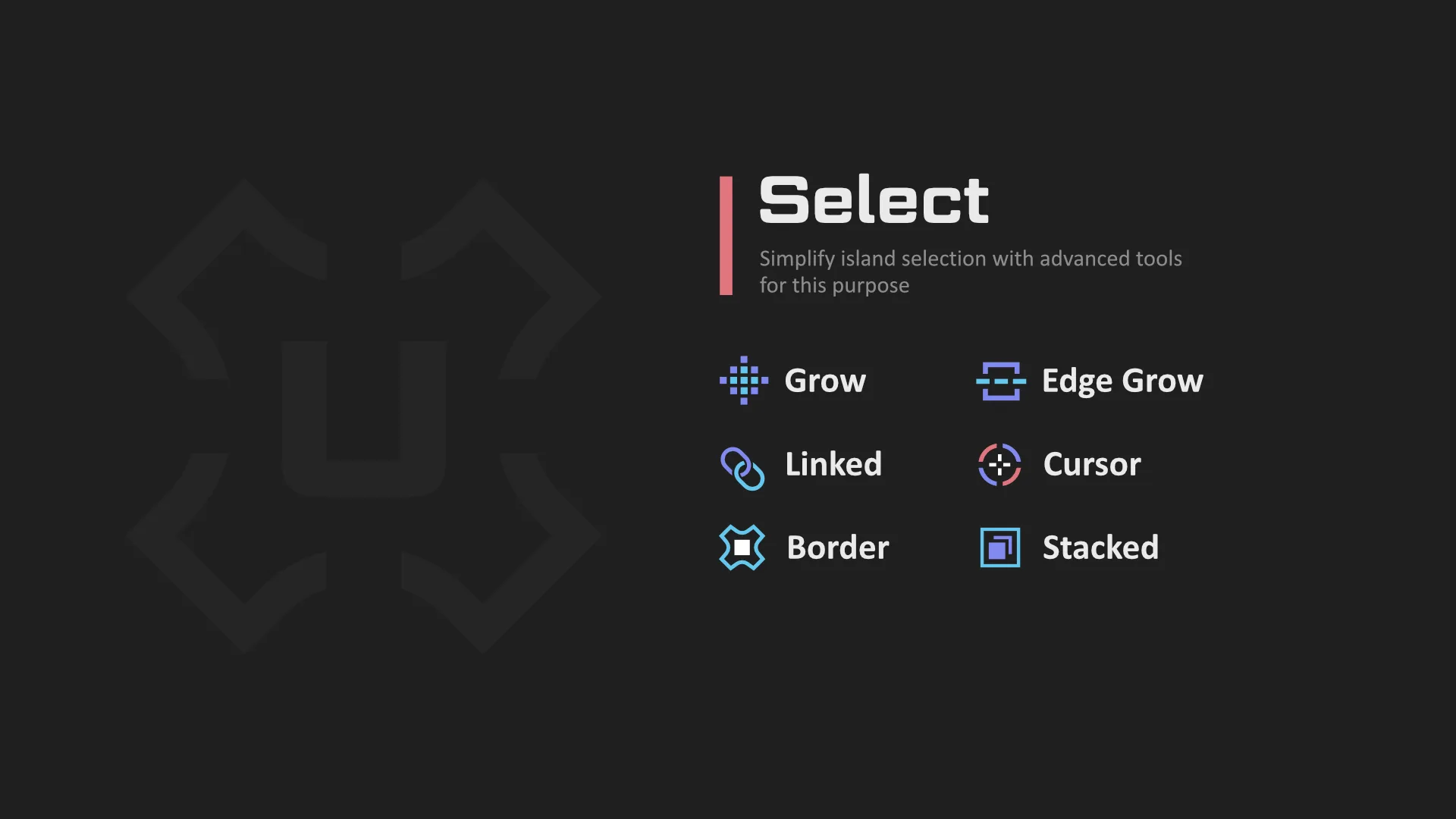
Linked - [Ctrl+Shift+Mouse Scroll] - Select Linked
Cursor - Select by Cursor
Border - Select border edges
Border by Angle - Select border edges by angle from 2D
Inner - Select inner edges by mark sharps, angle
Square - Select square, horizontal or vertical island
SyncUVToggle - [~] toggle sync mode with element selection preserve
SplitUVToggle - [Shift+T] open, close, toggle UV or 3D View area
There is much more to UniV operators than you might think at first glance. Many operators are context-dependent, for example, on Sync state, selection mode (Verts, Edge, Face and Islands), as well as on pressed Ctrl, Shift, Alt (CSA) keys and combinations thereof.
That is, before pressing the LMB button press CSA, then other modes of the operator are called. And these modifications are subject to a certain logic, which in most cases works:
- Ctrl - To Cursor for transform or Deselect for select
- Alt - Alternative operation that is fundamentally different from the default.
- Shift - Individual, Inplace for transform or Extend for select
But you don't have to use the CSA keys, because a panel appears in the lower left corner where you can change the properties
Also, the addon doesn't impose its hotkeys on you, but you can easily enable them in Settings->Extensions->UniV->Keymaps. But some operators due to their specificity can be called only through keymaps (QuickSnap, SplitUVToggle, SyncUVToggle).
The addon is free, but you can support the author and purchase this addon from Blender Marketplace
What's New
4.0.0 July 8th, 2026
This is a major update that fixes numerous operators affected by the updated UV Sync Selection mode and changes to the Geometry Nodes API.
Many operators have also gained significant improvements and new capabilities, including Texel Density support (for Unwrap, Relax, Quadrify, Straight), expanded support for non-square textures (Aspect Ratio), more 3D View counterparts for existing UV operators, reduced context dependencies (many operators now work without an active object), as well as various performance and workflow improvements.
The update also introduces Specific Operators - a collection of specialized tools designed for less common but valuable tasks. They add useful functionality without cluttering the UI.
Add:
- Add "Specific" operators tab. (Random Color, Linear Gradient, Snap to Pixels, Smart Scale Apply, Add Align Border Verts)
- Texel: Add other units
- Add icon to compact tabs for Blender 5.2
- Orient: Add Object Mode support and add 3D space variant
- Rotate: Add Object Mode support and add support 3D space variant
- Flip: Add Object Mode support and add support 3D space variant
- Random: Add support 3D space variant
- Home | Shift: Add support 3D space variant
- Add "Gravity" operator for 2D panel
- Distribute: Extract "Break" property to operator
- Add Rotate[5, Shift+5] keymaps for WS and improve report info
- Home: Add Alt+G keymap for UV space version
- Add Mark Seam (Toggle) operator
- Pin: Improved performance and added "Invert Toggle Logic" option
Improve:
- Quadrify: Works correctly with cross geometry and works with zero sizes
- Quadrify: Add unlink and mark seam option
- Texel: Add support in Unwrap | Relax, Cut, Quadrify, Straight, Normal, Box
- Add support Object Mode for: Fit| Fill, Sort | Distribute, Align, Normal, Box, View
- Add Aspect Ratio support for: Sort, Distribute | Break, Straight operators
- Straight: Support circular selected edge sequences
- Straight: Preserve flip islands
- UI: Removed the redundant filters and add subpanels by space for keymaps
- UI: Panels: Improve performance, removed context check for many operators.
- UI: Increased the width of the popover panels and improv lines drawer
- UI: Improve settings
- Allow using operators without active mesh
- Unwrap | Relax: Preserve flip islands
- Unwrap | Relax: Fix pinning vertex in selected edge
- Unwrap | Relax: Add "Fill Hole" checkbox
- Stack: Marking stacked islands with new seams cleanup and improve performance
- Align: Moved "Individual" into a separate enum property for reduce complexity
- Fit: Speedup x1.25 and improve wrap by nearest position
- Toggle Pin: Change logic for non-edit mode
- Weld: Resetting the "By Distance" property when calling the operator again via keymap
- Weld: Add full support Blender 5.0 and improve performance
- Stitch: Ignore stitching by mouse cursor when faces are selected
- Stitch: Prioritize multi-stitch by uv length
- Stitch: Allow to disable flip correction
- Stitch: Select shared edges
- Add "Align Island Mode" property for Align OT
- Gravity: Add "X" and "Y" axis and add "Flip" option
- Random | Sort | Distribute: Use seam-aware island calculation
- Random: Simplify rounds movement step properties
- Non-Splitted: Skip comparison on sharp edge angles if SubDiv or Bevel modifiers is enabled
- Checker: Use global properties
Fix:
- Fix: PyObject fields for support Blender 5.2 in many operators
- Fixed a bug where settings were not saved after restarting
- Checker: Add Blender 5.2 compatibility and improve restoring checker modifiers and materials
- Aspect Ratio: Add Blender 5.2 compatibility when using checker modifier for 3D space
- Shift / Flatten: Add Blender 5.2 compatibility for correct using Geometry Nodes
- Mark by Angle: Fix "Smooth Angle" called by Geometry Nodes in Blender 5.2
- UI: Bug fixed where the 3D panel was not hiding and remained visible after renaming
- UI: Fixed a bug in Pie Menu caused by splitting Loop Multi Select into Select Edge Ring for Blender 5.1
- Stack: Fix: Three and more linked faces case and speedup x1.2 and more
- Fix: potential unselected faces for Pick Unwrap
- Fix: Set Island Mode [4] for Blender 4.5 and below
- Gravity: Fixed behavior when the island flipped, and improved stability
- Straight: Fix missing edge select for Blender 5.0 and above
- Stitch: Fix for non-sync mode in Blender 5.0 and above
- ViewBoxSyncBlock: Fix box drawing
- Crop | Fill: Fix transform by axis in inplace mode
- Reset Scale: Fix stretches when aspect ratio != 1.0
- Fix: Set is_dirt tag to trigger autosave when using keymap manager operators
- Split UV Toggle: Fix and improve logic
- Quadrify: Fixed the hang caused by non-manifold edge
- Normalize | Adjust: Fixed island shifting in some cases
- Mark by Angle: Fix case when UVMap missed
- UI: Improve performance, allow using operators without active mesh
- Relax: Fix an error caused by invisible selected verts in edge mode when no edges are selected.
- Border Select: Fix: Correct deselecting selected faces
- Fix: Hide Unselected: Hide linked verts/edges.
- Fix "Toggle Pivot" operator for Blender 5.1 and above
- Fix "Select Linked" in Vert/Edge mode with invalidation sync
- Inspect: Disable linked selection for Overlap in Blender 5.2
- Copy To Layer: Fix memory leaks and redraw 3d instantly in object mode
- Fix ViewBoxSyncBlock and ignore when full faces selected
- Select Grow: Fix selecting all in non-sync mode
- Edge Grow: Fix growing from seam edge to seam edge
- Select Linked Pick: Fix all selecting in non-sync mode
- Select Mode: Fix updating area
- Select Grow | Shrink: Fix selecting all in non-sync mode
- Hide: Fix hiding island when selected vertex or edge
- Flatten: Fixed an issue in Object Mode where only selected faces would become flat
Remove:
- Select Border: Remove "Both" edge direction
This add-on is awesome, I use it everywhere for my texturing workflows. It's also very user-friendly and fast (the packing can be slower sometimes, but it's understandable).