Extensions
  • Home
  • Add-ons
  • Themes
  • Approval Queue
  • About
  • Upload Extension
  • Sign in
  • BLENDER.ORG

    • Download

      Get the latest Blender, older versions, or experimental builds.

    • What's New

      Stay up-to-date with the new features in the latest Blender releases.

    DEVELOPMENT

    • Roadmap

      See which projects are currently being worked on and what's next.

    • Documentation

      Guidelines, release notes and development docs.

    LEARNING & RESOURCES

    • Blender Studio

      Access production assets and knowledge from the open movies.

    • Manual

      Documentation on the usage and features in Blender.

    • Benchmark

      A platform to collect and share results of the Blender Benchmark.

    • Blender Conference

      The yearly event that brings the community together.

    DONATE

    • Development Fund

      Support core development with a monthly contribution.

    • One-time Donations

      Perform a single donation with more payment options available.

All Add-ons

Add-on Simple Gcode Importer
Simple Gcode Importer

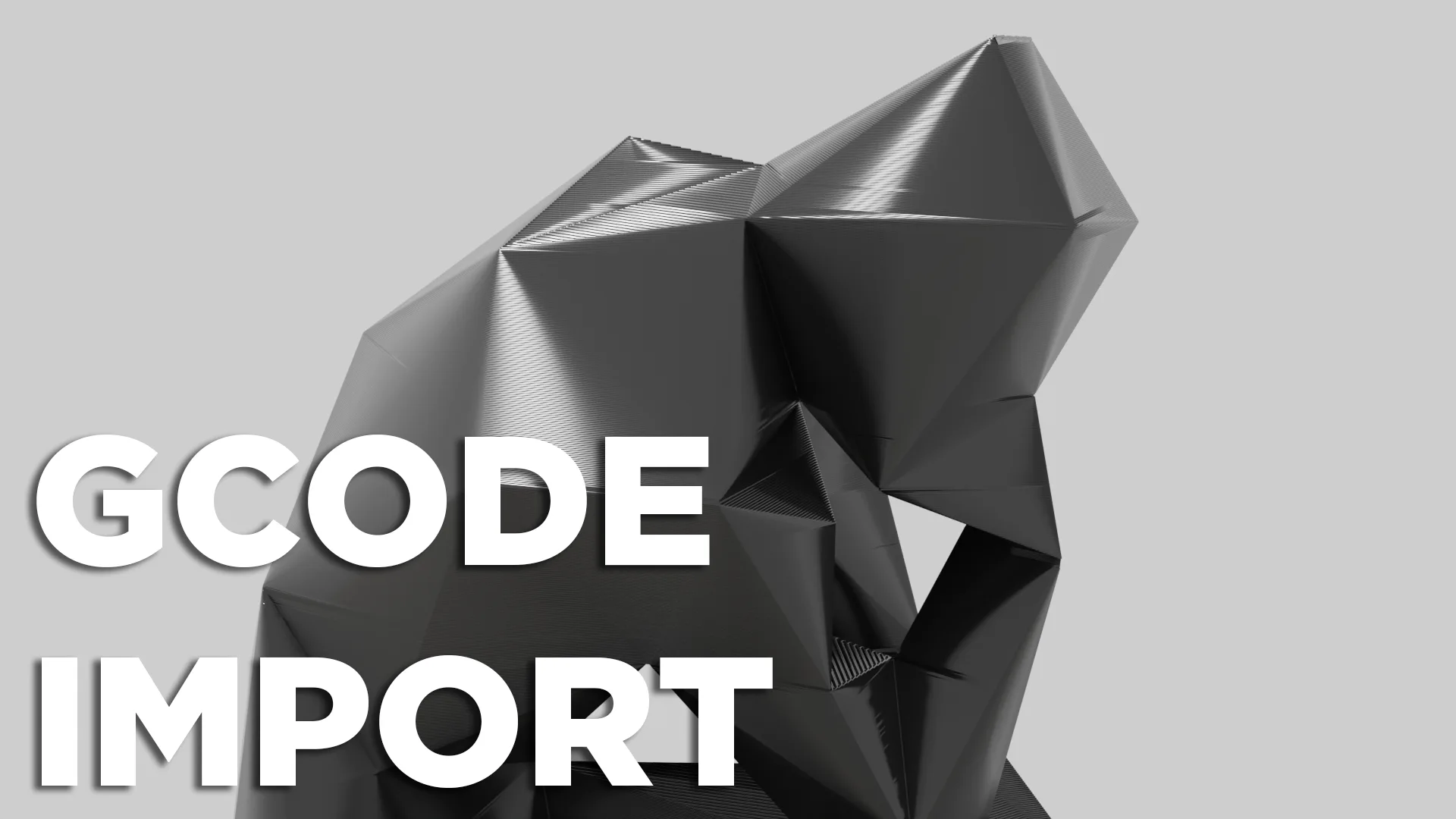
Import Gcode to blender as paths.
Add-on by kmnunley
About What's New Reviews Version History
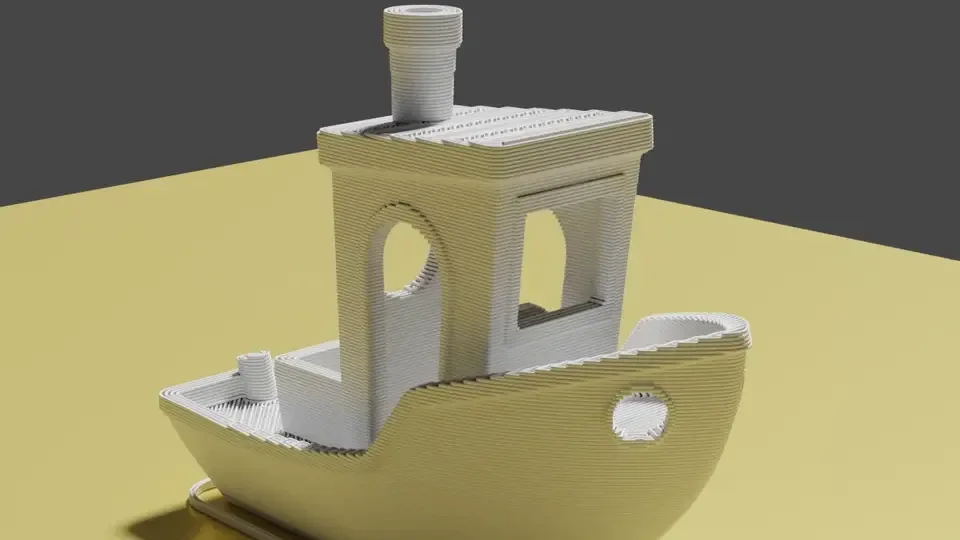
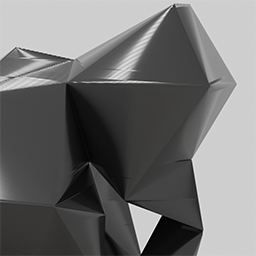
Lowest Poly The Thinker model by LXO on Printables.com Benchy

Import tool for 3D printer Gcode files.

Features

  • Integrates directly with the File > Import menu. No extras panels or windows!
  • All extrusion movements imported as fully editable Bezier curves.

FAQ

How long do models take to import?

This depends heavily on the computer you are running on, but imports can take anywhere from just a couple seconds to several minutes depening on the size and complexity of the model that is being imported.

How do I give the imported paths thickness?

These options can be found in the Properties area (bottom right panel in the default layout) when a path is selected. Under the 'Object Data Properties' tab there is a 'Geometry' dropdown. Under this dropdown, the two most useful values are 'Extrusion' and 'Bevel'. Adjust these values until the desired look of the model has been reached.

Planned Features

  • Add import options for things such as:
    • Skipping layers
    • Path resolution
    • Defining custom GCode parameters
    • Toggling import of toolhead movements, infill extrusions, perimeter extrusions, etc.
  • Make it easier to edit all imported paths simultaneously
  • Make it easier to animate paths
  • Add the ability to import GCode as a point cloud

Known issues

  • GCode created by Bambu Studio imports incorrectly or causes errors.
    • Workaround - Use Cura or PrusaSlicer until this issue is resolved.

Like my work? Buy me a coffee!


What's New

1.1.1 August 5th, 2025
  • Fixed issue with tuple addition
  • Fixed line weight inconsistency

See all versions


Permissions

This extension does not require special permissions.

Developer
kmnunley
Rating
(2)
Version
1.1.1
Updated
11 mo
Published
June 10th, 2025
Downloads
11209
Size
2.3 KB
Compatibility
Blender 4.2 LTS and newer
Website
github.com/kmnunley/Blender-GCode-Importer
Report Issues
github.com/kmnunley/Blender-GCode-Importer/issues
License
GNU General Public License v3.0 or later
Import-Export Pipeline
...or download and Install from Disk
  • 2.3 KB

Reviews

See all
  • EclipseNoxOwO
  • v1.1.1
  • 10 mo

This is great and useful for aesthetic renders. It would me nice if you could import it as it is in the slicer instead of having to set the extrude for each one.

  • RomainGuimbal
  • v1.1.0
  • 1 y

Works great !

  • kmnunley replied
  • 1 y

Thank you so much for being my first review! I'm glad you like it!

5.0

2 reviews
5
4
3
2
1
Rate this Add-on Report an issue
  • About
  • Privacy Policy
  • Terms of Service
About
  • Blender Foundation
  • Blender Institute
  • Blender Studio
  • License
  • Logo & Trademark
  • Credits
  • Privacy Policy
  • Code of Conduct
Organization
  • People
  • Jobs
Blender Network
Download
  • Latest Blender
  • Blender LTS
  • Previous Versions
  • Experimental Builds
  • Source Code
  • Requirements
  • Benchmark
  • Flamenco
Extensions
  • Add-ons
  • Themes
Developers
  • Get Started
  • Roadmap
  • Projects
  • Docs
  • Blog
  • Forum
  • YouTube
  • Python API
Blender Studio
  • Films
  • Training
  • Tools & Pipeline
Support
  • Manual
  • Community
  • FAQ
Get Involved
  • Documentation
  • Education
News
  • Press Releases
  • User Stories
Blender Conference
Follow Blender
Support Blender
  • Donate
  • One-time Donation
Artistic freedom starts with Blender The Free and Open Source 3D Creation Suite