Extensions
  • Home
  • Add-ons
  • Themes
  • Approval Queue
  • About
  • Upload Extension
  • Sign in
  • BLENDER.ORG

    • Download

      Get the latest Blender, older versions, or experimental builds.

    • What's New

      Stay up-to-date with the new features in the latest Blender releases.

    DEVELOPMENT

    • Roadmap

      See which projects are currently being worked on and what's next.

    • Documentation

      Guidelines, release notes and development docs.

    LEARNING & RESOURCES

    • Blender Studio

      Access production assets and knowledge from the open movies.

    • Manual

      Documentation on the usage and features in Blender.

    • Benchmark

      A platform to collect and share results of the Blender Benchmark.

    • Blender Conference

      The yearly event that brings the community together.

    DONATE

    • Development Fund

      Support core development with a monthly contribution.

    • One-time Donations

      Perform a single donation with more payment options available.

All Add-ons

Add-on Screencast Keys
Screencast Keys
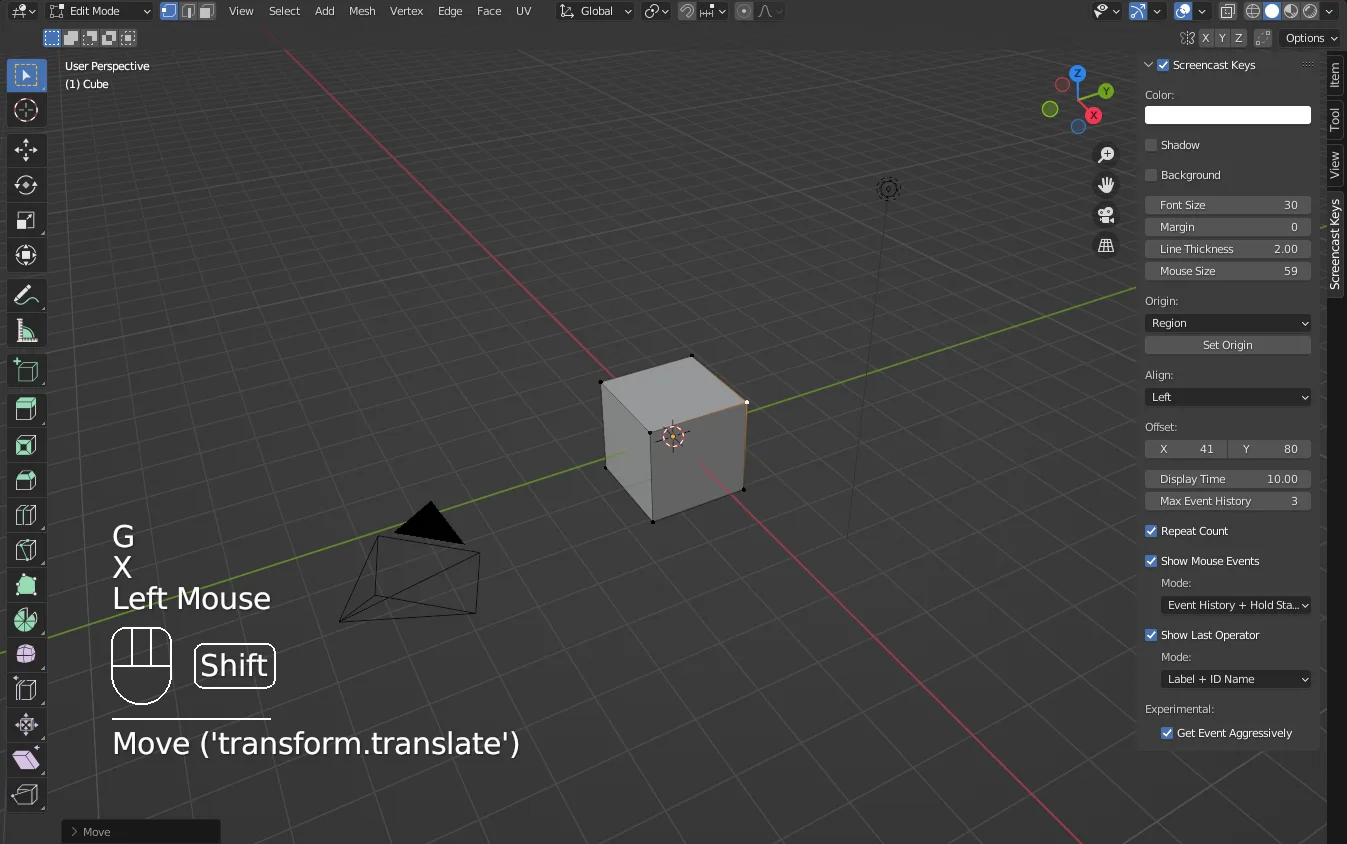
Display keys pressed in Blender.
Add-on by nutti
About What's New Reviews Version History

What is Screencast Keys?

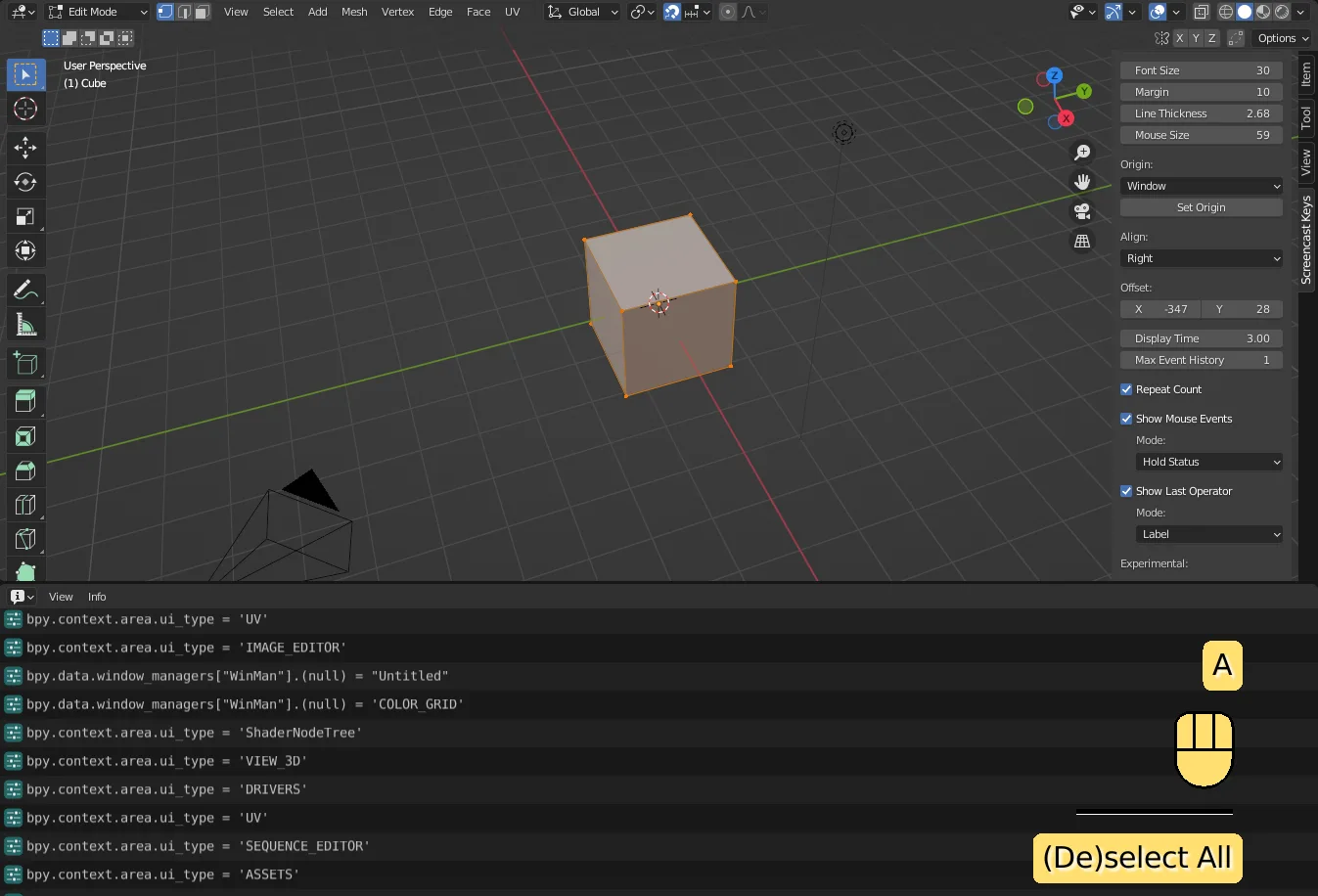
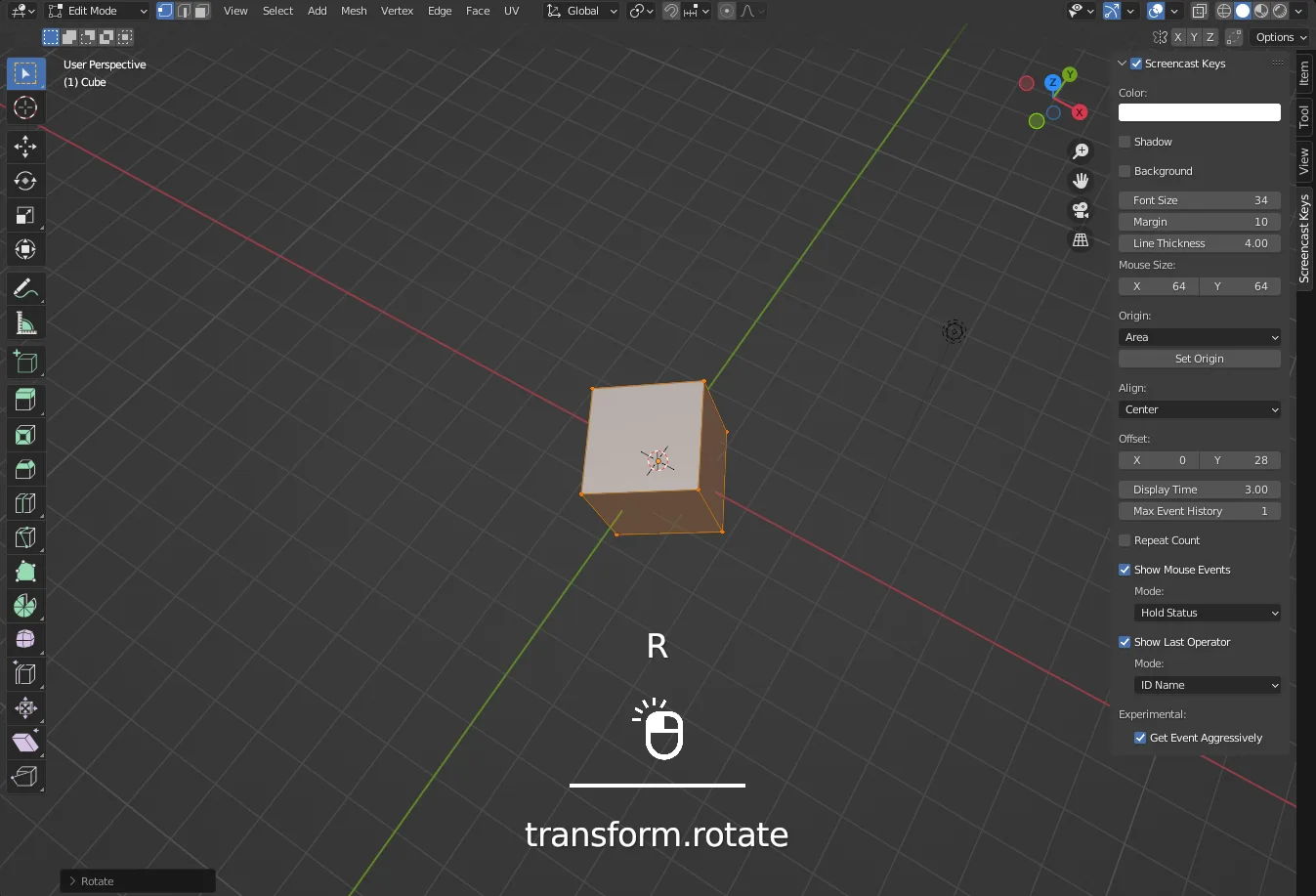
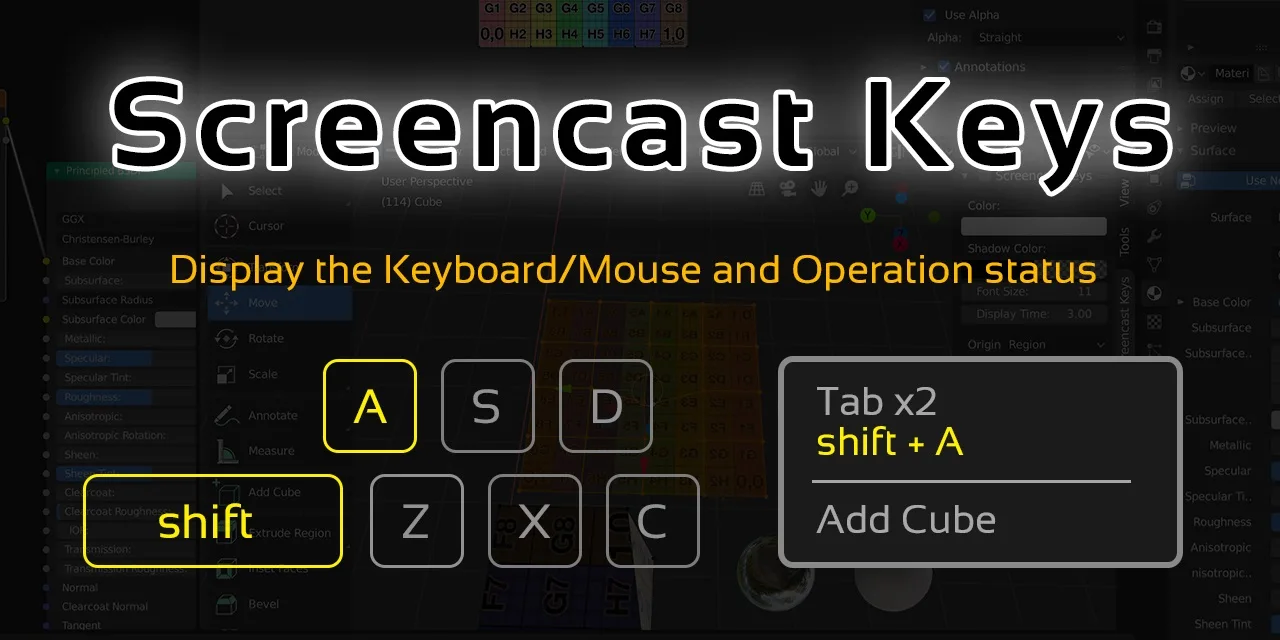
Screencast Keys is a blender add-on to display the Keyboard/Mouse and Operation status with customizable UIs. The add-on is useful when you try to make tutorials for Blender. The main features of this add-on are as follows.

  • Display Keyboard/Mouse status
  • Display Operation executed last time
  • Change area/region/window to display status
  • Customize UIs

Tutorials

See Document to know the details of this add-on.

Bug report / Feature request / Disscussions

If you want to report bug, request features or discuss about this add-on, see ISSUES.md.

We provide the answers for the frequently asked questions. See these answers before making bug reports. If you want to have an interactive discussion, you can use screencast-keys channel on the Discord server.

Contribution / Support

If you want to contribute to or support this project, see CONTRIBUTING.md.

Project Authors

Owner

@nutti

Indie Game/Application Developer.
Especially, I spend most time to improve Blender and Unreal Game Engine via providing the extensions.

Support via GitHub Sponsors

  • CONTACTS: Twitter
  • WEBSITE: Japanese Only

Contributors

Thanks for the contribution to this project.

  • @Hawkpath
  • @kant
  • @CheeryLee
  • @Kureii
  • @Andrej730

Sponsors

Thanks for the sponsoring this project.

  • Joel E White
  • theangelik1art
  • Stanley Creative

What's New

4.2.2 March 22nd, 2026

Change from v4.2.1
Supported Blender Version

Other Updates

  • Fix bugs

Contributors

  • @JingRyu

See all versions


Permissions

This extension does not require special permissions.

Developer
nutti
Rating
(31)
Version
4.2.2
Updated
2 mo
Published
Feb. 25th, 2024
Downloads
163838
Size
38.1 KB
Compatibility
Blender 4.2 LTS and newer
Website
github.com/nutti/Screencast-Keys
Report Issues
github.com/nutti/Screencast-Keys
License
GNU General Public License v3.0 or later
System User Interface
...or download and Install from Disk
  • 38.1 KB

Reviews

See all
  • JeanPierre-MAIMO
  • v4.2.2
  • 3 w

What a great idea man, thanks you so much to made this and to offer it to use

  • SpectralVectors
  • v4.2.1
  • 2 mo

Clean, beautiful UI, nice options for timing, size, color etc. Essential for anyone who needs to record a tutorial or demo in Blender!

  • cemgulpunk
  • v4.2.1
  • 6 mo

This is great. Please add mouse wheel zoom activity.

5.0

31 reviews
5
4
3
2
1
Rate this Add-on Report an issue
  • About
  • Privacy Policy
  • Terms of Service
About
  • Blender Foundation
  • Blender Institute
  • Blender Studio
  • License
  • Logo & Trademark
  • Credits
  • Privacy Policy
  • Code of Conduct
Organization
  • People
  • Jobs
Blender Network
Download
  • Latest Blender
  • Blender LTS
  • Previous Versions
  • Experimental Builds
  • Source Code
  • Requirements
  • Benchmark
  • Flamenco
Extensions
  • Add-ons
  • Themes
Developers
  • Get Started
  • Roadmap
  • Projects
  • Docs
  • Blog
  • Forum
  • YouTube
  • Python API
Blender Studio
  • Films
  • Training
  • Tools & Pipeline
Support
  • Manual
  • Community
  • FAQ
Get Involved
  • Documentation
  • Education
News
  • Press Releases
  • User Stories
Blender Conference
Follow Blender
Support Blender
  • Donate
  • One-time Donation
Artistic freedom starts with Blender The Free and Open Source 3D Creation Suite