Extensions
  • Home
  • Add-ons
  • Themes
  • Approval Queue
  • About
  • Upload Extension
  • Sign in
  • BLENDER.ORG

    • Download

      Get the latest Blender, older versions, or experimental builds.

    • What's New

      Stay up-to-date with the new features in the latest Blender releases.

    DEVELOPMENT

    • Roadmap

      See which projects are currently being worked on and what's next.

    • Documentation

      Guidelines, release notes and development docs.

    LEARNING & RESOURCES

    • Blender Studio

      Access production assets and knowledge from the open movies.

    • Manual

      Documentation on the usage and features in Blender.

    • Benchmark

      A platform to collect and share results of the Blender Benchmark.

    • Blender Conference

      The yearly event that brings the community together.

    DONATE

    • Development Fund

      Support core development with a monthly contribution.

    • One-time Donations

      Perform a single donation with more payment options available.

All Add-ons

Add-on QLE (Quick Lighting Environment)
QLE (Quick Lighting Environment)

Adds a Basic Lighting Setup to Your Blender Scene.
Add-on by don1138
About What's New Reviews Version History
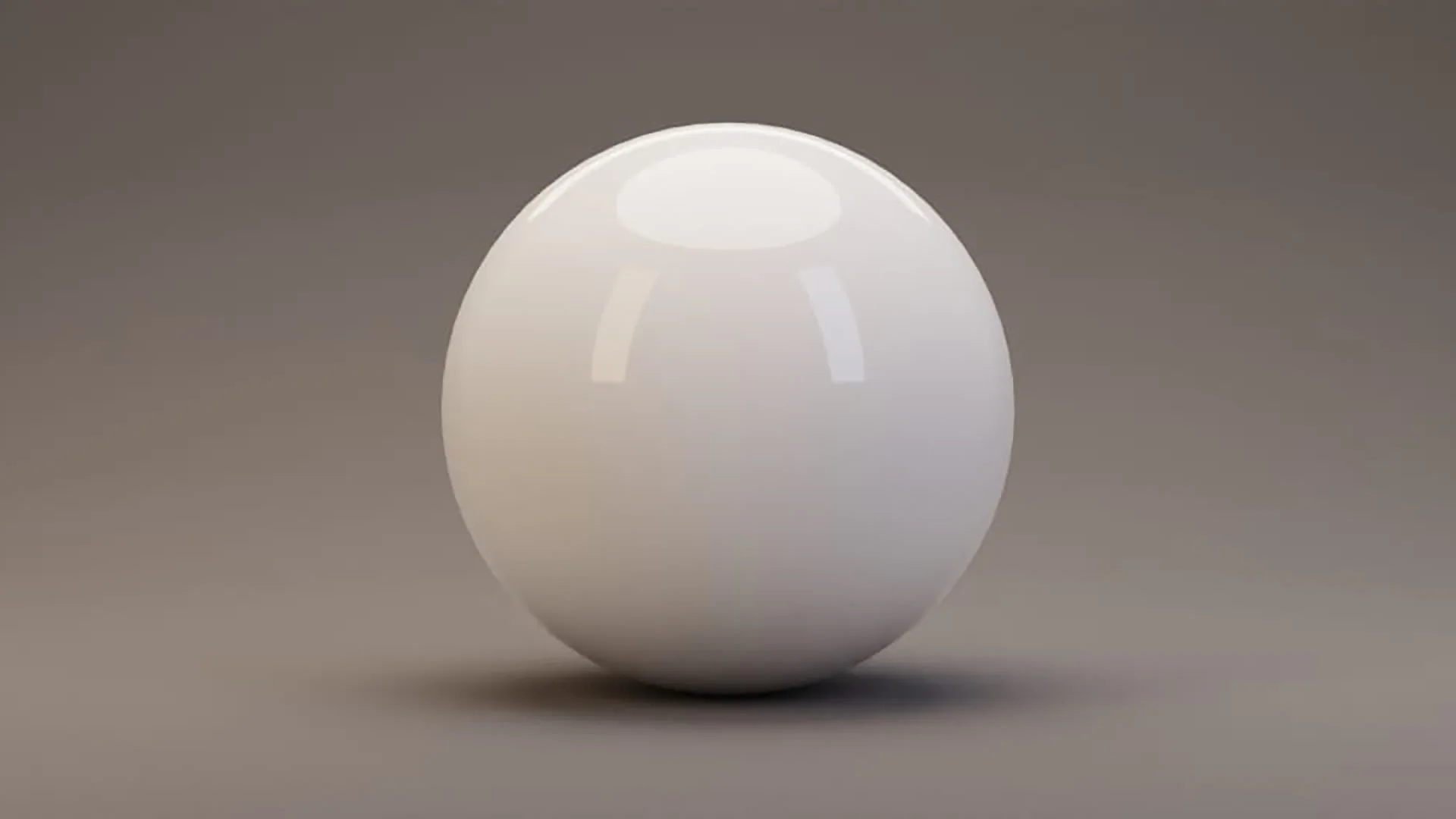
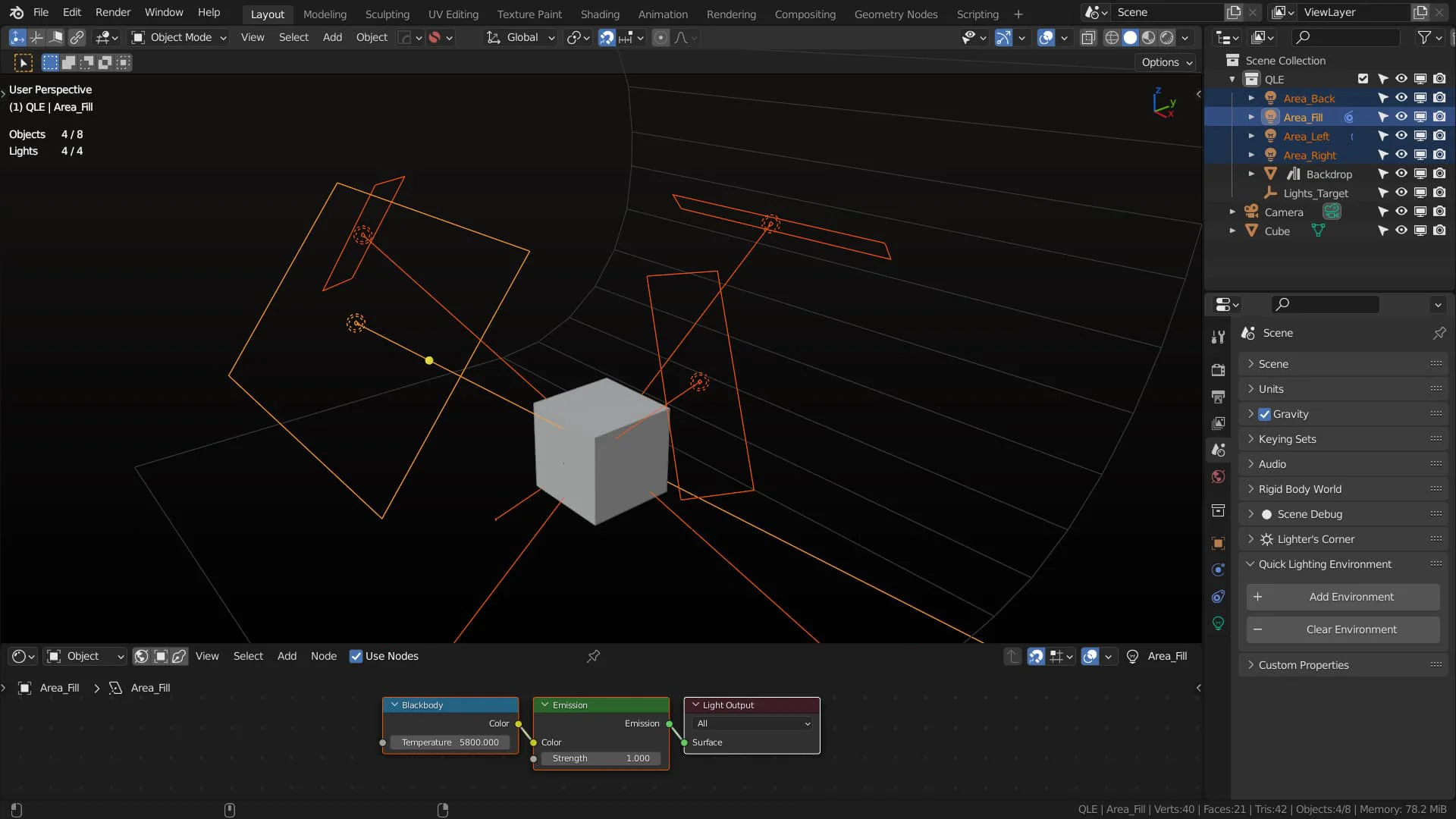
QLE in Blender UI Render with default settings

QLE is a Blender 4.2+ add-on that installs a panel named Quick Lighting Environment under Properties > Scene.


Click Add Environment to:

  • Create a World named "QLE World" with World > Surface strength set to 0.25 and a Blackbody value of 5454.
  • Create four positioned Area Lights with Blackbody values of 3800 (Area_Left, orange tint), 5454 (Area_Fill and Area_Back, equal energy), and 20,000 (Area_Right, blue tint, or at least as blue as a blackbody light gets).
  • Create an Empty named "Lights_Target" and connects all Lights to it with Track To Object Constraints.
  • Add a Mesh Object named "Backdrop".
  • If you disconnect/delete a Light, the Backdrop, or the Empty, clicking Add Environment re-inserts the missing object or constraint back into your scene.

Click Clear Environment to:

  • Purge QLE Lights, Backdrop, and Empty from scene, and reset the World from "QLE World" back to the original.

What's New

1.8.0 October 31st, 2025

1.8.0

  • Remove Blackbody nodes from lights
    • Light color updates introduced in version 1.6.7 for EEVEE compatibility caused incorrect results when multiplied by Blackbody output.

See all versions


Permissions

This extension does not require special permissions.

Developer
don1138
Rating
(8)
Version
1.8.0
Updated
8 mo
Published
May 19th, 2024
Downloads
43180
Size
103.3 KB
Compatibility
Blender 4.2 LTS and newer
Website
github.com/don1138/blender-qle
License
GNU General Public License v3.0 or later
Lighting
...or download and Install from Disk
  • 103.3 KB

Reviews

See all
  • MetinSeven
  • v1.8.0
  • 7 mo

Very useful, thanks!

  • Finland
  • v1.7.1
  • 1 y

Thank you spo much! This is great!

  • LPR
  • v1.7.1
  • 1 y

This is a time saver for yesterday's deadline projects ! thanks

5.0

8 reviews
5
4
3
2
1
Rate this Add-on
  • About
  • Privacy Policy
  • Terms of Service
About
  • Blender Foundation
  • Blender Institute
  • Blender Studio
  • License
  • Logo & Trademark
  • Credits
  • Privacy Policy
  • Code of Conduct
Organization
  • People
  • Jobs
Blender Network
Download
  • Latest Blender
  • Blender LTS
  • Previous Versions
  • Experimental Builds
  • Source Code
  • Requirements
  • Benchmark
  • Flamenco
Extensions
  • Add-ons
  • Themes
Developers
  • Get Started
  • Roadmap
  • Projects
  • Docs
  • Blog
  • Forum
  • YouTube
  • Python API
Blender Studio
  • Films
  • Training
  • Tools & Pipeline
Support
  • Manual
  • Community
  • FAQ
Get Involved
  • Documentation
  • Education
News
  • Press Releases
  • User Stories
Blender Conference
Follow Blender
Support Blender
  • Donate
  • One-time Donation
Artistic freedom starts with Blender The Free and Open Source 3D Creation Suite