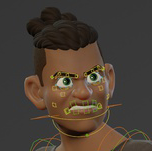
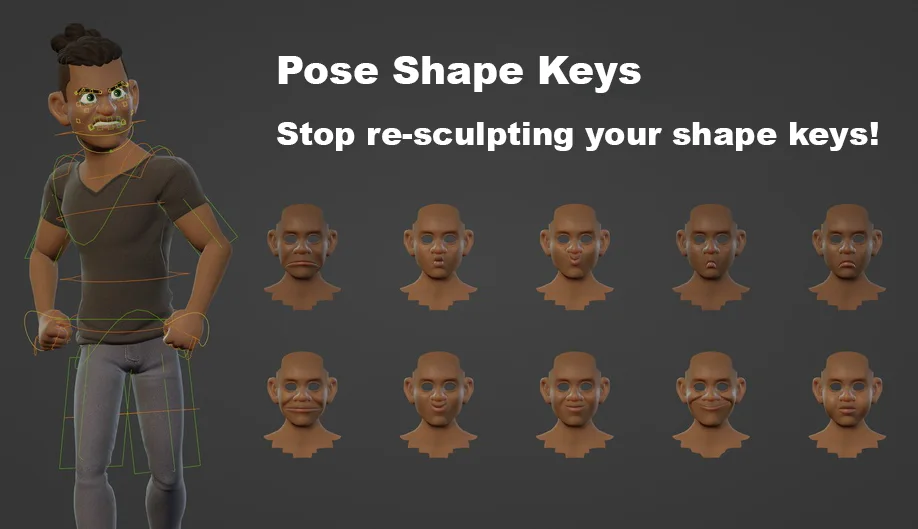
 Pose Shape Keys
Preserve your shape keys through weight changes, and much more.
What is this?
You're finally done sculpting the deformation correctives of your character rig and it looks great. But oh no. You find some rogue vertex weights or need to change some bone constraints for better behaviour. And now all your sculpted shape keys are messed up and have to be re-done too.
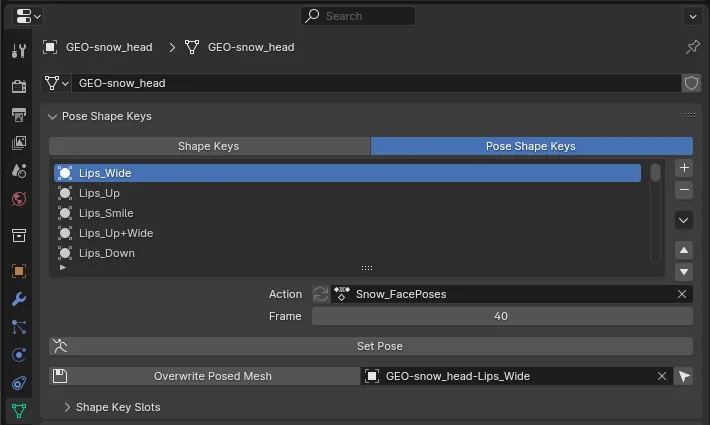
This add-on fixes that by letting you store the final sculpted shapes separately, and re-applying them on top of a modified base mesh. (As long as the topology hasn't changed, of course.)
How to use
- Read my Blog Post (includes video) to learn how to use the add-on.
- See the documentation which is kept up to date with the latest features.
Use cases
Besides allowing you to change your weight painting after creating corrective shape keys, the add-on enables various workflows:
- You can sculpt your facial expressions first, then create Action set-ups that move some deform bones into a similar pose, then blend into the actual pose you sculpted. Now you have the precision of sculpted shape keys, and the control of individual bones.
- Great support for symmetry workflows. You can author and propagate both sides of your shape keys at once. Just create a mask vertex group for each side, and assign them to your shape keys.
- Automatic driver set-up. At least for simple cases. Often faster than starting from scratch.
- You can author multiple shape keys at once, for example by sculpting a Fist shape, that will be broken up to individual finger joint shape keys. You just need to make a mask vertex group for each joint. There is an operator to let you normalize the masks.
Support Us
If you enjoy Pose Shape Keys, consider supporting the Blender Studio, and give a rating!
What's New
1.1.1 July 17th, 2026
- Support Action Slots
- Bump minimum Blender version to 5.0
Thanks! Great addon!