
Extensions
  • Home
  • Add-ons
  • Themes
  • Approval Queue
  • About
  • Upload Extension
  • Sign in
  • BLENDER.ORG

    • Download

      Get the latest Blender, older versions, or experimental builds.

    • What's New

      Stay up-to-date with the new features in the latest Blender releases.

    DEVELOPMENT

    • Roadmap

      See which projects are currently being worked on and what's next.

    • Documentation

      Guidelines, release notes and development docs.

    LEARNING & RESOURCES

    • Blender Studio

      Access production assets and knowledge from the open movies.

    • Manual

      Documentation on the usage and features in Blender.

    • Benchmark

      A platform to collect and share results of the Blender Benchmark.

    • Blender Conference

      The yearly event that brings the community together.

    DONATE

    • Development Fund

      Support core development with a monthly contribution.

    • One-time Donations

      Perform a single donation with more payment options available.

All Add-ons

Add-on PCB 3D Importer
PCB 3D Importer
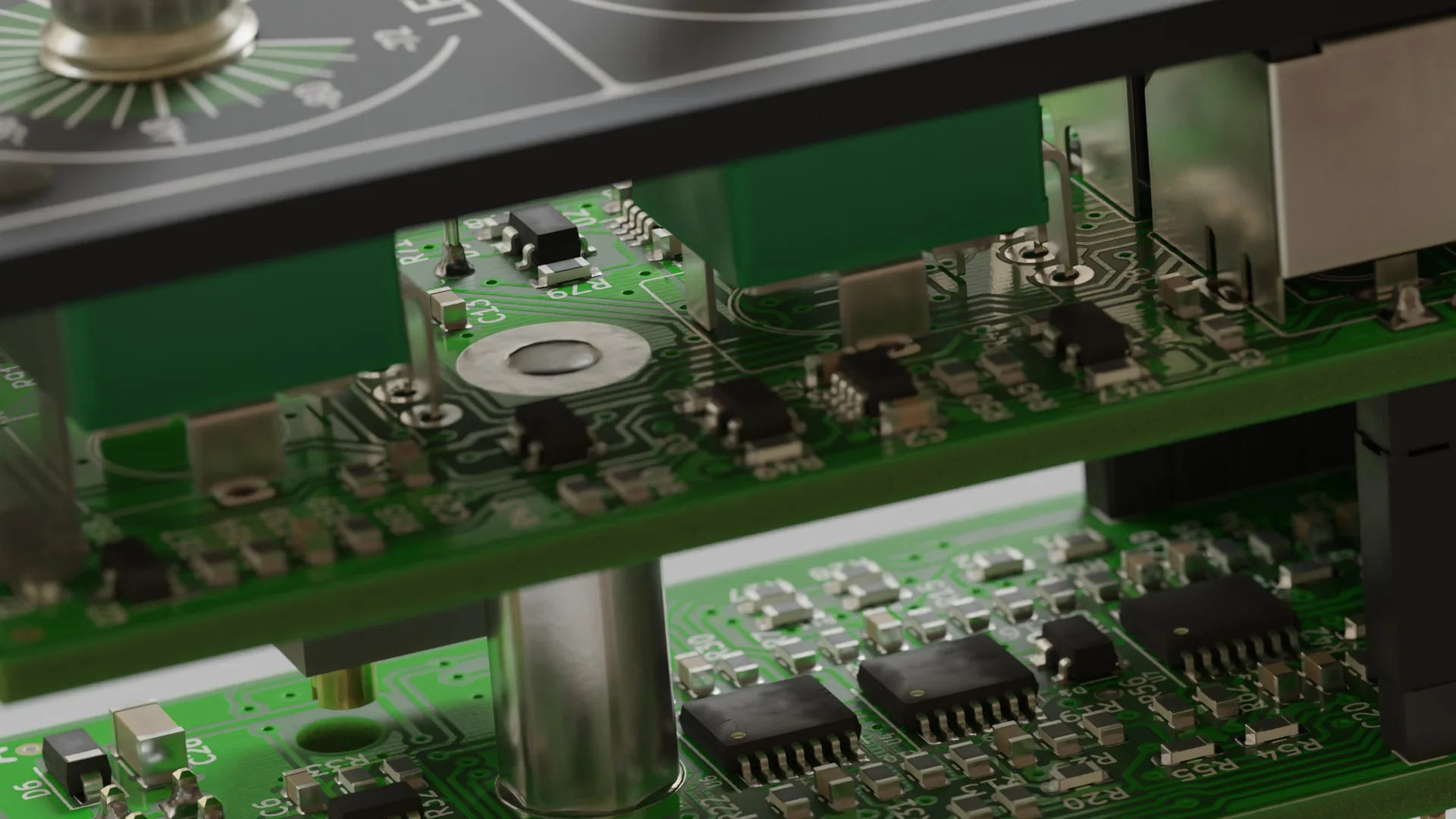
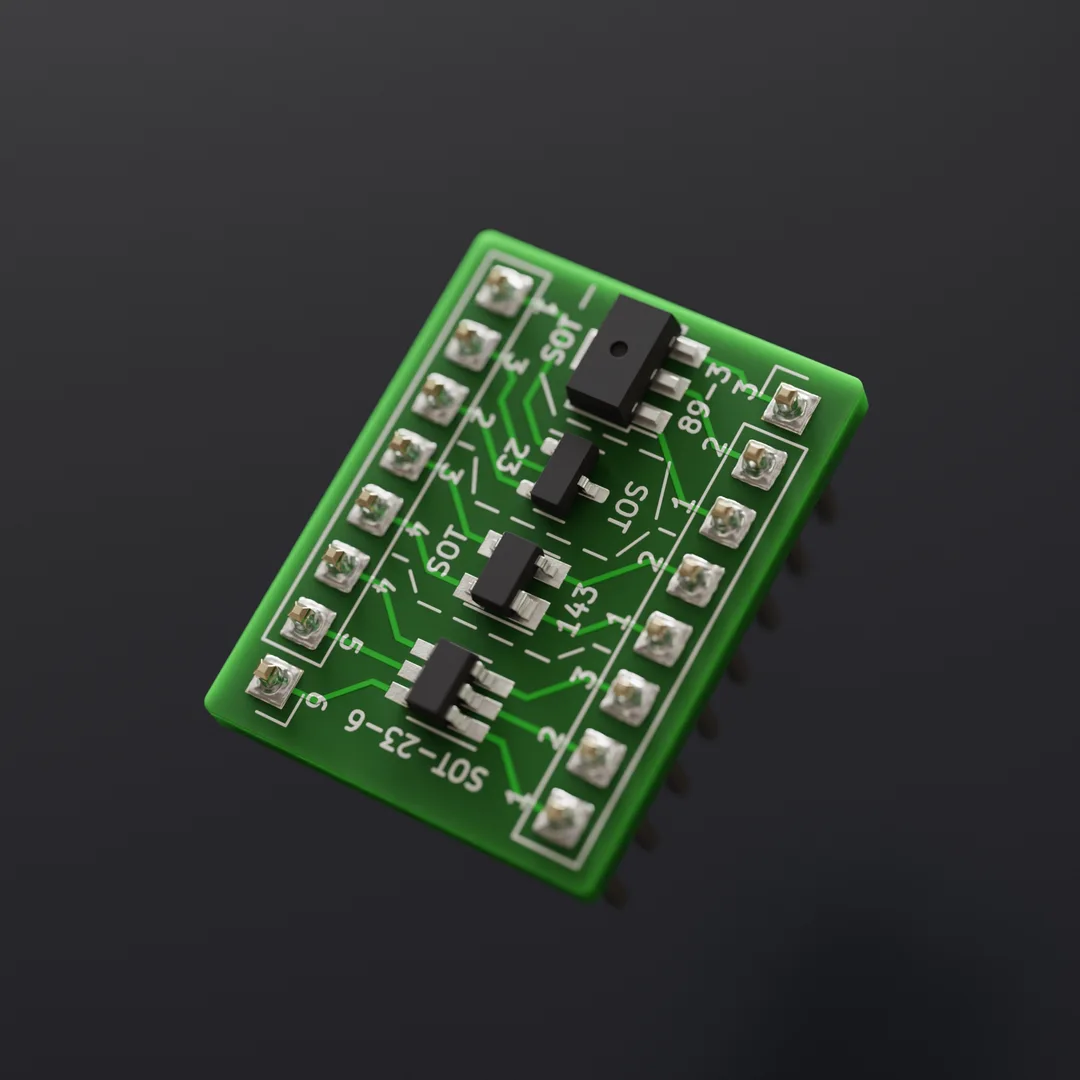
Import PCB 3D Models from KiCad.
Add-on by Bobbe
About What's New Permissions Reviews Version History

pcb2blender header image

The pcb2blender workflow lets you create professionally looking product renders of all your KiCad projects in minutes! Simply export your board as a .pcb3d file in KiCad, import it into Blender and start creating!

It lets you focus all your time on actually composing and lighting an interesting scene, skipping all the boring cleanup work that would be required without it.

Its quick export/import times also make it viable to create renders of WIP boards or to update them, after last minute board revisions.

You can support this project by becoming a GitHub Sponsor or by donating via PayPal!

Usage

  1. Hit the Export to Blender (.pcb3d) button in pcbnew.
  2. Import the file in Blender via File -> Import -> PCB (.pcb3d)
  3. Start creating awesome renders!

Advanced Features

  • Use The Add -> Mat4Cad and Add -> Pcb2Blender menus in the Shader Editor to quickly test different mat4cad materials for your components and PCBs

  • Use the File -> Import -> X3D/VRML (.x3d/.wrl) (pcb2blender) import option to preview how .wrl PCB component models will look like with the mat4cad materials

Other Projects

  • The protorack-kicad KiCad library, contains all the custom symbols and footprints I use for eurorack module development.

  • The svg2blender workflow enables you to export 2D graphical designs from Inkscape to Blender. It's mainly intended for use with front panel designs, but could be used for other things as well.

Credits

  • The name of this project is inspired by the awesome svg2shenzhen Inkscape extension by badgeek.

  • The PCB Shader node setup this addon comes with is inspired by the stylized-blender-setup repository by PCB-Arts.


What's New

2.17.5 April 21st, 2026
  • Support Blender 5.1

See all versions


Permissions

This extension requests the following permission:

  • Files

    Import .pcb3d files from disk

Developer
Bobbe
Rating
(4)
Version
2.17.5
Updated
3 mo
Published
Sept. 26th, 2024
Downloads
27427
Size
81.2 MB
Compatibility
Blender 5.1
Unsupported
5.2 and above
Supported Platforms
  • macOS Apple Silicon, Intel
  • Windows , Arm
  • Linux
Website
github.com/30350n/pcb2blender
Report Issues
github.com/30350n/pcb2blender/issues
License
GNU General Public License v3.0 or later
Import-Export
...or download and Install from Disk
  • 81.2 MB

Reviews

See all
  • Daniel-Marquez
  • v2.17.4-fix
  • 5 mo

Works exactly as advertised. Just go to the GitHub to read the installation directions from KiCad, then install into Blender, and do your thing. I was shocked at how seamless it was. Props to the dev.

  • Youyooo
  • v2.14.0
  • 8 mo

材质库非常强大,方便

  • Raze-Demon
  • v2.14.0
  • 1 y

Thumbs up! 👍

5.0

4 reviews
5
4
3
2
1
Rate this Add-on Report an issue
  • About
  • Privacy Policy
  • Terms of Service
About
  • Blender Foundation
  • Blender Institute
  • Blender Studio
  • License
  • Logo & Trademark
  • Credits
  • Privacy Policy
  • Code of Conduct
Organization
  • People
  • Jobs
Blender Network
Download
  • Latest Blender
  • Blender LTS
  • Previous Versions
  • Experimental Builds
  • Source Code
  • Requirements
  • Benchmark
  • Flamenco
Extensions
  • Add-ons
  • Themes
Developers
  • Get Started
  • Roadmap
  • Projects
  • Docs
  • Blog
  • Forum
  • YouTube
  • Python API
Blender Studio
  • Films
  • Training
  • Tools & Pipeline
Support
  • Manual
  • Community
  • FAQ
Get Involved
  • Documentation
  • Education
News
  • Press Releases
  • User Stories
Blender Conference
Follow Blender
Support Blender
  • Donate
  • One-time Donation
Artistic freedom starts with Blender The Free and Open Source 3D Creation Suite