 OpenVAT

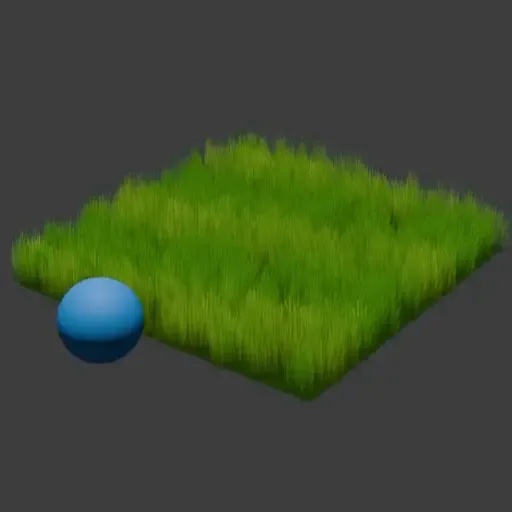
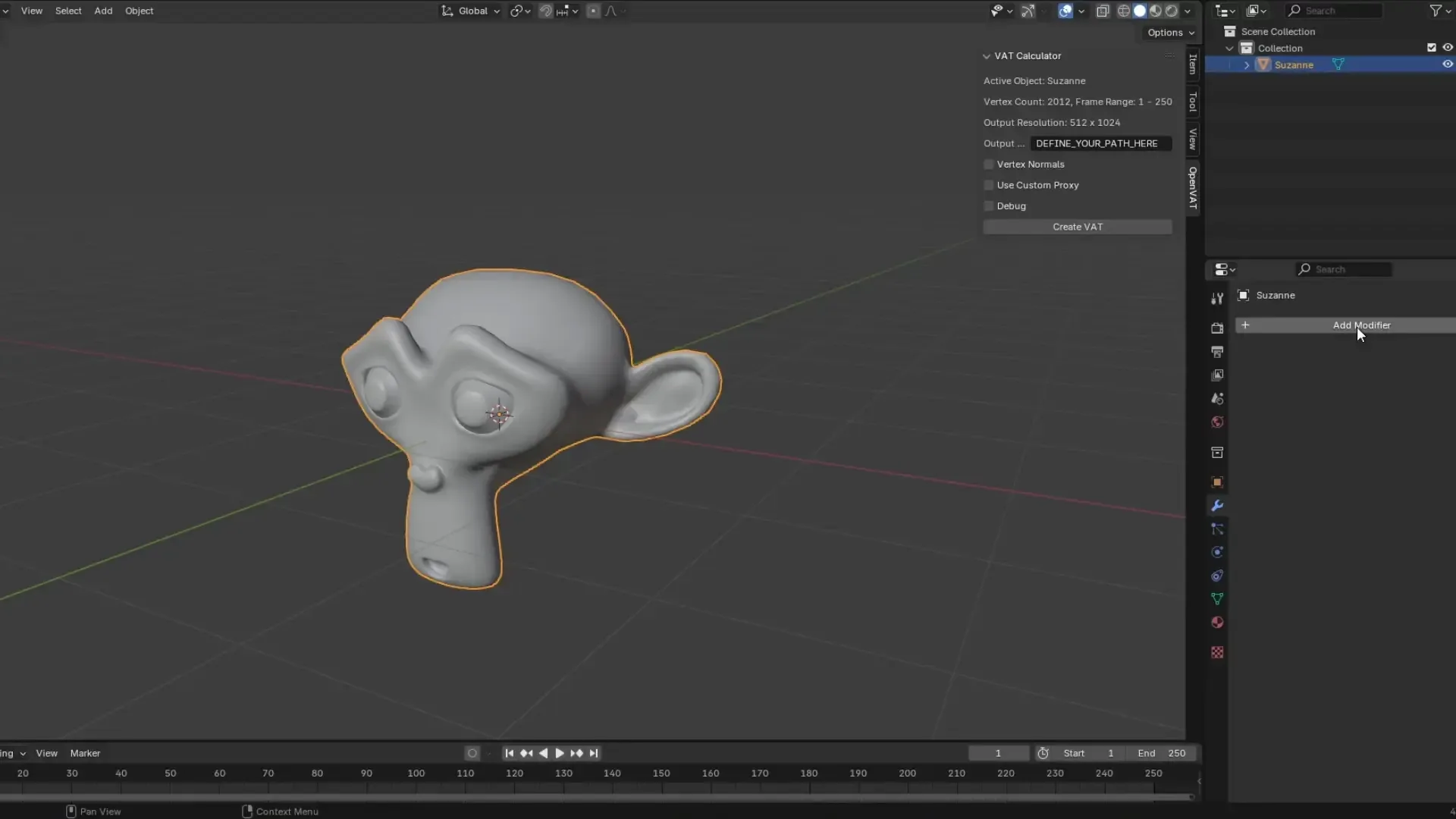
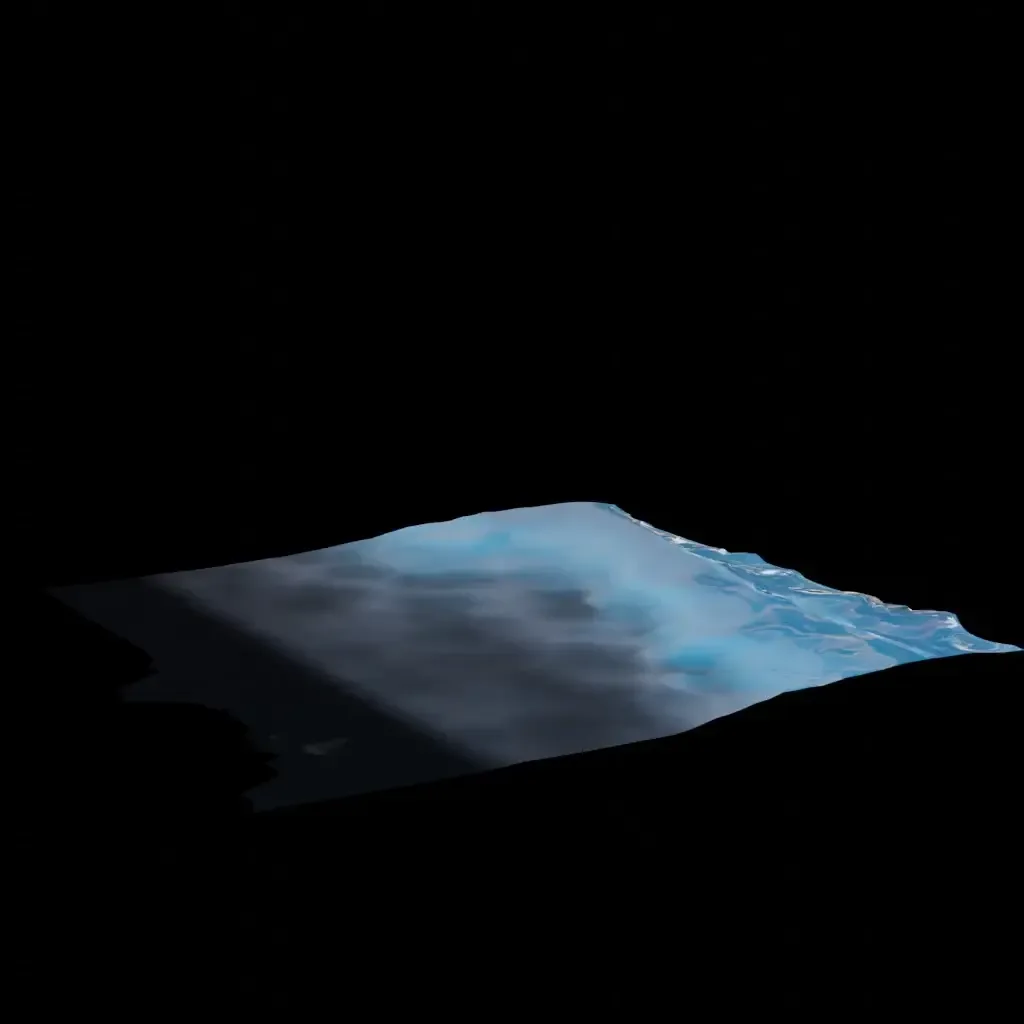
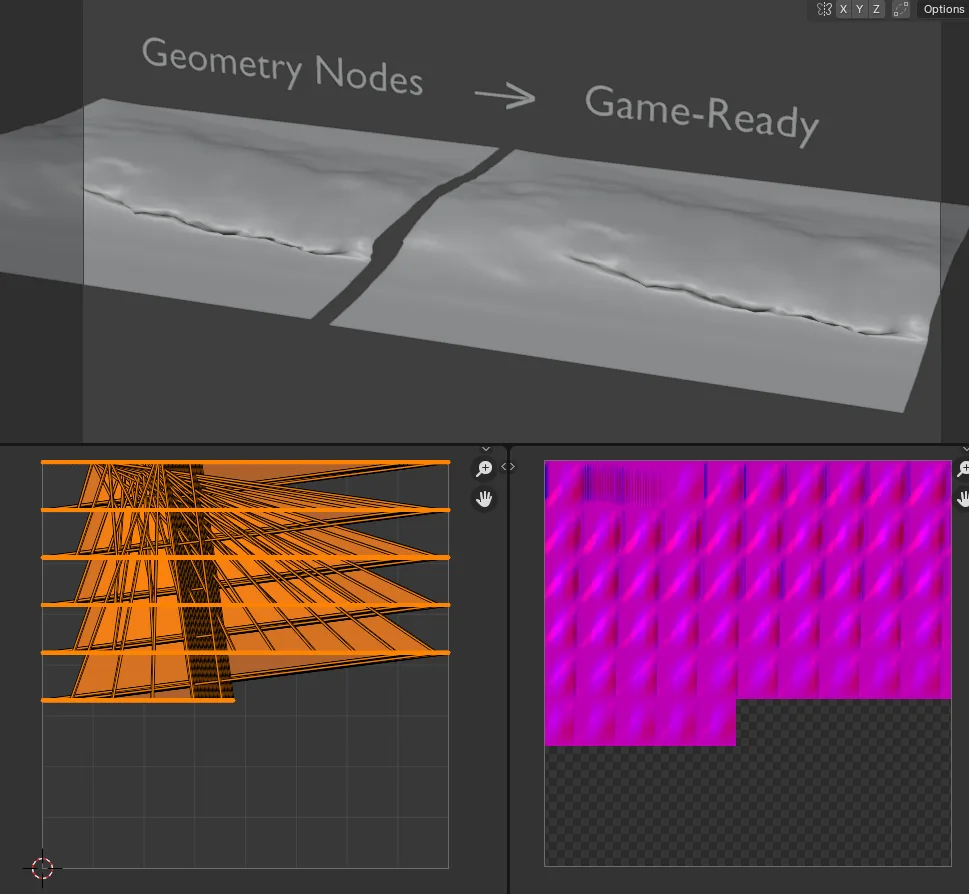
Overview
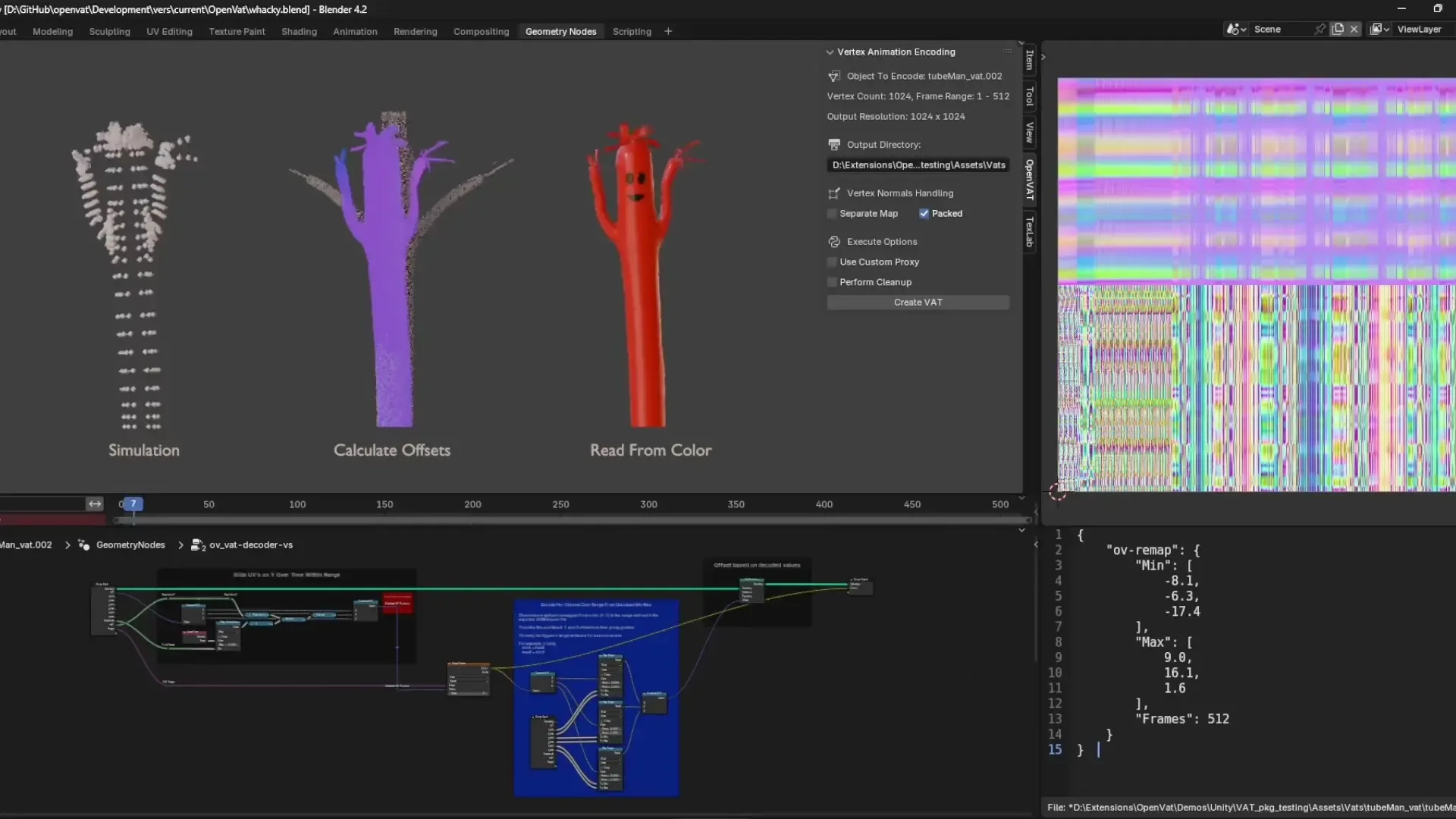
OpenVAT is a Blender add-on that encodes Vertex Animation Textures (VATs) directly from animated geometry. Designed for real-time engine export (Unity, Unreal, Godot), it supports:
- Frame-based geometry capture via Geometry Nodes.
- Packed or separate normal texture output.
- Arbitrary attribute encoding (RGB vector + optional scalar).
- High-quality PNG or EXR export.
- Auto-setup preview scene and cleanup.
- Verified extension on the Blender Extensions platform.
Curious to know more about VATS in general and this add-on was created? Check out my overview video: https://www.youtube.com/watch?v=eTBuDbZxwFg See why I’m excited about the latest 1.0.4 release: https://youtu.be/uZ4-0MxR3CU
For more information and engine integrations, check out the OpenVAT playlist - with videos from me and other creators utilizing the tool: https://youtube.com/playlist?list=PLxoaj1mvYohtaPyN0qmhTVHZJqLh8VTlt&si=sqy2aLo2mXc8-20J
Get the git: https://github.com/sharpen3d/openvat OpenVAT targets technical artists, shader developers, and studios aiming to bridge Blender simulations, procedural animation, or geometry nodes with performant in-engine playback.
Key Concepts
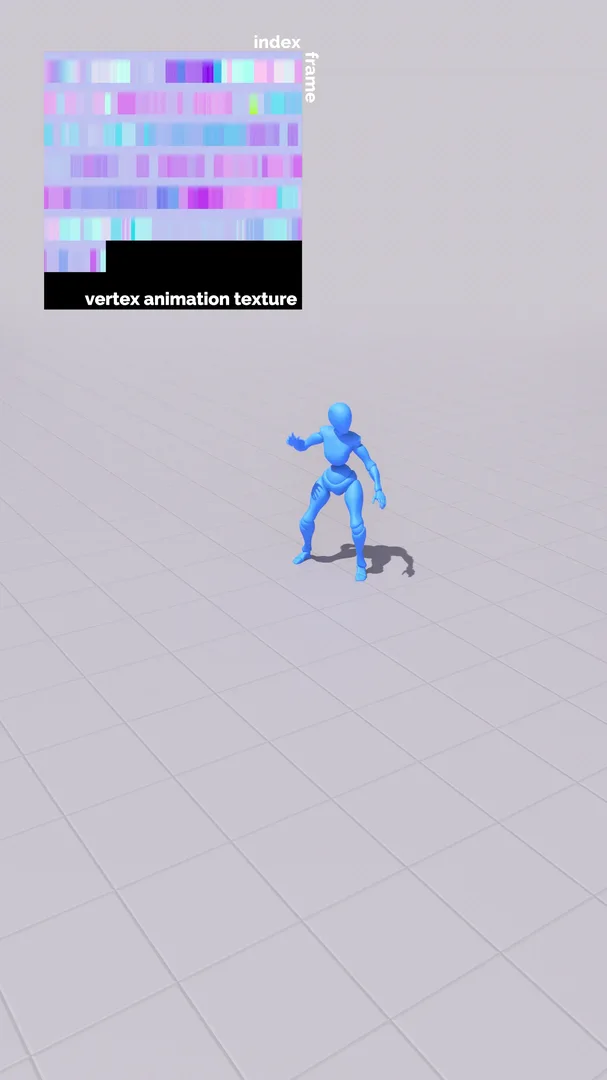
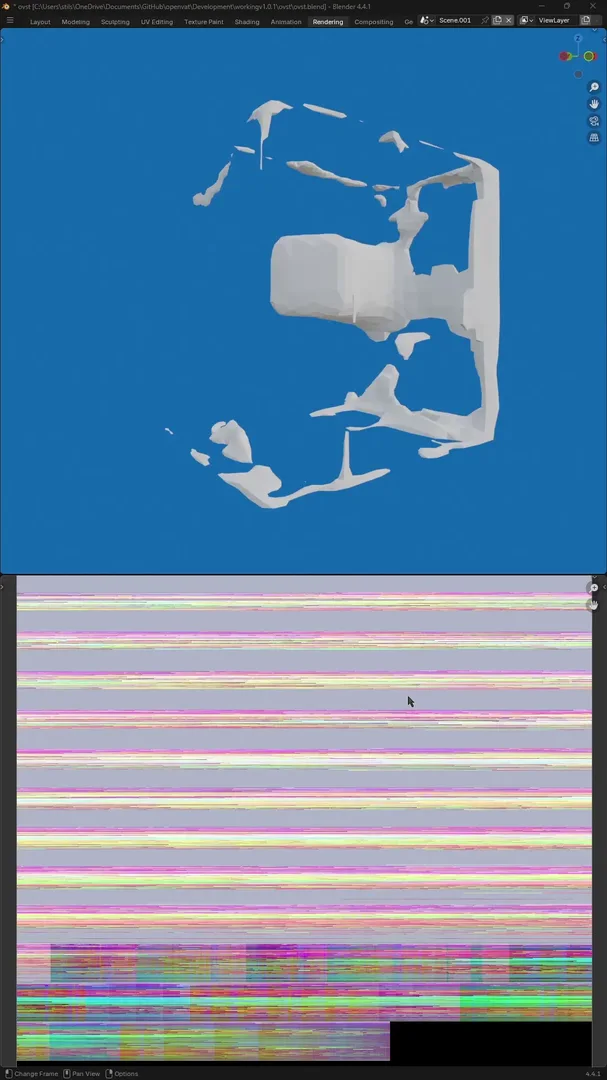
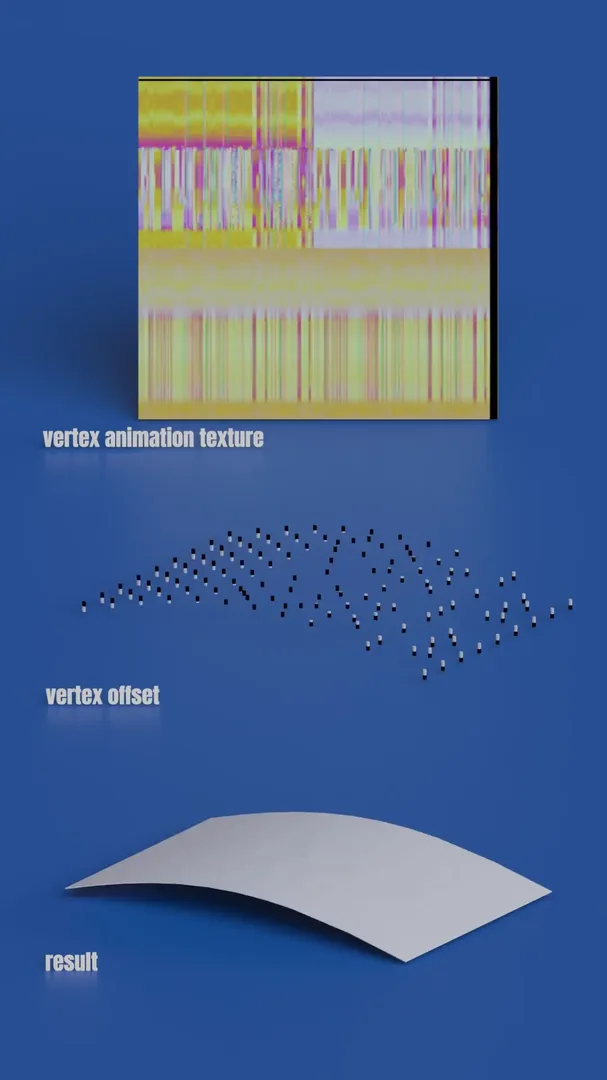
- VAT (Vertex Animation Texture): A texture where pixel data stores vertex positions (and optionally normals) per frame.
- Proxy Object: The "bind pose" reference used as a base for calculating deltas.
- Remap Info: JSON metadata storing min/max per channel for accurate reconstruction.
- Packed Normals: Normals encoded into the same texture as position (saves memory but limits angular precision).
Features
Normal Handling
- None: No normal data.
- Packed: Normals packed into same texture (RGBA).
- Separate: Normals stored in a secondary texture.
Transform Handling
- Encode relative to object space or world space.
Output
- Mesh Formats: FBX, glTF (.glb or .gltf).
- Texture Formats: 16-bit PNG or EXR (half-float).
- Includes: UV mapping for VAT, optional mesh cleanup, optional proxy export.
Interface Breakdown
Encoding Panel (OpenVAT Encoding)
- Select encode target:
Active ObjectorCollection (combined) - Choose encoding mode:
OpenVAT StandardorCustom - Define Proxy Method:
Start Frame,Current Frame, orSelected Object - Normal Encoding, Attribute names (if custom), and Remap options
Output Panel
- Set output directory
- Choose image + mesh formats
- View estimated resolution and vertex counts
- Execute encoding
Encoding Workflow
- Install Add-on via Preferences.
- Select Target:
- Mesh or Collection.
- Choose encoding type.
- Configure Settings:
- Frame range
- Attribute remapping
- Normal packing, cleanup, transform
- Set Output Directory
- Choose image and mesh output formats
- Click “Encode Vertex Animation Texture”
File Output
Given target MyObject, results are stored like:
/MyExportDir/
└── MyObject_vat/
    ├── MyObject.png             ← position+optional normal data
    ├── MyObject-vnrm.png        ← (if separate normals)
    ├── MyObject-remap_info.json← min/max metadata
    └── MyObject.fbx/.glb/...    ← encoded proxy mesh
Previewing
Immediately after VAT creation, a new object will be added to the scene as a copy of the proxy object with all modifiers stripped and the decoder modifier added. This will be added in the exact location as the active_object and is unselected by default. Hide or move the original and scrub the timeline or play the scene to see the vertex-encoded animation play.
Example Use Cases
- Bake geometry node animations to textures for engine playback.
- Export destruction simulations without heavy Alembic caches.
- Drive shader-based VFX with procedural or dynamic meshes.
Developer & Export Notes
- Blender coordinate system:
-Z Forward, Y Up - EXR exports: 16-bit ZIP compression, no dithering
- PNG exports: 16-bit RGBA, best compatibility
- VAT Preview scene: auto-created and linked to “OpenVATPreview” collection
- Scene cleanup: automatic post-encoding
** Using tangent-space normal maps on VAT-animated meshes can be tricky. In most cases, it is recommended to use an object-space baked normal map for surface detail, and comine this with the animated VAT normal for proper surface lighting during deformation. This requires alteration to the default provided shaders.
Engine Support
Engine integrations are meant as example cases and templates, and may require modification for production use cases - feel free to reach out with integration questions and recommendations.
Unity
- Adding the Unity Package
- In Unity's package manager, click "Add from Git URL" and paste https://github.com/sharpen3d/openvat-unity.git. This installs OpenVat into Packages of your project, including a custom window for automatic standard setup for basic and PBR usage.
- After package is sucessfully installed, Find the custom panel under "Tools > OpenVAT"
- Import the entire folder that was created when exporting your VAT via the OpenVAT blender Extension including the json sidecar data.
- Point the Folder Path variable to the location of this folder within your Assets (will be something like Assets/myObject - always starting with "Assets/")
- Optional: Add standard PBR maps (if available) for your content - Basecolor, Roughness, Metalness, Normal, Emission, Ambient Occlusion make sure to name maps approprately, see note below
- Press Process OpenVAT Content - Results in Prefab and Material being created in the same folder, with an automatically looping animation (at default speed) of your content
- Modify the base shaders and shader parameters for your use case - add surface texturing, set start/end frames, or set animated = false to define your specific desired frame via animation or scripting.
- In Unity's package manager, click "Add from Git URL" and paste https://github.com/sharpen3d/openvat-unity.git. This installs OpenVat into Packages of your project, including a custom window for automatic standard setup for basic and PBR usage.
Unreal 5
*forward rendering only, I am working on a custom vertex factory for a modern approach to handling VATs in Unreal, along with specific VAT creation options to better utilize VAT in Niagara systems. Currently OpenVAT works in Unreal 5 without forward rendering enabled, however this can lead to undesired lighting issues on the VAT when using lit materials.
Watch the walkthrough: https://www.youtube.com/watch?v=T1KVvUIduGI
-Download the zip from Engine_Tools/Unreal5 extract, then drop into the Content of your Unreal project (in system file explorer, not directly into engine UI)

-When you import your own vertex animation texture, make sure it's compression is set to RGB16
-Split your mesh on any hard edges before baking (ensure soft/hard edges are marked, and use automatic edge-splitting for best results), this allows soft and hard edges during vertex sampling.
-This was built in UE5, and is NOT UE4 compatible at the moment. The process is viable for UE4, but setup differs. Please reach out if UE4 integration is needed.
Godot
-Check the Github OpenVAT-Engine_Tools folder for Godot starter content. This is not integrated with a specific importer, but just requires manual entry of min/max values (similar to Unreal).
** EffectHouse
- As an integration test, I have created a TikTok EffectHouse compatible shader example, which can also be found in OpenVAT-Engine_Tools
What's New
1.1.0 December 14th, 2025
OpenVAT – Blender 5.0 Compatibility & Animation Data Update
New
Animation Data Panel
A new Animation Data panel has been added.
- Allows you to define animation metadata that is written into the exported JSON:
- Per-animation name
- Frame ranges (start/end frames)
- Loop / non-loop designation
- This metadata is used only by the Unity import pipeline for now.
- This system is designed to let you carve multiple logical clips (idle, run, attack, etc.) out of a single VAT bake.
⚠️ Important behavior notes
- Does not affect encoding: The animation definitions do not change which frames are baked. The full encoding range is still exported.
- No skipping: Defining animations does not “skip” frames in the bake or change how the VAT is generated; it only tags ranges inside the encoded data.
- Global frame ranges: Animation frame ranges are currently global scene frames, not relative to the VAT encoding start frame.
Changes / Fixes
Blender 5.0 Compositor Compatibility
- Updated all compositor access from legacy
scene.node_treeto a version-safe path:- Blender 5.0+: uses
scene.compositing_node_groupandCompositorNodeTree. - Blender 4.x: still uses
scene.use_nodes+scene.node_tree.
- Blender 5.0+: uses
- Added helpers to keep behavior identical across versions:
get_scene_compositor_tree(...)– returns a valid compositor tree for the current scene.get_compositor_output_socket(...)– returns the correct output node/socket:- 5.0: Group Output + interface socket
- 4.x: Composite node
Alpha Over Node (4.x ↔ 5.0)
- Made the Alpha Over setup fully version-aware:
- Blender 5.0:
- Uses the “Straight Alpha” input socket (enabled).
- Connects via named sockets:
BackgroundandForeground.
- Blender 4.x:
- Uses legacy
use_premultiply = False. - Connects via indexed sockets:
inputs[1](BG),inputs[2](FG).
- Uses legacy
- Blender 5.0:
- Factor input is normalized across versions (
Fac = 1.0), and the Alpha Over output is always wired into the compositor’s final output socket.
Unnormalize Compositing Path
- Updated the EXR unnormalize pass to use the same compositor helpers:
- Uses
get_scene_compositor_tree(...)to obtain a compositor tree in 4.x and 5.0. - Sends the final combined RGBA result to the correct compositor output (Group Output in 5.0, Composite node in 4.x).
- Uses
- This removes crashes related to
CompositorNodeCompositebeing undefined in Blender 5.0 and keeps the unnormalize workflow stable.
Known Limitations
- Animation Data panel
- Frame ranges are global scene frames, not offset-relative to the VAT bake’s start frame.
- Only the Unity importer currently reads and uses this metadata.
- Compositor
- The new compositor API in Blender 5.0 is still evolving; future Blender releases may require minor adjustments, but the current helper-based approach is designed to minimize breakage.
Really cool add-on ! Thanks you so much :) I was wondering if you were going to implement a feature more focused on rigid bodies. In the context of a rigid body simulation, instead of baking each vertex position, could there be an option to simulate the pivot point (2 maps: position & rotation) of each piece of debris?
Its a good addon, very intuitive, although I'm having and small issue with the values when I import the model to unity, it seems all my vertex are displaced and it doesnt keep the shape correctly