Extensions
  • Home
  • Add-ons
  • Themes
  • Approval Queue
  • About
  • Upload Extension
  • Sign in
  • BLENDER.ORG

    • Download

      Get the latest Blender, older versions, or experimental builds.

    • What's New

      Stay up-to-date with the new features in the latest Blender releases.

    LEARNING & RESOURCES

    • Blender Studio

      Access production assets and knowledge from the open movies.

    • Manual

      Documentation on the usage and features in Blender.

    DEVELOPMENT

    • Developers Blog

      Latest development updates, by Blender developers.

    • Documentation

      Guidelines, release notes and development docs.

    • Benchmark

      A platform to collect and share results of the Blender Benchmark.

    • Blender Conference

      The yearly event that brings the community together.

    DONATE

    • Development Fund

      Support core development with a monthly contribution.

    • One-time Donations

      Perform a single donation with more payment options available.

All Add-ons

Add-on Node Arrange
Node Arrange

Arrange node trees with one click.
Add-on by Leonardo-Pike-Excell
About What's New Reviews Version History

Node Arrange


Node Editor ‣ Sidebar ‣ Arrange


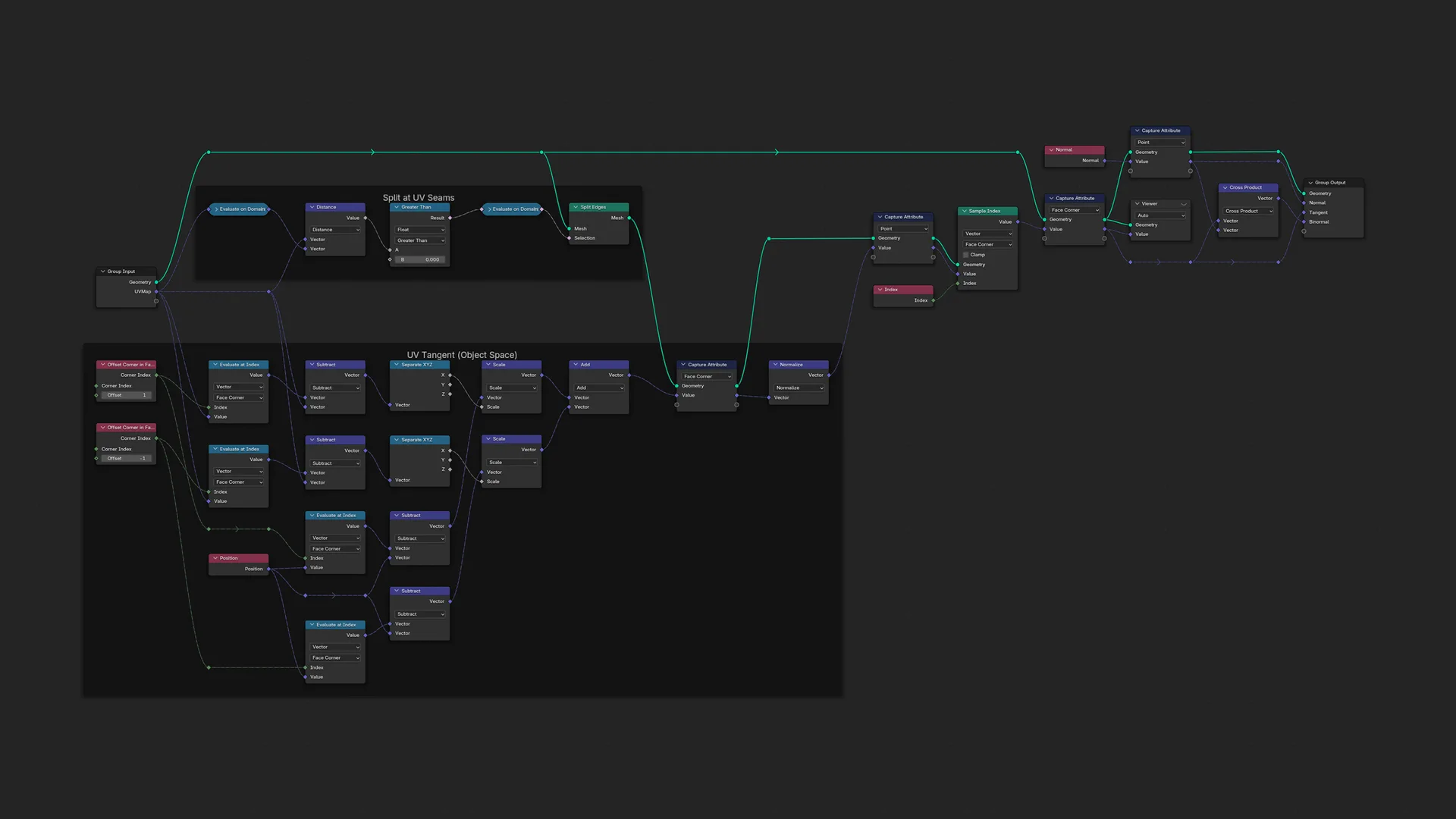
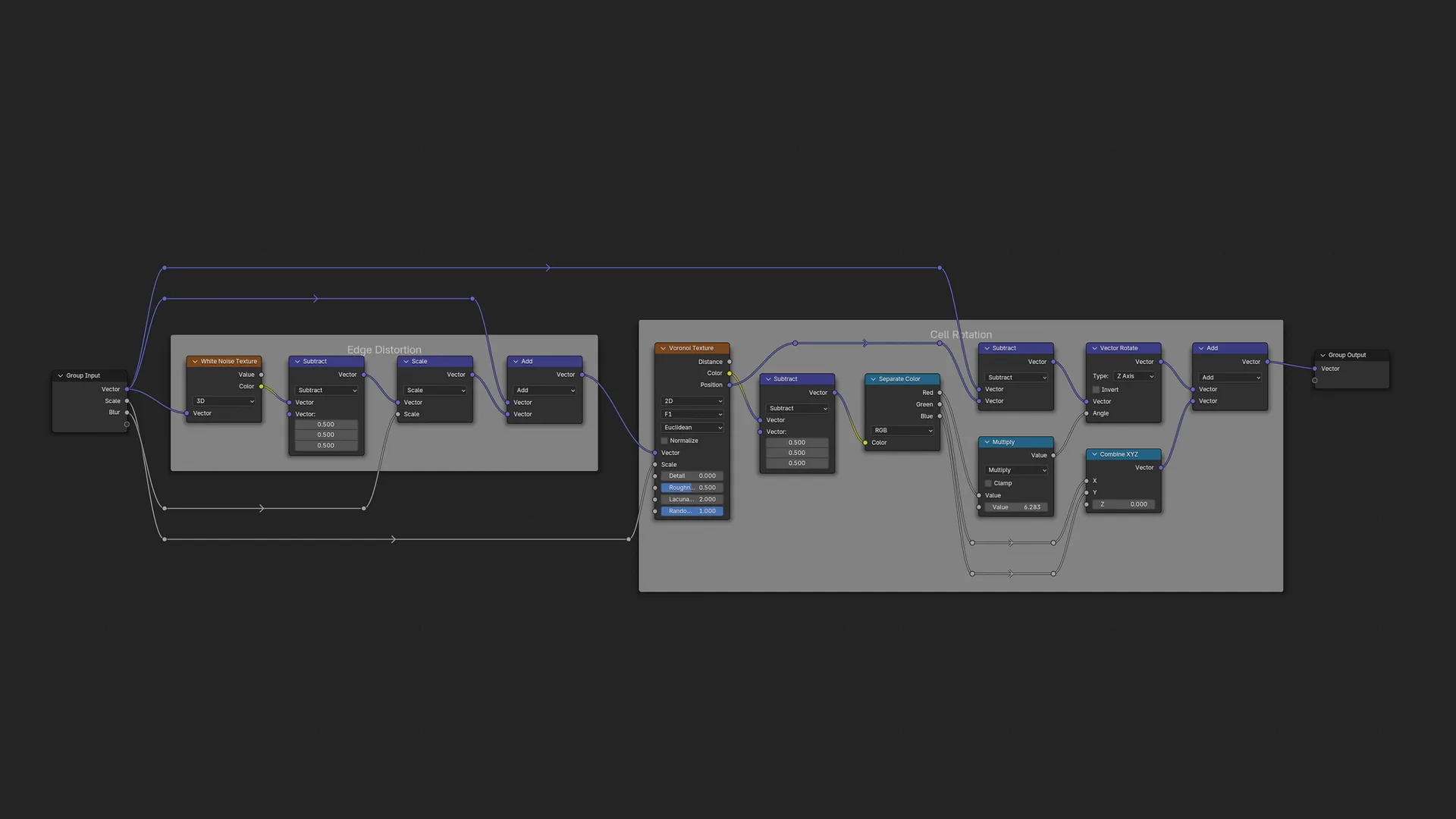
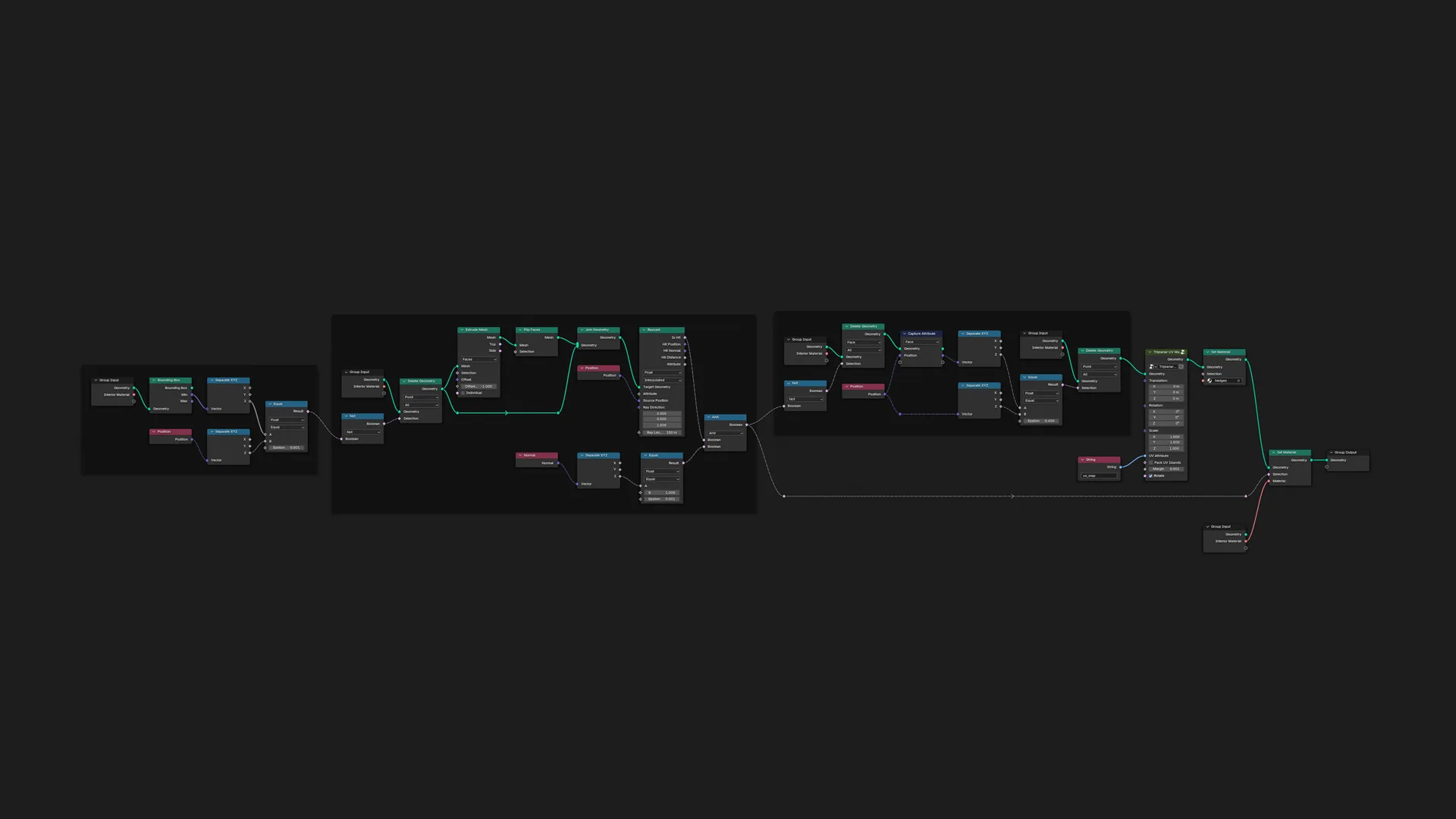
An add-on for the automatic layout of nodes.

No matter the node tree complexity, nodes will be pleasingly arranged, organised, and aligned. Adjust the settings to suit your taste.


What's New

1.10.0 October 1st, 2025

Improvements

  • Added an option to stack collapsed math and vector math nodes on top of one another.
  • Links vertically crossing frames are now reduced.
  • Less links will now cross.
  • Added an option to set the number of iterations for reducing link crossings.
  • The sockets of links now align where appropriate, and associated options have been added for this.
  • Added an option to choose multiple different node alignments.
  • Nodes are now vertically positioned better in node trees with frames.
  • Node trees with frames are now arranged faster.
  • More nodes are now aligned.
  • Added an option to attach reroutes to frames in an alternative way.
  • Added an option to not add reroutes.
  • Less unnecessary reroutes are added now.
  • Reroutes now 'bend' around nodes better.
  • Added an option for Recenter Selected to set the origin to the active output(s).
  • The UI has been improved.

Fixes

  • Fixed an issue where Batch Arrange could arrange node trees incorrectly.
  • Fixed an issue where Batch Arrange could change the view offset of node trees.
  • Fixed an issue where unnecessary link crossings could be created for multi-inputs.
  • Fixed an issue where links could unnecessarily cross frames.
  • Fixed an issue where children could unnecessarily heighten the bounding box of their frame.

See all versions


Permissions

This extension does not require special permissions.

Developer
Leonardo-Pike-Excell
Rating
(65)
Version
1.10.0
Updated
2 mo
Published
May 14th, 2024
Downloads
177715
Size
1.7 MB
Compatibility
Blender 4.2 LTS and newer
Website
github.com/Leonardo-Pike-Excell/node-arrange
Report Issues
github.com/Leonardo-Pike-Excell/node-arrange/issues
License
GNU General Public License v3.0 or later
Node
...or download and Install from Disk
  • 1.7 MB

Reviews

See all
  • Claudio-Pozo
  • v1.10.0
  • 1 w

Works great

  • Paulo-Eduardo-Ribeiro
  • v1.10.0
  • 1 w

Very good! Simple and clean!

  • treety
  • v1.10.0
  • 2 w

Хорошая и полезная утилита.

5.0

65 reviews
5
4
3
2
1
Rate this Add-on
  • About
  • Privacy Policy
  • Terms of Service
Download
  • Latest Blender
  • Blender LTS
  • Blender Benchmark
  • Previous Versions
  • Experimental Builds
  • Source Code
  • Release Notes
  • Requirements
Organization
  • People
  • Jobs
About
  • Blender Foundation
  • Blender Institute
  • Blender Studio
  • License
  • Logo & Trademark
  • Credits
  • Privacy Policy
Articles
  • News
  • Press Releases
  • User Stories
Get Involved
  • Dashboard
  • Development
  • Documentation
  • Education
Blender Studio
  • Films
  • Training
Support
  • Manual
  • Community
  • FAQ
Developers
  • Get Started
  • Projects
  • Docs
  • Blog
  • Forum
  • YouTube
  • Python API
Blender Conference
Follow Blender
Support Blender
  • Donate
  • One-time Donation
Artistic freedom starts with Blender The Free and Open Source 3D Creation Suite