Extensions
  • Home
  • Add-ons
  • Themes
  • Approval Queue
  • About
  • Upload Extension
  • Sign in
  • BLENDER.ORG

    • Download

      Get the latest Blender, older versions, or experimental builds.

    • What's New

      Stay up-to-date with the new features in the latest Blender releases.

    DEVELOPMENT

    • Roadmap

      See which projects are currently being worked on and what's next.

    • Documentation

      Guidelines, release notes and development docs.

    LEARNING & RESOURCES

    • Blender Studio

      Access production assets and knowledge from the open movies.

    • Manual

      Documentation on the usage and features in Blender.

    • Benchmark

      A platform to collect and share results of the Blender Benchmark.

    • Blender Conference

      The yearly event that brings the community together.

    DONATE

    • Development Fund

      Support core development with a monthly contribution.

    • One-time Donations

      Perform a single donation with more payment options available.

All Add-ons

Add-on Light Painter
Light Painter

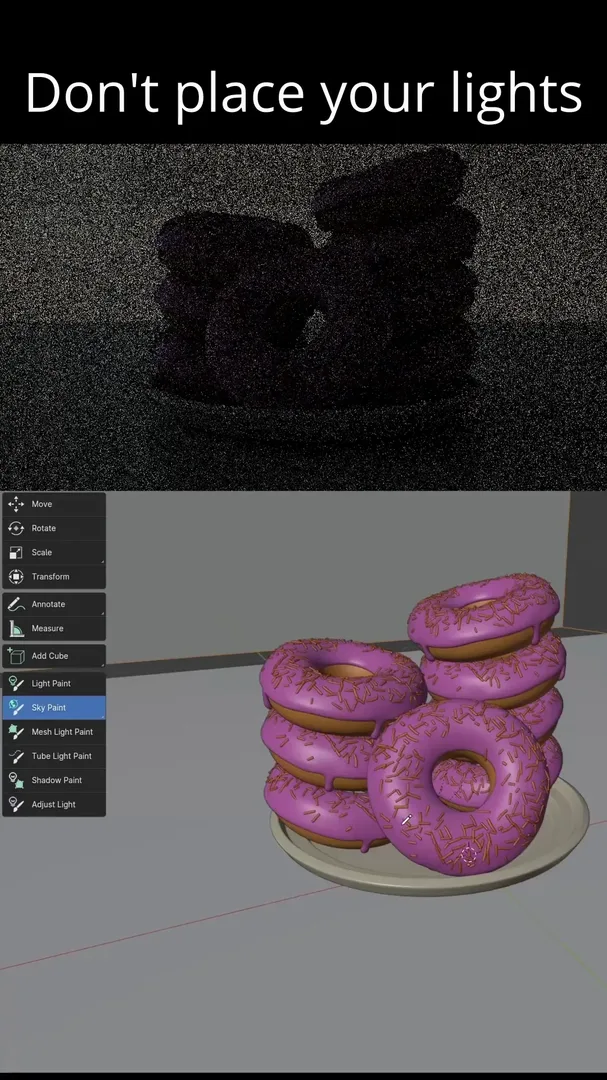
Do not place your lights, paint them.
Add-on by SMagnusson
About What's New Reviews Version History
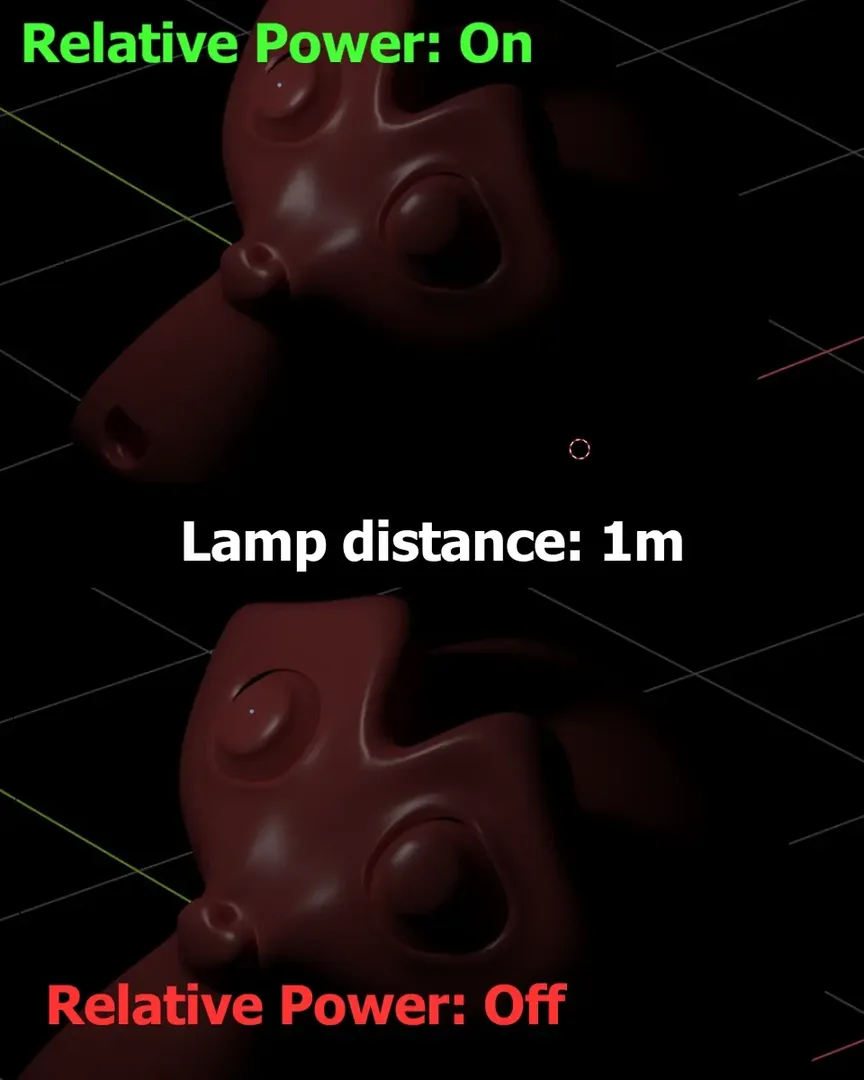
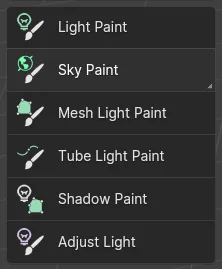
Version 1.2 release promo Relative Power feature, comparing distances Tools available: light paint, sky paint, mesh light paint, tube light paint, shadow paint, and adjust light

Interactively add lights and shadows to your scenes. Draw where you want the light to affect, and Light Painter adds and places the light for you.

"[This] turns light design in Blender on its head: instead of manipulating the lights, you indicate how you want them to appear on your models by painting their influence. Very cool and innovative!" - BlenderNation

Documentation is available on the repo website: projects.blender.org/SMagnusson/light-painter

Supports:

  • lamp objects of all types
  • mesh lights, both convex hulls and tube lights
  • sky textures
  • flags to cast shadows for lamp objects

Adjust lamp distance, power, and size using keyboard shortcuts within the modal tools.

Utility to add basic procedural gobos node setup for lamps (Cycles only).


What's New

1.5.6 November 9th, 2025
  • Fix: support 5.0, detect supported sky models instead of hardcoded list
  • Fix: text formatting for the sky tool's power mode

See all versions


Permissions

This extension does not require special permissions.

Developer
SMagnusson
Rating
(11)
Version
1.5.6
Updated
7 mo
Published
March 4th, 2024
Downloads
44297
Size
109.4 KB
Compatibility
Blender 4.2 LTS and newer
Website
projects.blender.org/SMagnusson/light-painter
Report Issues
projects.blender.org/SMagnusson/light-painter/issues
License
GNU General Public License v3.0 or later
3D View Lighting Object
...or download and Install from Disk
  • 109.4 KB

Reviews

See all
  • OrangeYo
  • v1.5.6
  • 2 mo

good!

  • CHILDWOLF
  • v1.5.3
  • 9 mo

good

  • Ameya-Jha
  • v1.5.2
  • 11 mo

Seems great! How do I use it though?...

  • SMagnusson replied
  • 11 mo

Thank you! If you have questions about usage, go to the code's website (linked in the extension and on this add-on's extension page) to read the documentation. If something isn't working as expected, feel free to create a bug report on the same site.

5.0

11 reviews
5
4
3
2
1
Rate this Add-on Report an issue
  • About
  • Privacy Policy
  • Terms of Service
About
  • Blender Foundation
  • Blender Institute
  • Blender Studio
  • License
  • Logo & Trademark
  • Credits
  • Privacy Policy
  • Code of Conduct
Organization
  • People
  • Jobs
Blender Network
Download
  • Latest Blender
  • Blender LTS
  • Previous Versions
  • Experimental Builds
  • Source Code
  • Requirements
  • Benchmark
  • Flamenco
Extensions
  • Add-ons
  • Themes
Developers
  • Get Started
  • Roadmap
  • Projects
  • Docs
  • Blog
  • Forum
  • YouTube
  • Python API
Blender Studio
  • Films
  • Training
  • Tools & Pipeline
Support
  • Manual
  • Community
  • FAQ
Get Involved
  • Documentation
  • Education
News
  • Press Releases
  • User Stories
Blender Conference
Follow Blender
Support Blender
  • Donate
  • One-time Donation
Artistic freedom starts with Blender The Free and Open Source 3D Creation Suite