 K-Tools: Mode Highlight
K-Tools Mode Highlight Documentation
Location: Add-on Preferences
Overview
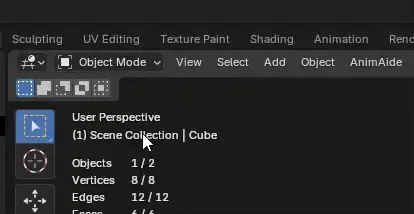
K-Tools Mode Highlight is a Blender addon that enhances the user interface by providing visual feedback through automatic header color changes based on the current mode. This feature helps users quickly identify their current working mode in Blender. For me, it is very useful because due my great lack of attention i enter in modes and I don't know what I'm doing or where I am!!!!!
Interface Location
The addon's interface can be found in:
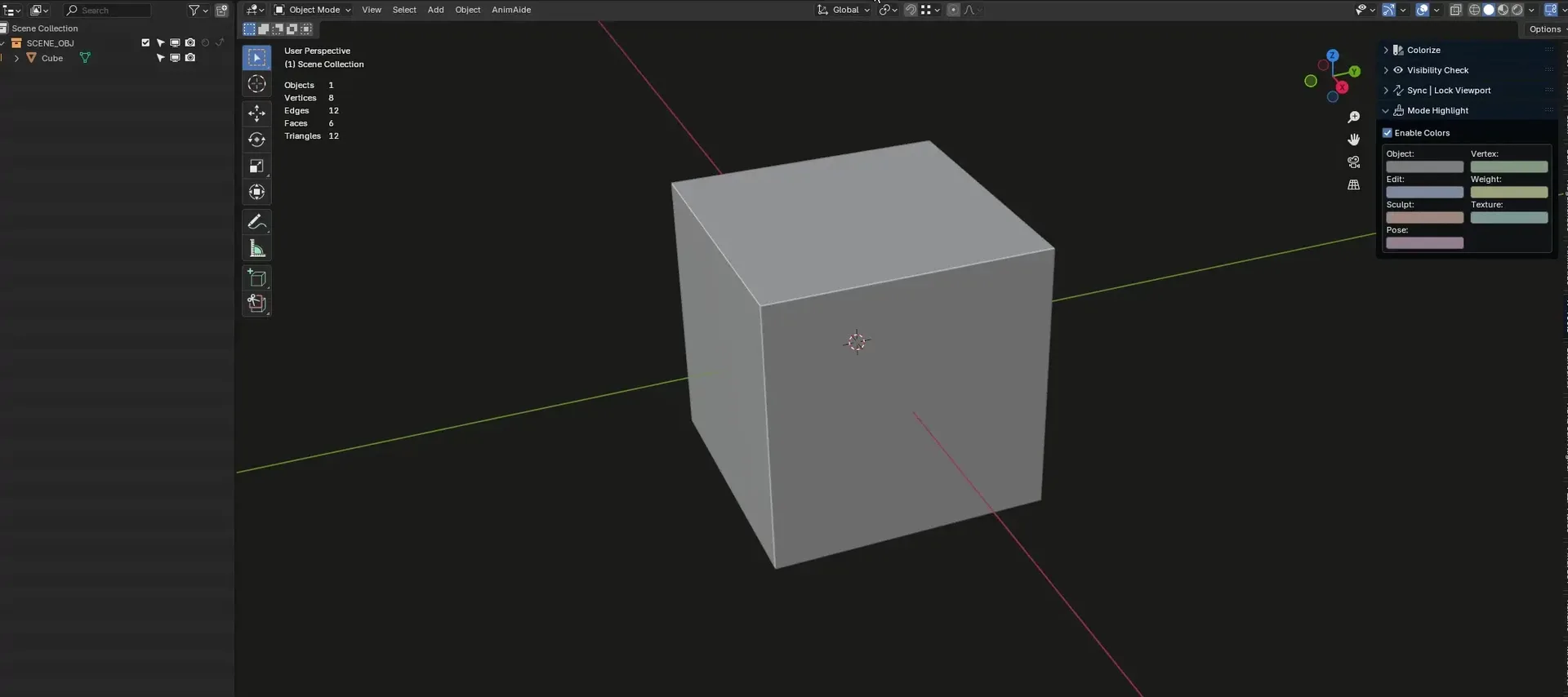
Add-on Preferences; If the option Show in N-Panel is enabled, the add-on panel will be also be shown in -> 3D Viewport > Sidebar (N) > View > Mode Highlight panel
Color Customization
The addon allows customization of colors for seven different modes:
Object Mode
Edit Mode
Sculpt Mode
Pose Mode
Vertex Paint Mode
Weight Paint Mode
Texture Paint Mode
Grease Pencil Draw
Color Selection
Colors are saved per Globally.
Changes are applied immediately
Support and Contact
For support, questions, or suggestions:
Credits
Big thanks to RobWu, who helped me fine-tune some add-on aspects!
What's New
1.0.8 January 10th, 2026
Added:
- Save and Load Color preset into an external file: this addition is to fix the issue when the add-on is disabled and the user's colors are lost.
- General Settings in the add-on preferences:
- Enable Header Color Change: Enable = standard add-on behavior, disabled = the header will not be updated, but the colors will not get lost (differently from disabling the add-on via Blender's native option)
- Colorize Properties Editor Header: Enabled as default. This set the same 3D view header color to the properties header. More visual feedback to the user.
- Show in N-Panel: Disabled as default. This will show the a panel for the addon in 3D View -> N-Panel -> View -> Mode Highlight
Awesome addon, the only thing I wish it had (which would be more handy for me) is if you could change the colours within edit mode, so colours for vertex, edge and face mode.