 HeadsUp Warnings
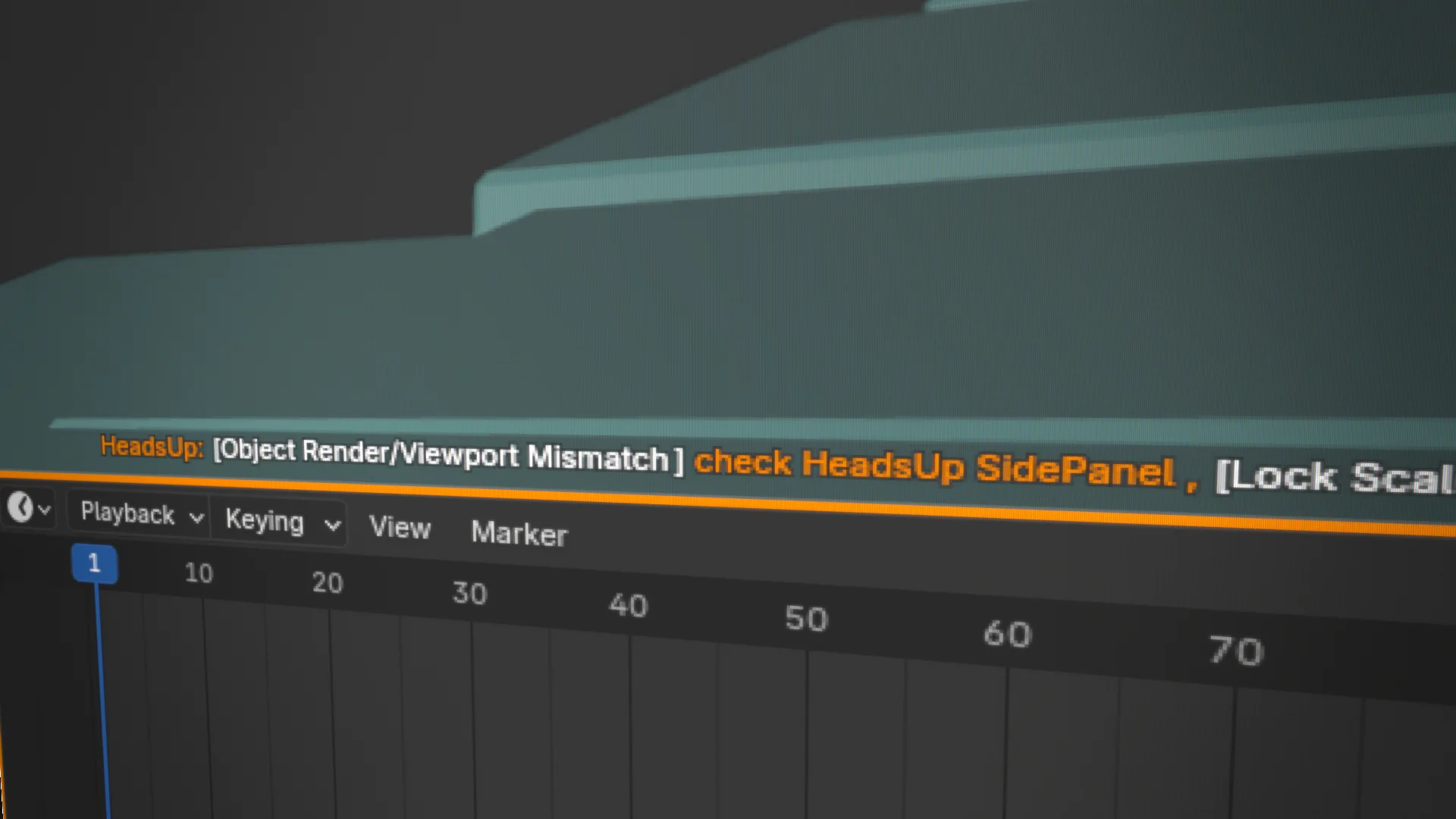
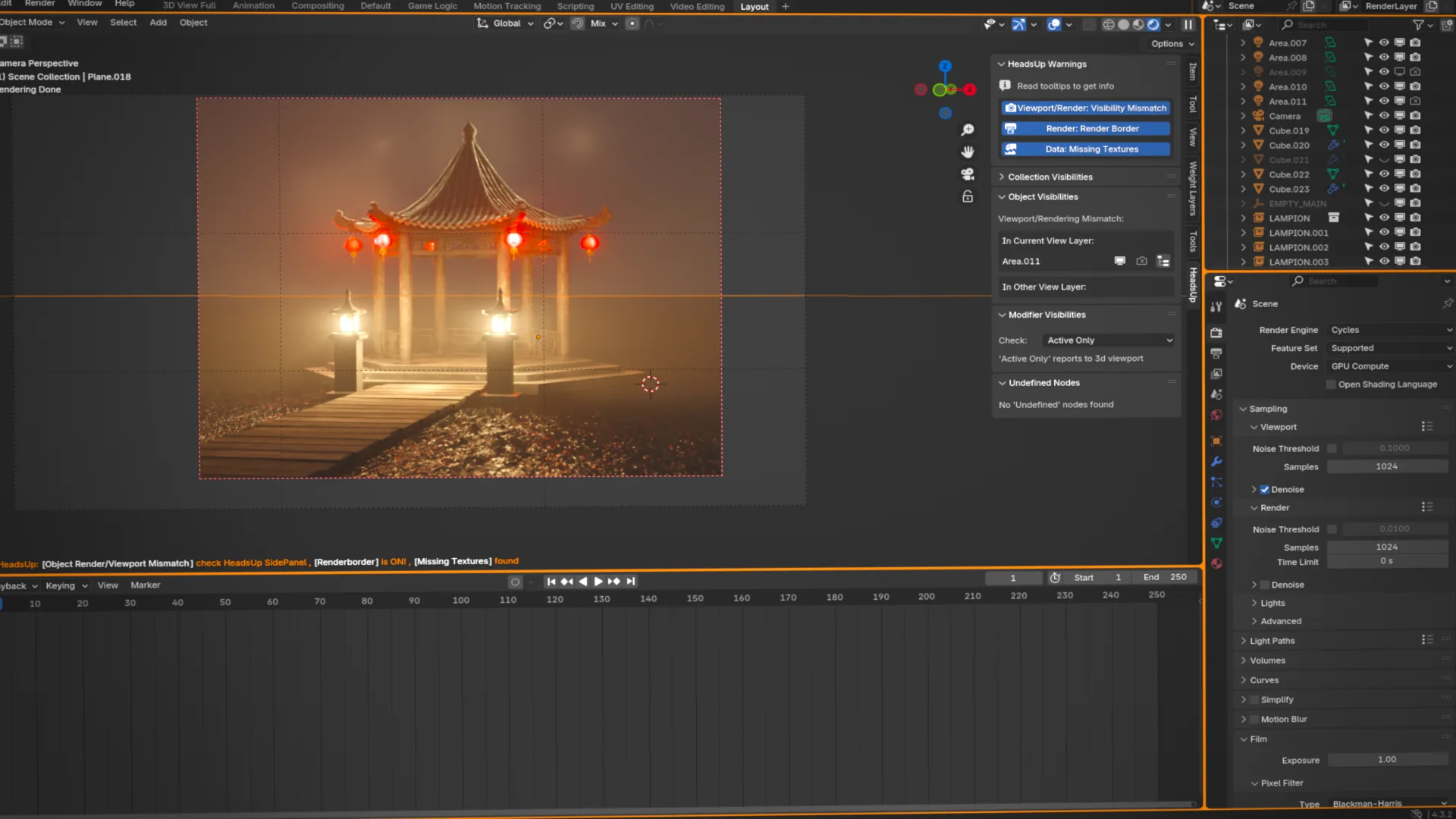
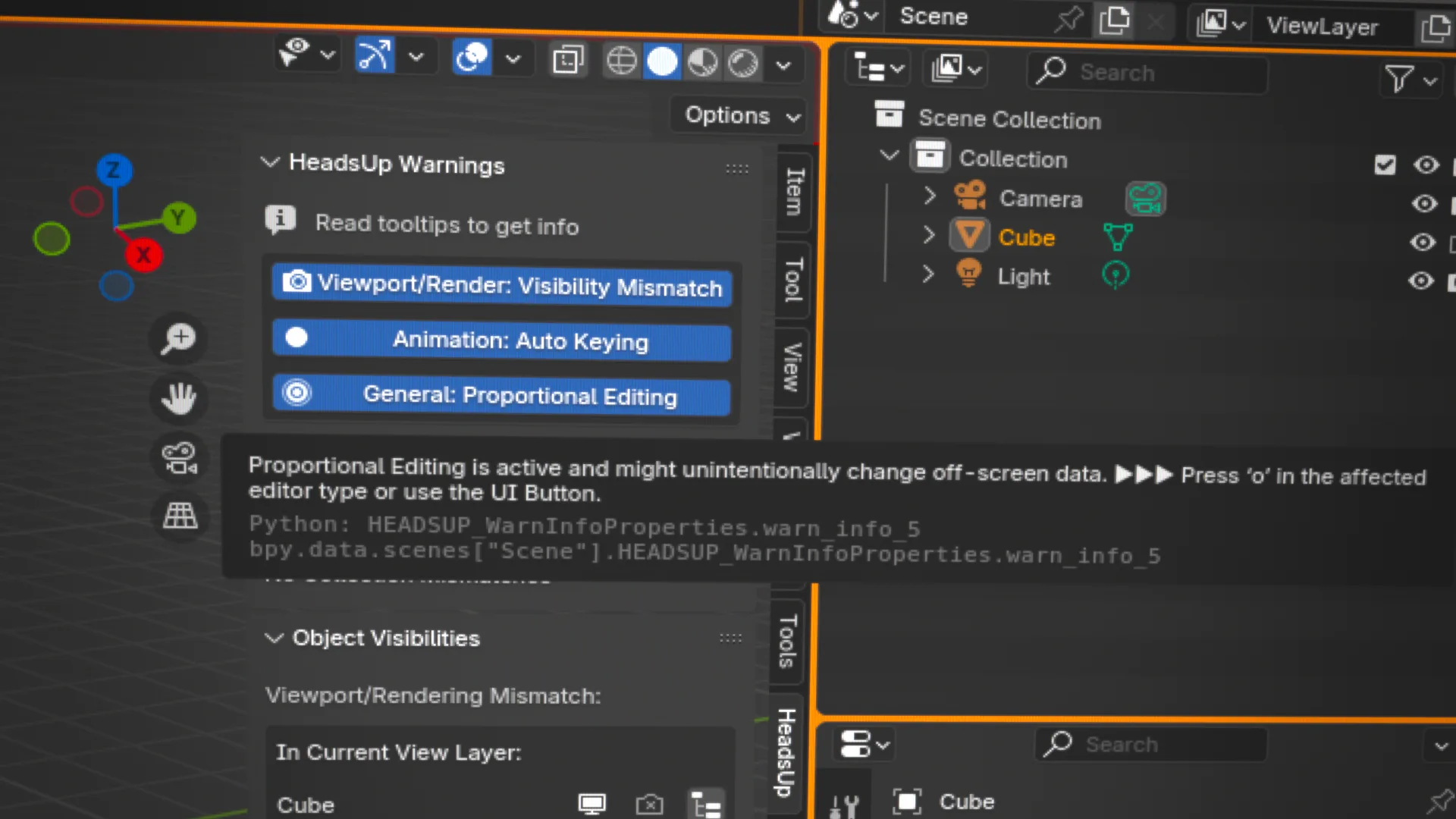
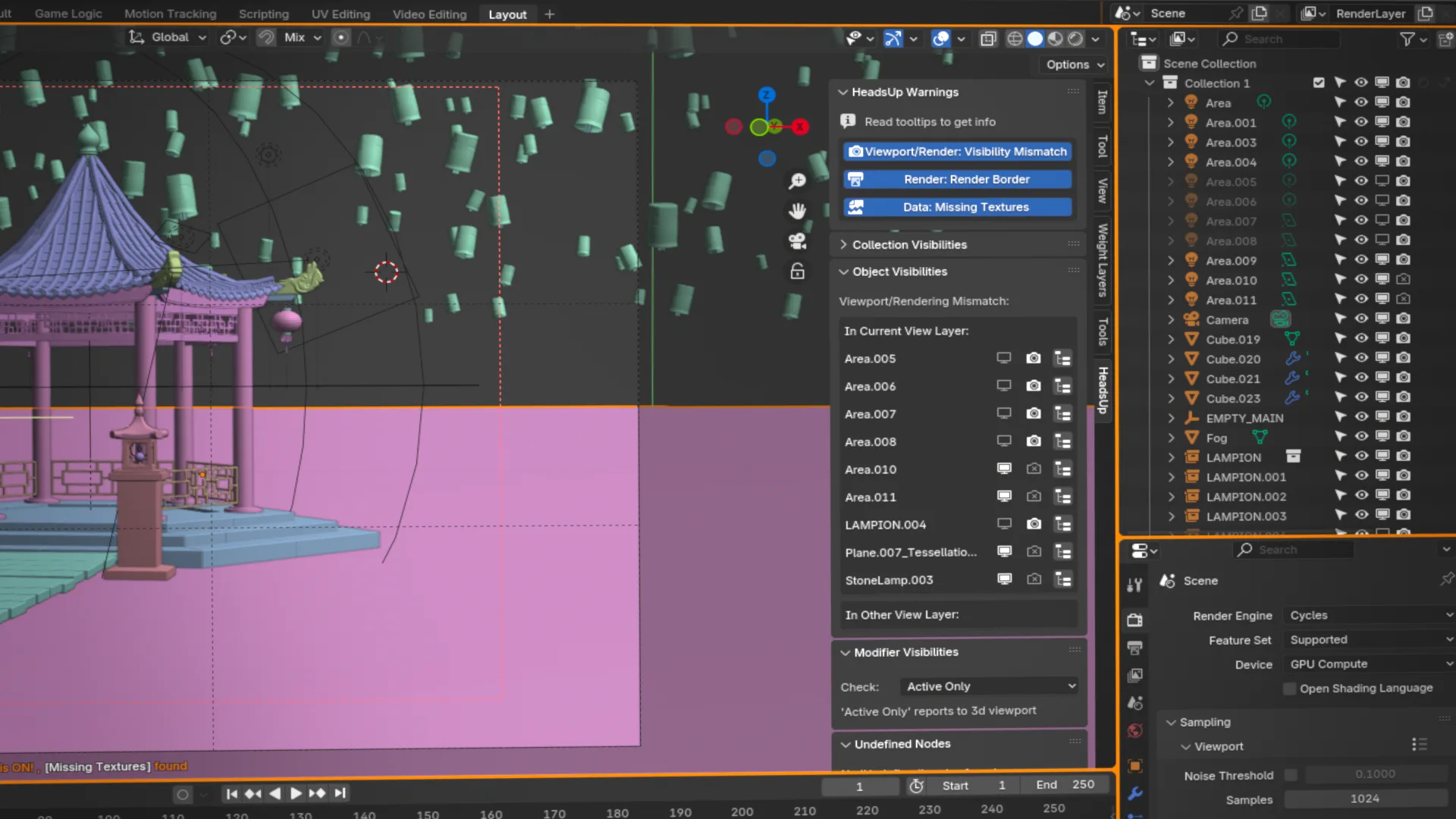
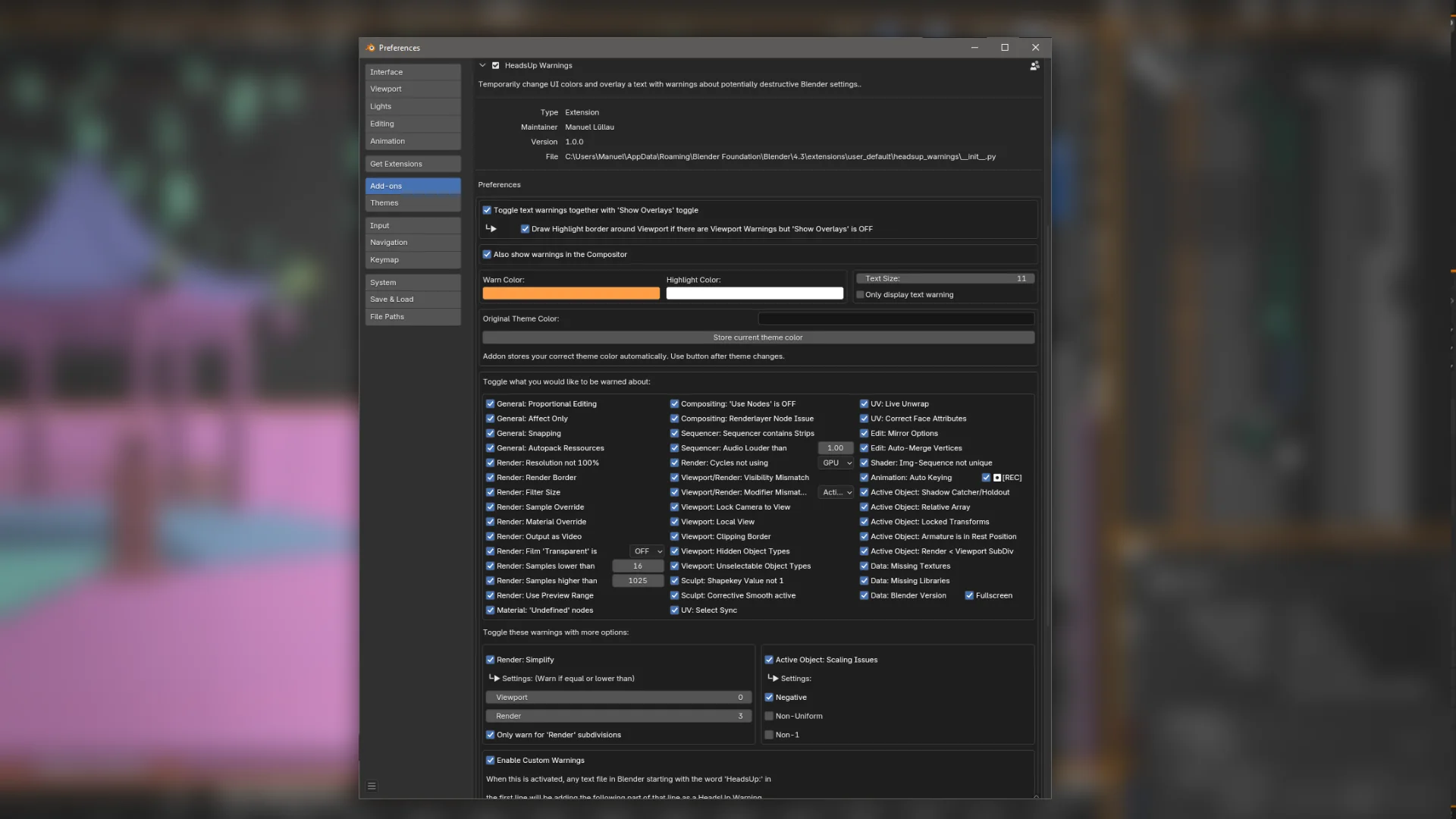
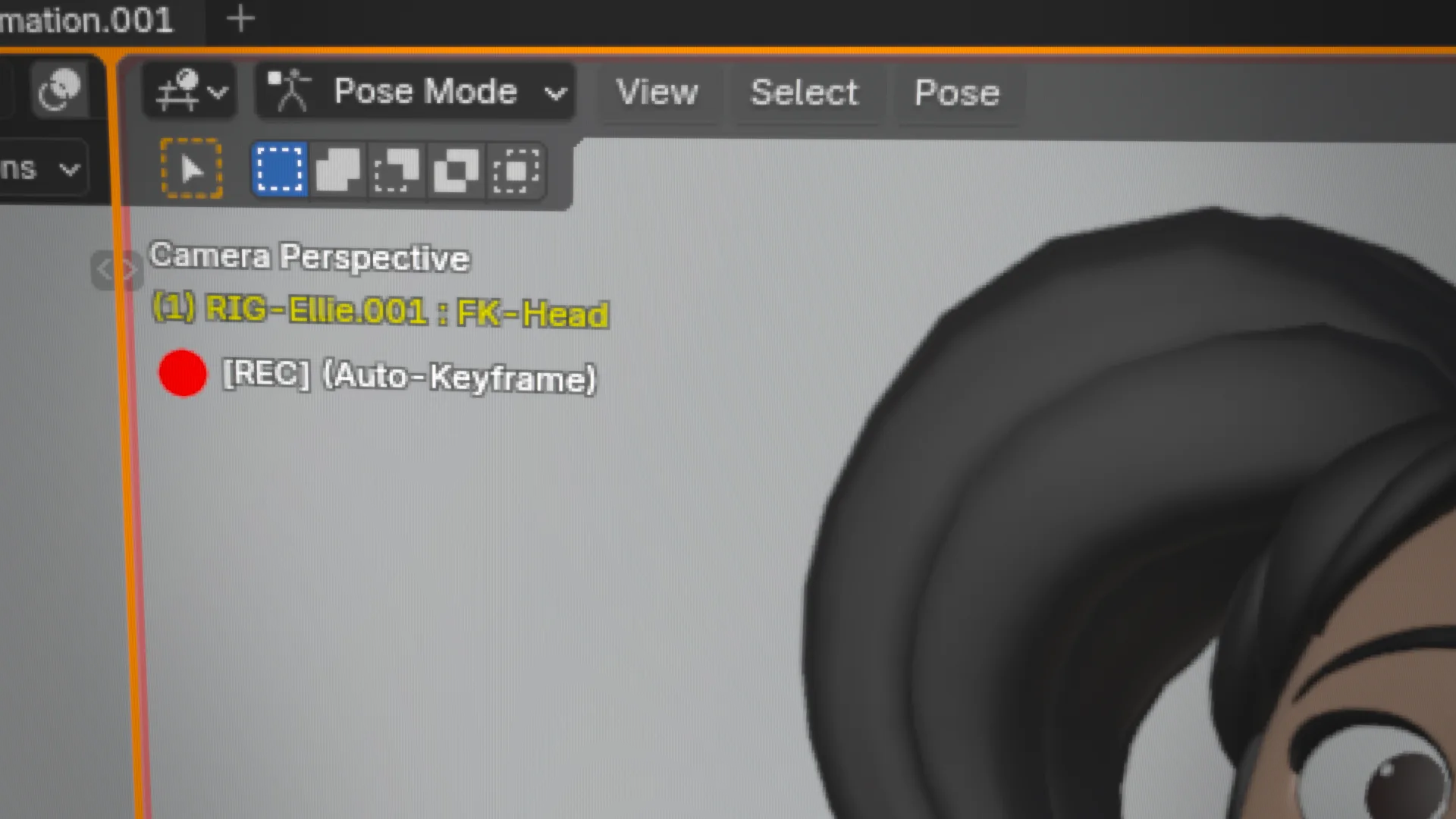
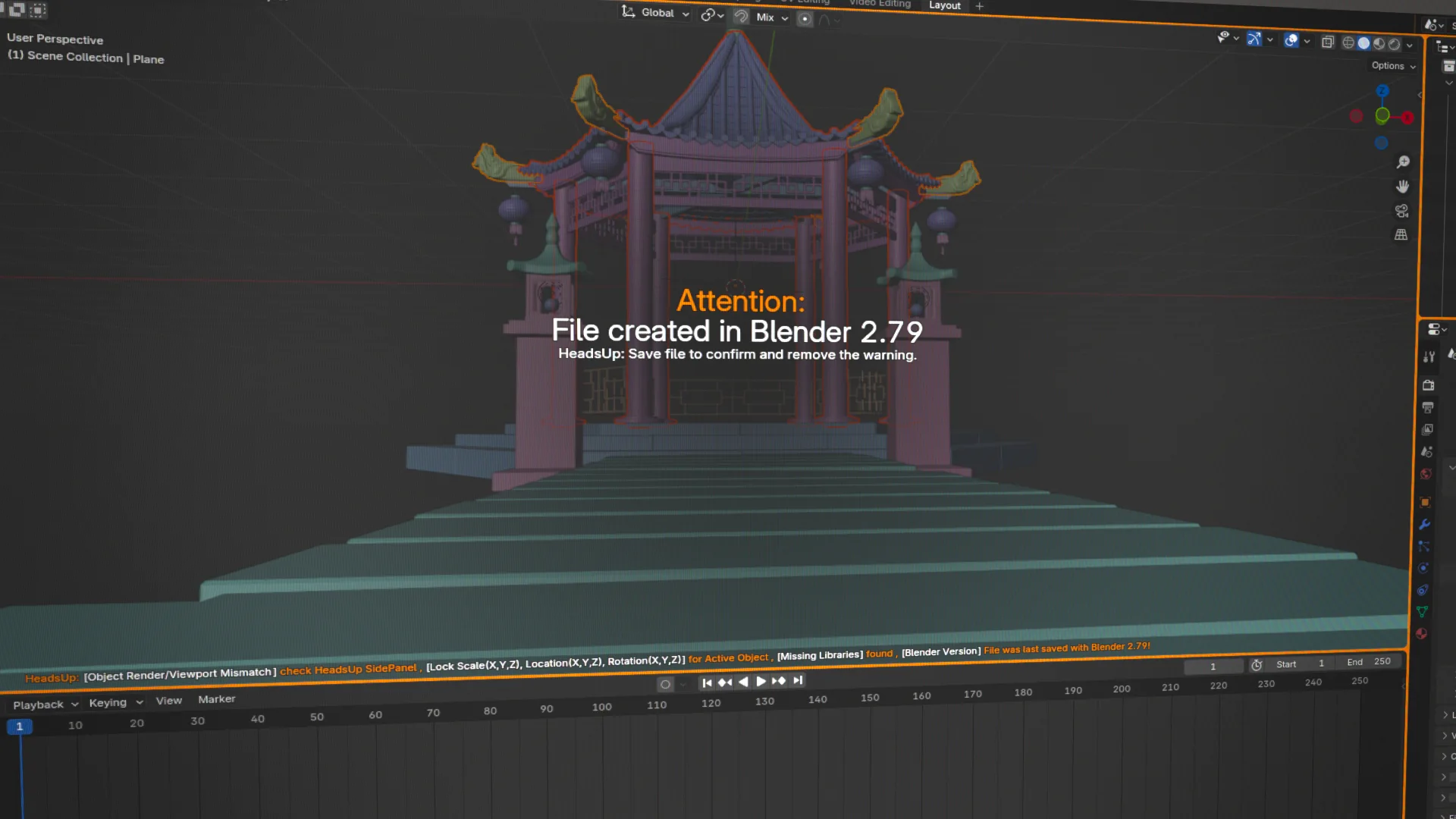
'HeadsUp Warnings' is designed to help users avoid common mistakes by visually highlighting potentially destructive settings. It overlays important warnings in the 3D viewport and compositor, ensuring users stay informed about settings that might impact their workflow. With color-coded UI borders and direct on-screen messages, this add-on provides real-time feedback to help prevent accidental errors before they cause problems.
It comes with 50+ conditions to be warned about, each can be toggled via the Addon Preferences. Many warnings are only popping up when the relevant context applies. For example, Edit-Mode specific warnings will only show while being in Edit-Mode.
With HeadsUp Warnings, you can work more confidently in Blender, reducing mistakes and improving efficiency.
This addon should make and keep you aware of odd settings. Some of those are often applied willingly, but are very easy to forget about, therefore leading to mistakes.
What this Add-on does:
- Display warning
- Offer information about the warning and how to resolve
What this Add-on does not:
- One-Click resolve issues
Note: The Addon can be installed in lower versions of Blender as well. Tested down to Blender 3.3!
What's New
1.1.0 October 14th, 2025
Added several new warnings including: Active Object: is using Instancing (Faces/Verts/Collections) Active Object: is in Wireframe / Bounds Mode Active Object: 'Solo Active Shape Key' is activated Active Object: 'Shape Key Edit Mode' is activated Active Object: Has Texture Space visible
A really helpful add-on for someone who often forgets things.
One thing though. for texture painting, could you add a warning for Occlude and Cull? I often forget to turn them back on and only notice it much later