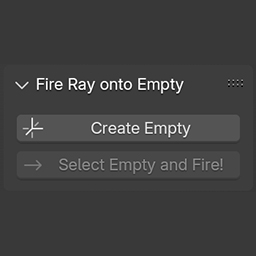
 Fire Ray
Reality Capture setup and create an empty on a tracked camera.
This Blender addon will insert an Empty in a specific place on a tracked camera.
Once installed, the addon will appear in the viewport's tool tab.
USAGE: You need to have a tracked camera with a background image. Place an empty where you need it. Press the Fire button. This will create a line that goes from the camera to infinity, passing through your empty. Move to another frame. Using snap to edge, move the locator so that it matches the area where you placed it before.
It also has an automatic setup for cameras from Reality Capture.
It's much easier to understand it you just look at the clip here: https://youtu.be/o-5FhqRea00
What's New
2.0.0 August 18th, 2025
Added Reality Capture automatic camera support
Thank you, this addition is really helpful.