 Advanced Align View


Advanced Align View
Advanced Align View helps you align your viewport to a reference point, making precision modeling easier on complex geometry, CAD imports, non-world-aligned objects, and more.
This addon is a fork of Align2Custom. As a regular user of Francois Daubine's addon, I progressively added more and more features tailored to my workflow, and am now considering it user-friendly enough for a release. This addon is ideal for hard surface, industrial and automotive modelers.
1. No longer get lost in the viewport

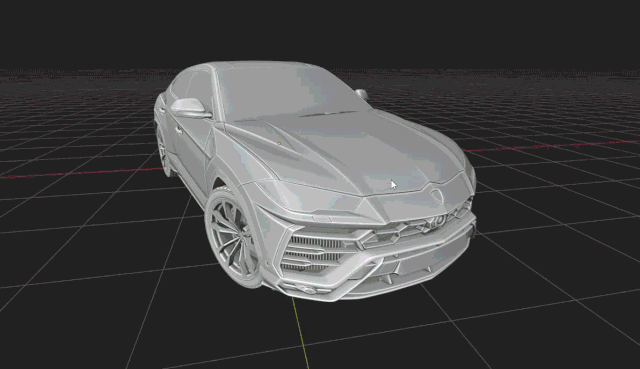
Align2Custom does not guard against roll when aligning the view, which can produce confusing camera transitions. Minimize Viewport Roll reduces that by preserving your viewport’s up orientation whenever you align to a canonical viewpoint.

(if the Gif does not play, right click it and open it in a new tab)
2. Pie Menus
Stay focused on your work, and use Pie Menus to save time. How to use:
- Select a mode by clicking on one of the icons at the top position
- Select an axis (more on Smart Align below)
| Default Pie Menu | Optional Aligned Pie Menu (recommended) |
|---|---|
 |
 |
3. Smart Align
Just want to align your view but not sure which axis to use? Simply roughly align your view to the desired direction and click on "Smart Align". It will detect the closest matching angle (depending on the selected method).
(if the Gif does not play, right click it and open it in a new tab)
4. Align Modes
| Custom (legacy) | 3D Cursor | Selection | Adv. Edge Align | |
|---|---|---|---|---|
| What it does | Aligns your view to a "Custom Orientation | Aligns view to 3D Cursor's orientation | Aligns view to active Object's orientation. In Edit Mode, aligns to selected geometries | Aligns view to a single edge for advance Viewport alignment |
| Ideal for: | Legacy method (don't recommend) | Aligning View to imported CAD model with messy topologies | Most case scenarios when tweaking/adding new objects relative to the View | Advanced surface modeling requirement precise edge loop alignment (straightening an edge, etc) |
5. Advanced Edge Align Mode
In Edit Mode, with one edge selected, align your view to the selected edge so it becomes parallel to the screen border, providing a reference point for precise alignment operations. Unlike Edge Roll (more below), this mode has 3 degrees of freedom.
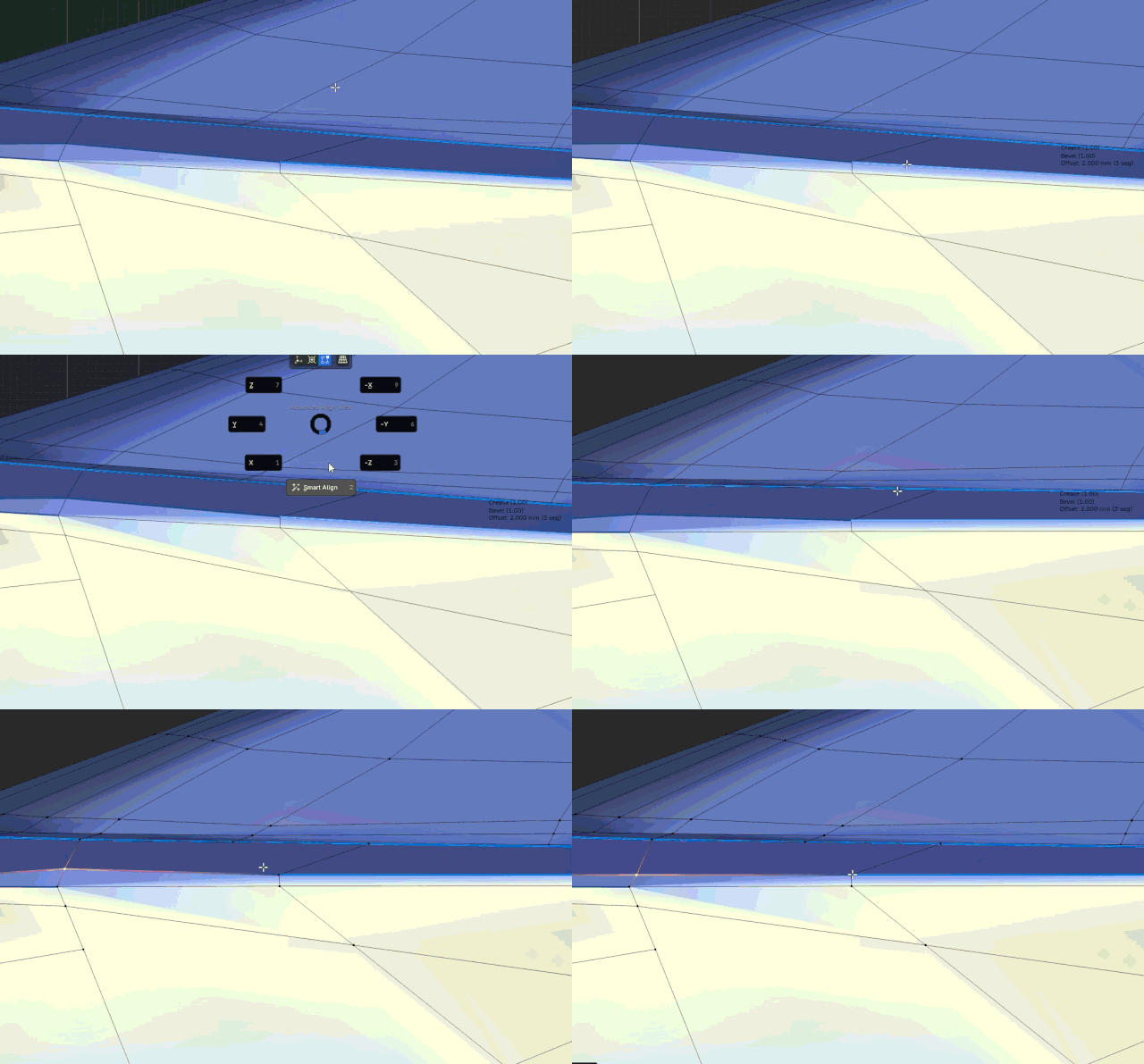
(if the Gif does not play, right click it and open it in a new tab)
6. Auto "View" orientation
With these options enabled, entering Align View will:
- set your Transform Orientation to "View", for easy X/Y manipulations
- align newly added objects to "View", so they are perfectly aligned with the custom View you're currently using
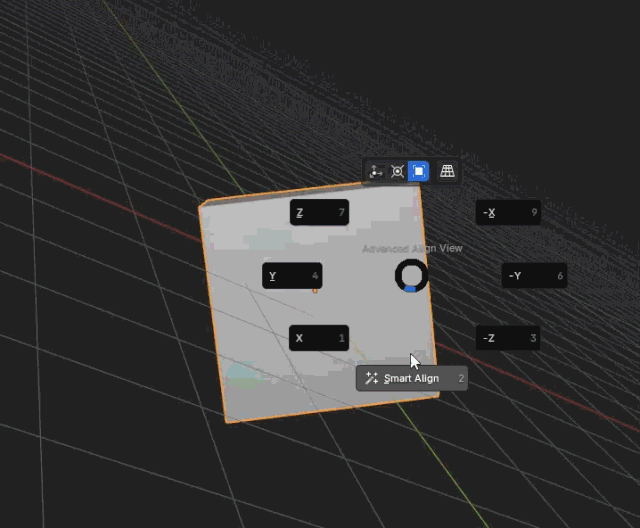
(if the Gif does not play, right click it and open it in a new tab)
7. Navigation Operators
Incremental 90/180/left/right/up/down relative rotations to move around the aligned object.

8. Shortcuts
- Pie Menus:
CTRL + ALT + Q - Toggle Align View:
SHIFT + CTRL + ALT + Q - Edge Roll:
Double CTRL - In Aligned View, Rotate View:
ALT + MMB + drag - In Aligned View, Axis Snap (to recenter Aligned view):
Double ALT - In Aligned View, Exit Aligned View but don't change the angle:
ALT+click on Exit - In Aligned View (Selection Mode), Edit Mode and with One Edge Selected: Advanced Edge Align:
ALT+click on Axis - Roll (Blender operators):
SHIFT + ALT + WHEEL DOWN/UP
9. Settings
The add-on comes with many settings that can be tailored to your needs:

Keywords: align2custom align view alignment advanced look at custom angle
What's New
0.1.3 June 4th, 2026
- Minor UI changes
Very useful, thanks for sharing!